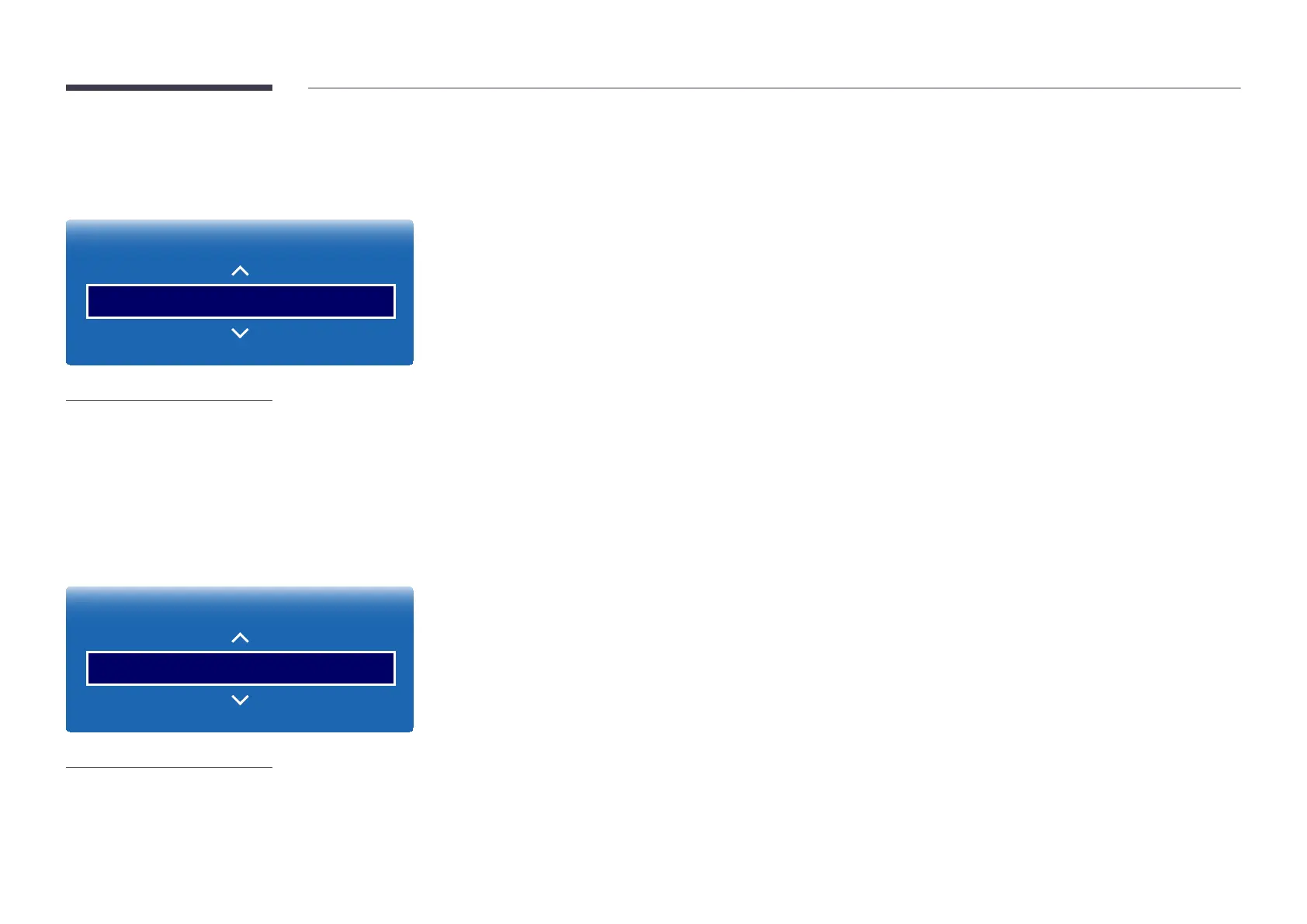
HDMI Sound
MENU m → Sound → HDMI Sound → ENTER E
Sound
HDMI Sound AV(HDMI)
-
The displayed image may differ depending on the model.
Select whether to hear from AV(HDMI) or PC(DVI).
•
AV(HDMI) / PC(DVI)
Sound on Video Call
MENU m → Sound → Sound on Video Call → ENTER E
Sound
Sound on Video Call Current Source
-
The displayed image may differ depending on the model.
Select sound output to listen to during a video call.
•
Current Source / Video Call


 To Next Page