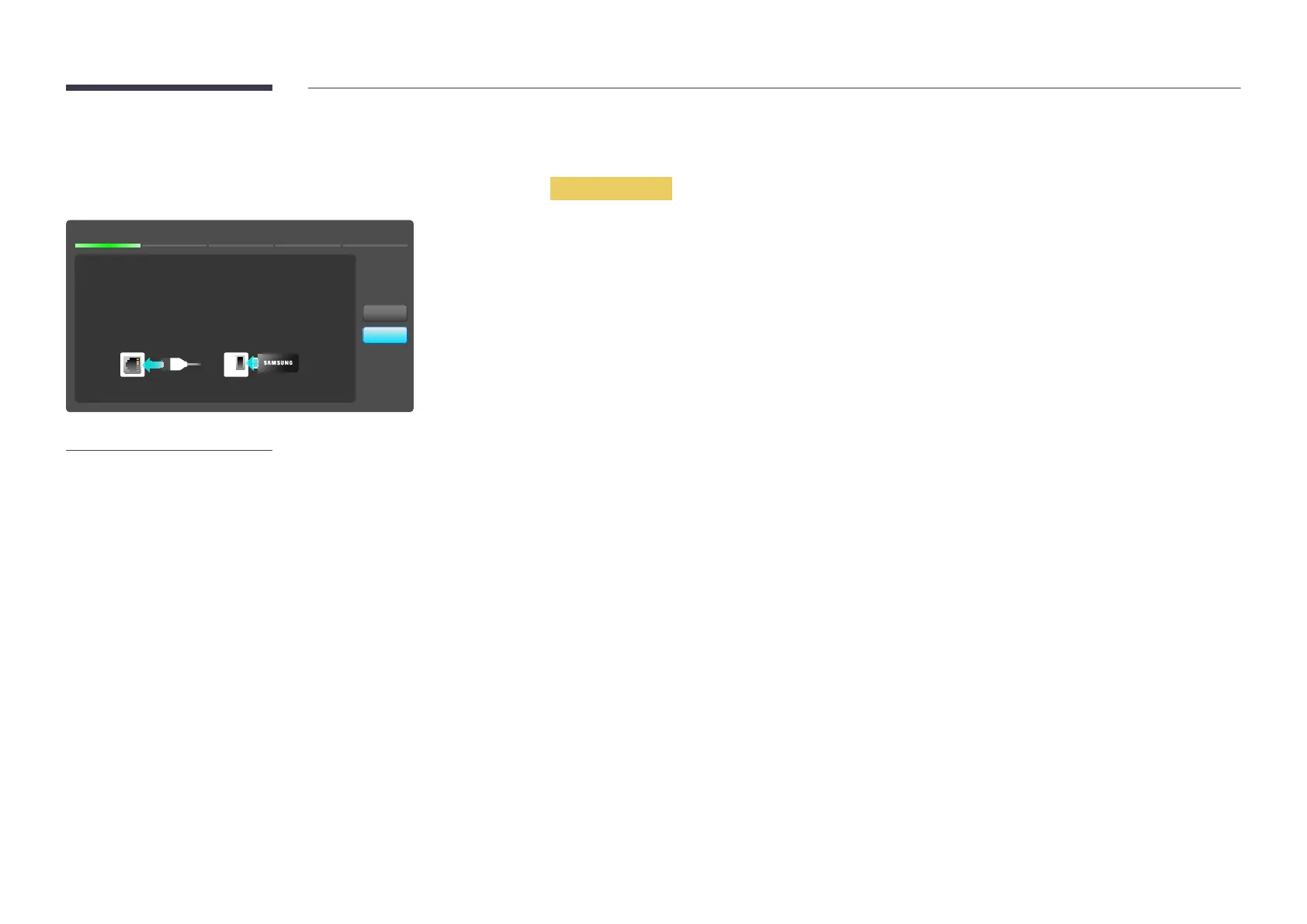
Network Settings
MENUm → Network → Network Settings → ENTERE
Network Settings
No network cable or Samsung Wireless LAN Adapter
connected.
Please plug in a network cable or a Samsung Wireless LAN
Adapter.
Start
Cancel
-
The displayed image may differ depending on the model.
Configure network settings to use various smart hub features such as Internet search, content sharing through a home
network and feature updates.
Network Type
•
Wired / Wireless


 To Next Page