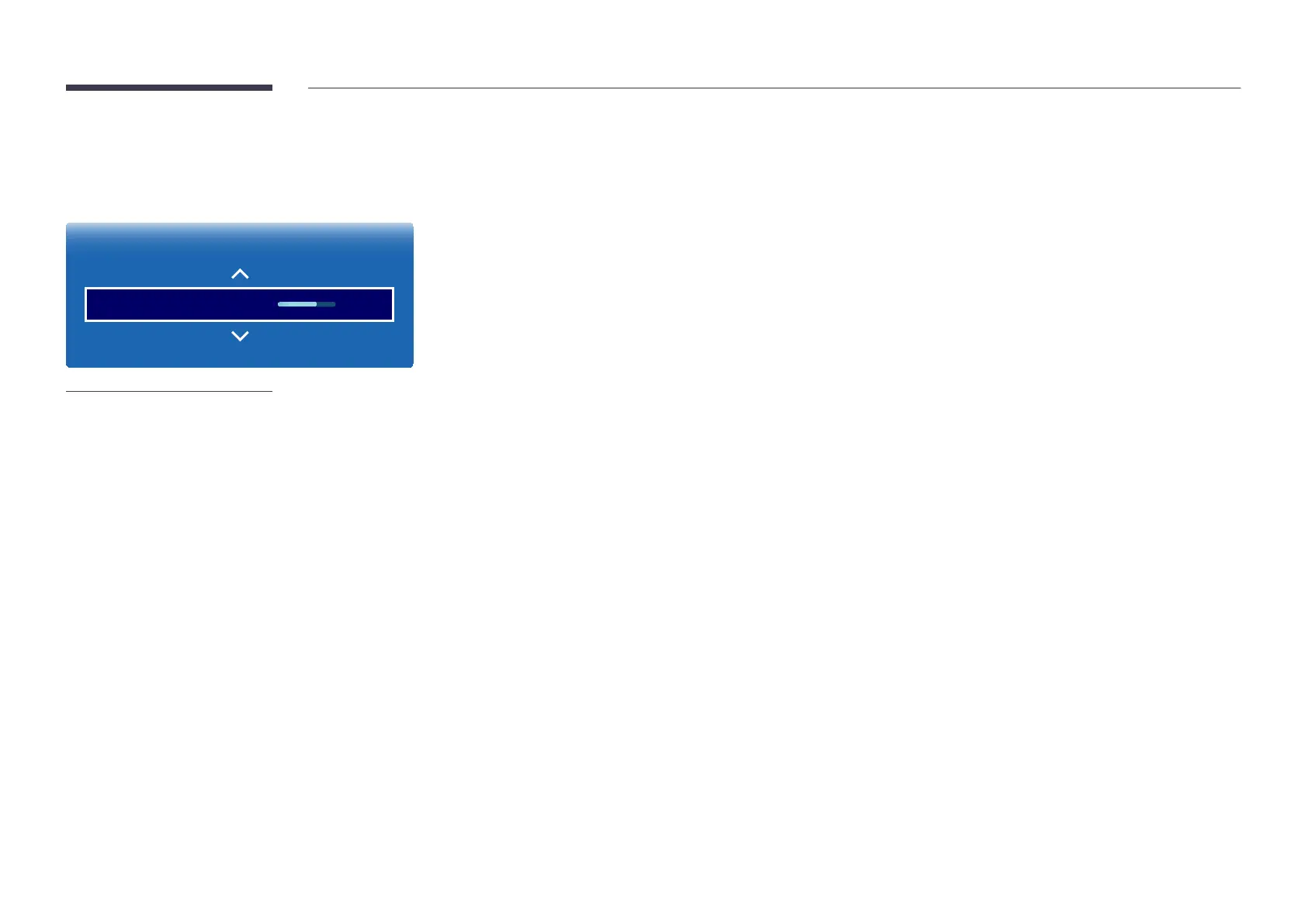
Color Temperature
MENU m → Picture → Color Temperature → ENTER E
Picture
Color Temperature 10000K
-
The displayed image may differ depending on the model.
Adjust the color temperature (Red / Green / Blue). (Range: 2800K–16000K)
―
If Color Tone is set to Off, Color Temperature is disabled.
―
If Picture Mode is set to Calibration, Color Temperature is disabled.


 To Next Page