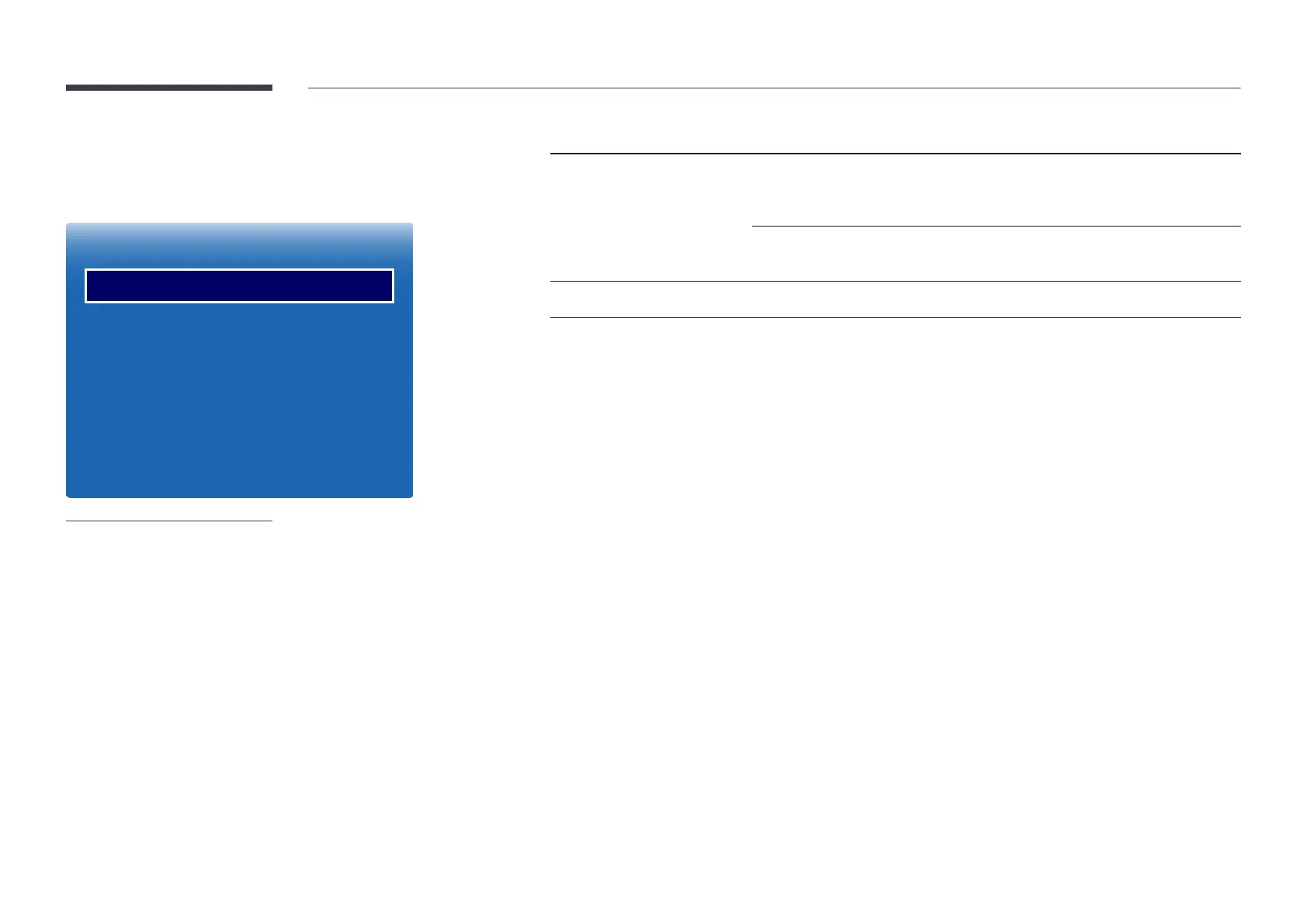
Picture Options
MENU m → Picture → Picture Options → ENTER E
Picture Options
Color Tone
Digital Clean View
MPEG Noise Filter
HDMI Black Level
Film Mode
Dynamic Backlight
O
O
O
Normal
O
O
-
The displayed image may differ depending on the model.
Picture Mode Picture Mode settings Adjustable options
Shop & Mall, Office & School,
Terminal & Station, Video Wall
Video/Image
Color Tone / Digital Clean View / MPEG
Noise Filter / HDMI Black Level / Film Mode /
Dynamic Backlight
Tex t
Color Tone / HDMI Black Level / Dynamic
Backlight
Calibration
HDMI Black Level / Dynamic Backlight


 To Next Page