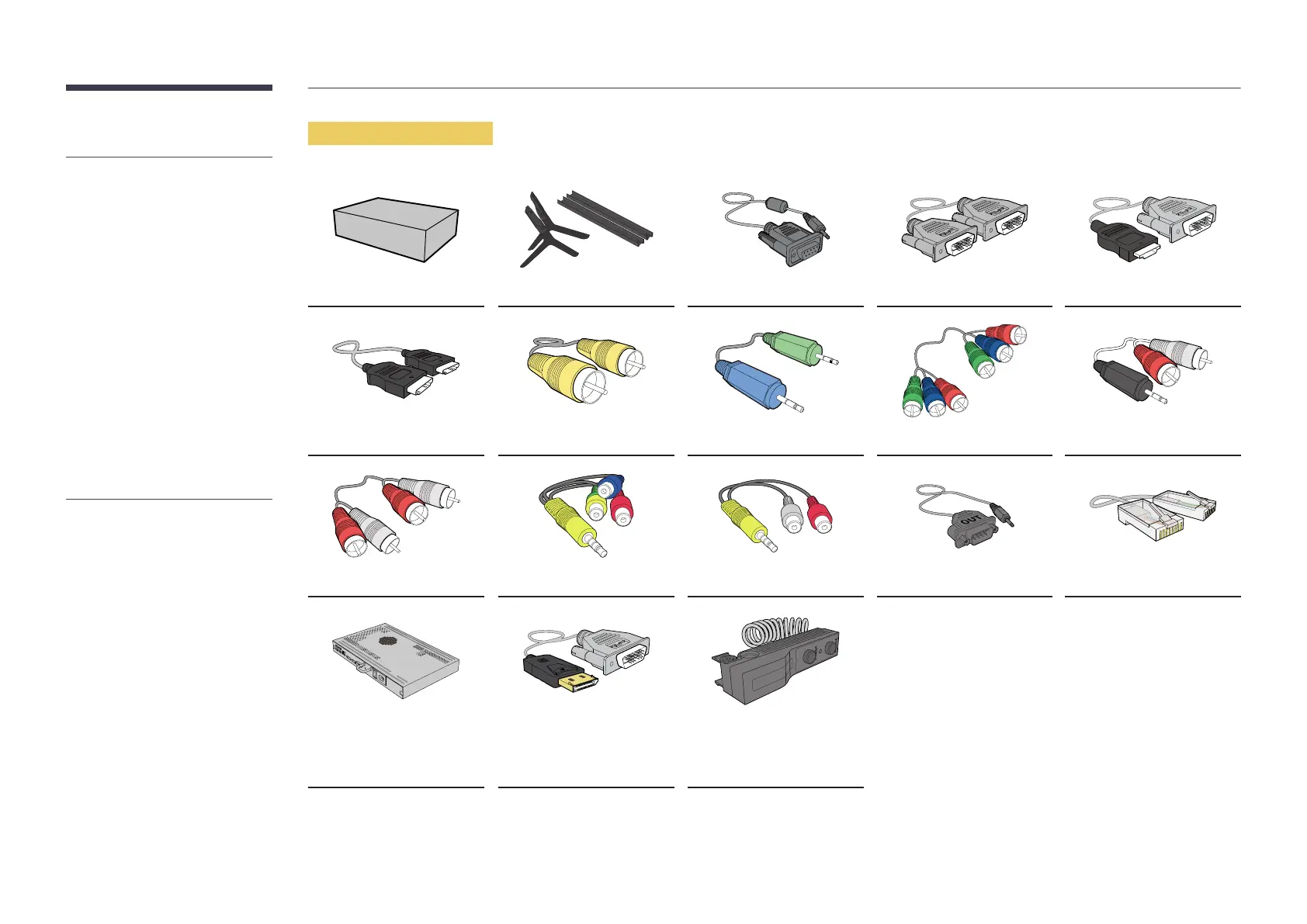
Items sold separately
-
The following items can be purchased
at your nearest retailer.
Wall-mount Kit Stand RS232C-Stereo cable DVI cable HDMI-DVI cable
HDMI cable Video cable Stereo cable Component cable RCA stereo cable
RCA cable AV/Component adapter AUDIO adapter RS232C(OUT) adapter LAN cable
Network Box
DP-DVI cable
(Used to connect a network
box)
External ambient sensor
-
The RS232C adapter can be used to
connect to another monitor using the
D-SUB (9-pin) type RS232C cable.
-
Ensure you connect each of the adapters
to the correct RS232C IN or OUT port on
the product.


 To Next Page