English
Operations
English44
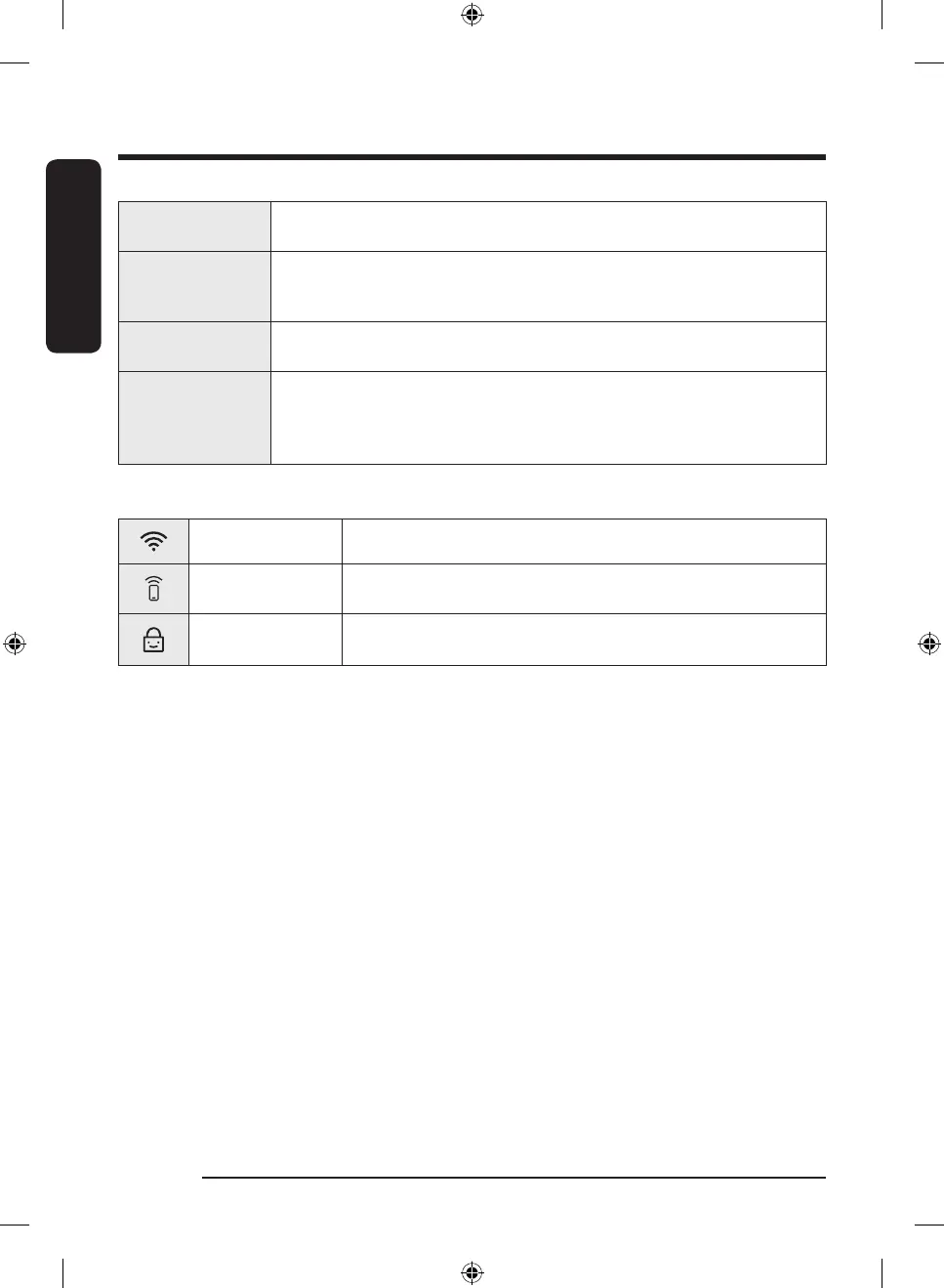
07 Temp.
Temperature can only be adjusted in Time Dry cycle. Tap to change the
temperature of the current cycle.
08 Time
Tap to select the cycle time for Time Dry, Air Fluff or Self Dry. You can set the
drying time between 20 minutes and 240 minutes. Available drying time depends
on the selected cycle.
09 Options
• Tap to enter the Options menu.
• Tap and hold for 3 seconds to enter the Settings menu.
10 Smart Control
After connecting the Tumble Dryer to your home network using the SmartThings
app, you can control the dryer remotely. When started, the Smart Control
indicator turns on. The dryer enters waiting mode and waits for remote
commands.
Icon description
Wi-Fi This icon indicates that the dryer is connected to Wi-Fi.
Smart Control
This icon indicates that Smart Control is on. For more information on
“Smart Control”, see page 53.
Child Lock
This icon indicates that Child Lock is on.
For more information on “Child Lock”, see page 50.
DV8900HB_SimpleUX_WEB_OID57652_English.indd 44 2022-09-07 11:27:24



 To Next Page