English
Troubleshooting
English68
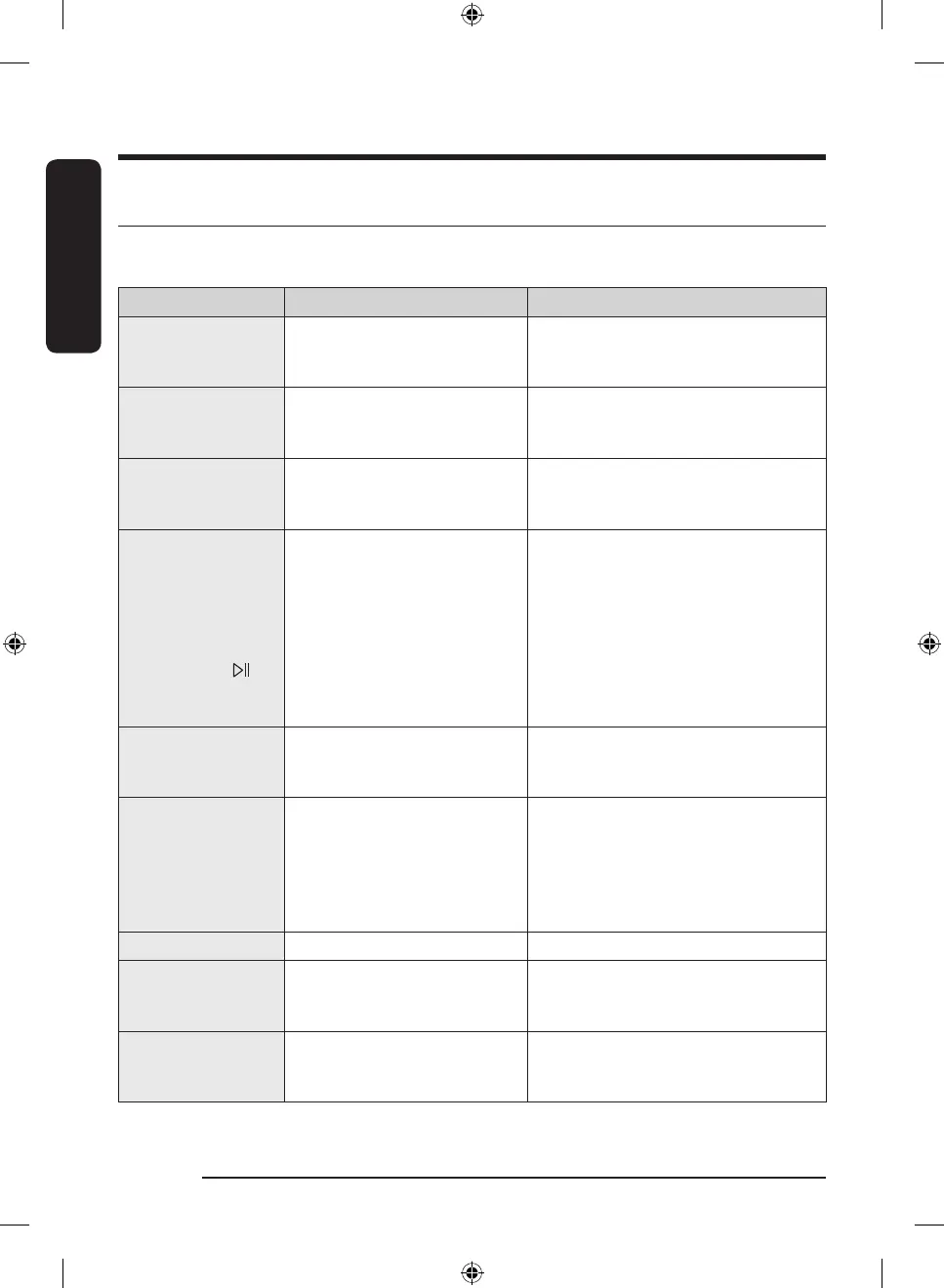
Information codes
If the dryer fails to operate, you may see an information code on the display panel. To determine what you
should do, check the list of codes in the table below, and then try the suggested actions.
Information code Meaning Action
Close the dryer door
and try again
Operating the dryer with the door
open.
• Make sure the door is properly closed.
• Make sure laundry is not caught in the
door
Clean filter before
use / Check filter is
inserted correctly
Lint filter problem
• Check the lint filter assembly.
• Clean the lint filter.
• If this continues, call for service.
Check heat exchanger
cover is inserted
correctly
Internal heat exchanger cover
problem
• Check the internal heat exchanger
cover assembly.
• If this continues, call for service.
Check drainage /
Check tank and drain
hose / Check for leaks
and restart / Empty
tank & hold
Draining malfunction
Draining pump malfunction
Frozen draining hose
Water tank full
• Make sure the draining hose is not
bent or damaged.
• If the hose is frozen, wrap the hose
with a towel soaked in warm water for
approximately ten minutes to thaw
the hose.
• Empty the water tank, turn on the
dryer, and start again.
• If this continues, call for service.
FC Invalid power source frequency.
• Try restarting the cycle.
• If this information code remains,
contact a Samsung service center.
9C1
The electronic control needs to be
checked.
• Check if power cord is connected
properly.
• Check if the electrical outlet is working
properly.
• If the information code remains,
contact a Samsung service center.
dF Incorrect door switch. • Contact a Samsung service center.
tC Air temperature sensor problem
• Clean the lint filter and the heat
exchanger.
• If this continues, call for service.
tC5
Compressor temperature sensor
problem
• Wait two to three minutes.
• Turn the power back on and start
again.
DV8900HB_SimpleUX_WEB_OID57652_English.indd 68 2022-09-07 11:27:31



 To Next Page