2A. Device Basics 33
Device Basics
Customizing Your Home Screen
You can customize your Home screen by doing the
following:
䢇 Creating Shortcuts
䢇 Adding and Removing Widgets
䢇 Repositioning Widgets
䢇 Creating Folders
䢇 Changing the Background (Wallpapers)
Creating Shortcuts
Shortcuts are different than the current Home screen
Widgets that only launch an application. Shortcuts
activate a feature, action, or launch an application.
To add a shortcut from the Applications tab:
1. Press to activate the Home screen.
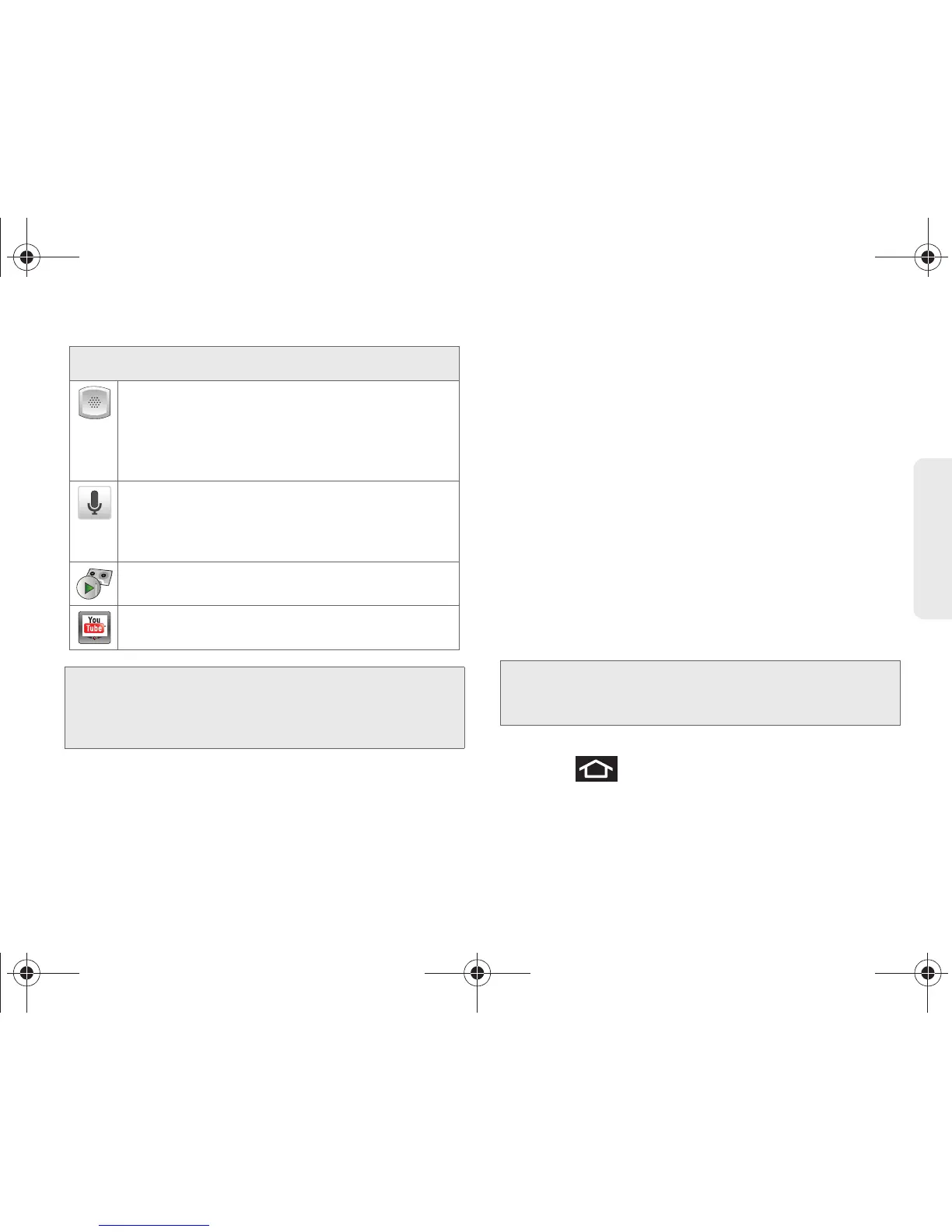
Voice Dialer – Launches your device’s built-in
automatic speech recognition (ASR) software,
called Voice Control, to dial a phone number in
your Contacts or to launch phone functions
(page 120).
Voice Search – Launches your device’s built-in
automatic speech recognition (ASR) software
and initiates a Google search based on the
recognized text (page 123).
Voicemail – Launches Visual Voicemail
(page 150).
YouTube – Launches the YouTube webpage via
the browser (page 170).
Note: The Email application includes access to both
Exchange Server-based email (also known as Work
email) and other Internet-based email providers such
as Yahoo! and Gmail.
Application Icons
Note: To move a shortcut from one screen to another, it must
first be deleted from its current screen. Activate the new
screen, and then add the selected shortcut.
SPH-D700.book Page 33 Friday, October 8, 2010 12:03 PM





 To Next Page