iii
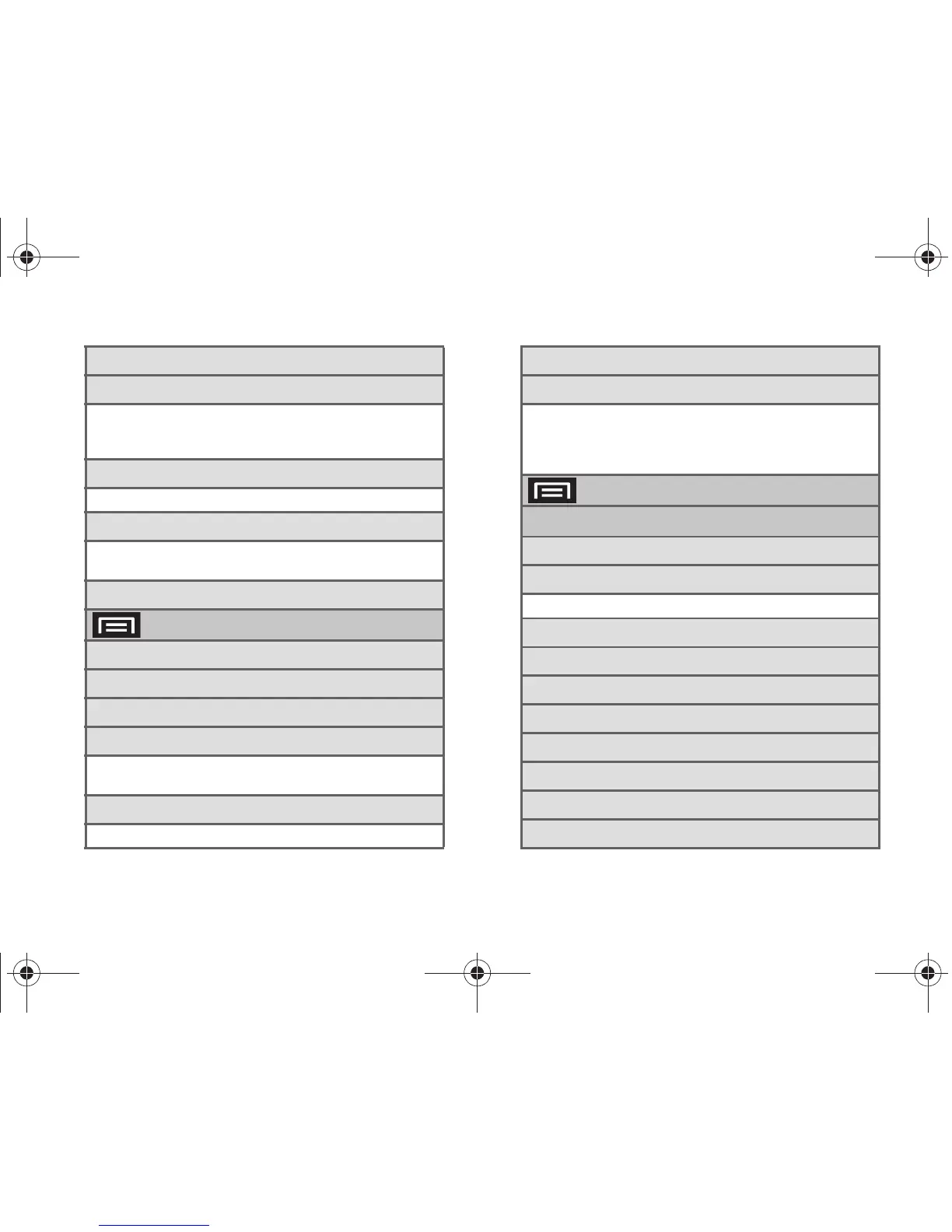
6: Bluetooth (On/Off)
7: Bluetooth settings
1: Bluetooth (On/Off) 2: Device name
3: Visible (On/Off) 4: Scan devices
5: <detected Bluetooth devices>
8: VPN settings
1: Add VPN
9: Mobile networks
1: Data roaming (On/Off)
2: Data Roaming Guard (On/Off))
10: Dial Up Networking (On/Off)
> Settings > Call settings
1: Reject with message
2: North American dialing
3: International Dialing
4: TTY
1: TTY Off 2: TTY HCO
3: TTY VCO 4: TTY Full
5: System select
1: Sprint only 2: Automatic
6: Call Guard
7: Voicemail settings
1: Notifications 2: Pictures
3: Speakerphone 4: Change greeting
5: From name 6: Check for upgrade
7: About Voicemail
> Settings > Sound & display
Sound settings
1: Silent mode (On/Off)
2: Ringer volume
1: Incoming call volume 2: Notification volume
3: Media volume
4: System volume
5: Phone ringtone
6: Pulse notification light (On/Off)
7: Phone vibrate (On/Off)
8: Notification ringtone
9: Audible touch tones (On/Off)
10: Audible selection (On/Off)
SPH-D700.book Page iii Friday, October 8, 2010 12:03 PM





 To Next Page