Shooting options
45
Using face detection
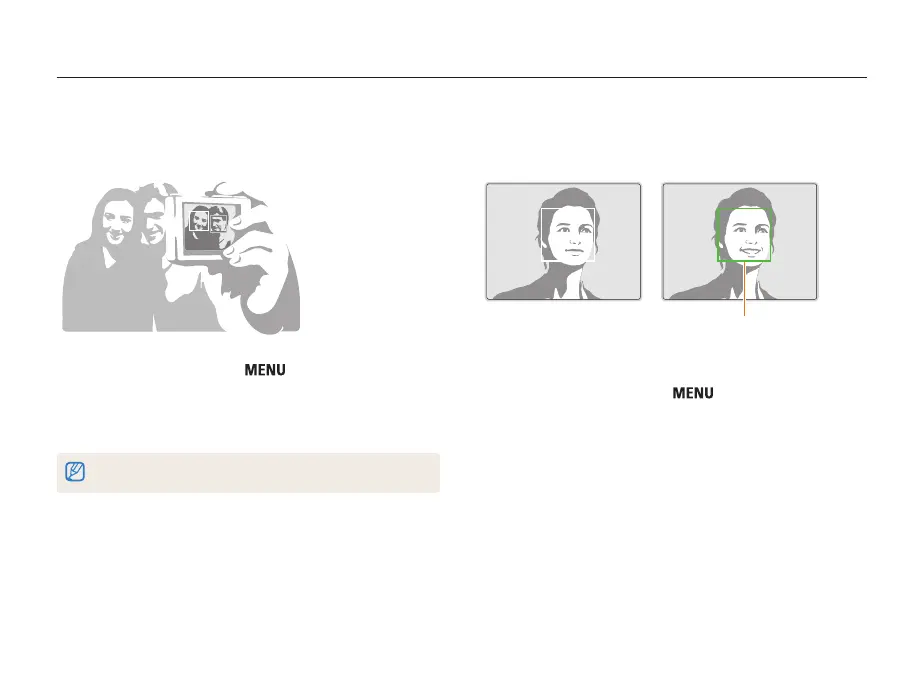
Taking a smile shot
The camera automatically releases the shutter when it detects a
smiling face.
When your subject smiles broadly,
your camera can detect the smile
more easily.
1
In Shooting mode, press [ ].
2
Select Shooting → Face Detection → Smile Shot.
3
Compose your shot.
• The camera automatically releases the shutter when it detects
a smiling face.
Taking a self-portrait shot
Take photos of yourself. The camera automatically sets the photo
distance to close-up and emits a beep when ready.
1
In Shooting mode, press [ ].
2
Select Shooting → Face Detection → Self-Portrait.
3
When you hear a beep, press [Shutter].
If you turn Volume off in the sound settings, the camera will not emit a beep. (p. 77)



 To Next Page