Playback/Editing
68
Transferring files to your Windows computer
Installing Intelli-studio
1
Insert the installation CD in a compatible CD-ROM drive.
2
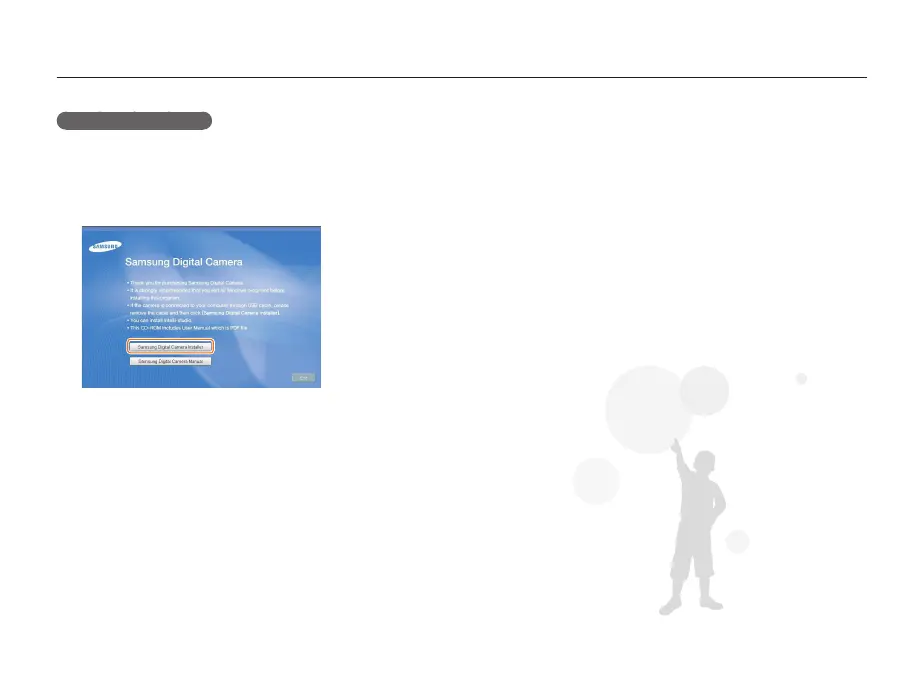
When the setup screen is appears, click Samsung
Digital Camera Installer to start installation.
3
Select the programs to install, and then follow the
onscreen instructions.
4
Click Exit to complete the installation, and then restart
your computer.



 To Next Page