090
2. Turn on the camera.
- The computer recognizes the camera automatically.
3. On your PC, select [My Computer
Removable Disk
DCIM
100PHOTO].
4. Select the files you want and drag or save them to your PC.
Disconnecting the camera (for Windows XP SP2)
The way to disconnect the USB cable for Windows Vista/7 is similar.
1. If the status lamp on your camera is blinking, wait until it stops.
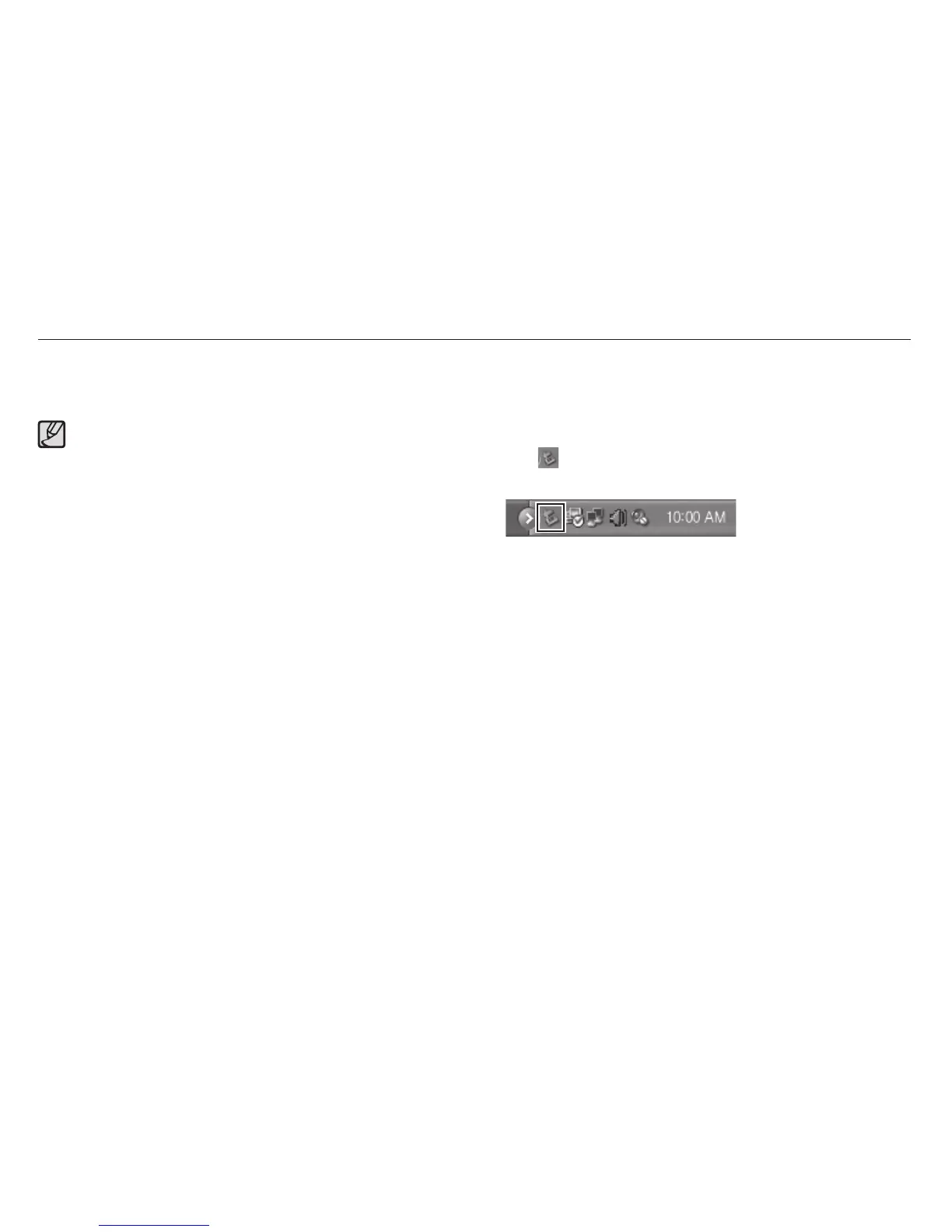
2. Click
on the tool bar at the bottom right of your PC screen.
3. Click the pop-up message.
4. Remove the USB cable.
If the camera fails to connect, a pop-up window will appear.
Select Computer.
Transferring files to your computer (for Windows)



 To Next Page