www.jouleuk.co.uk | www.joule.ie
28
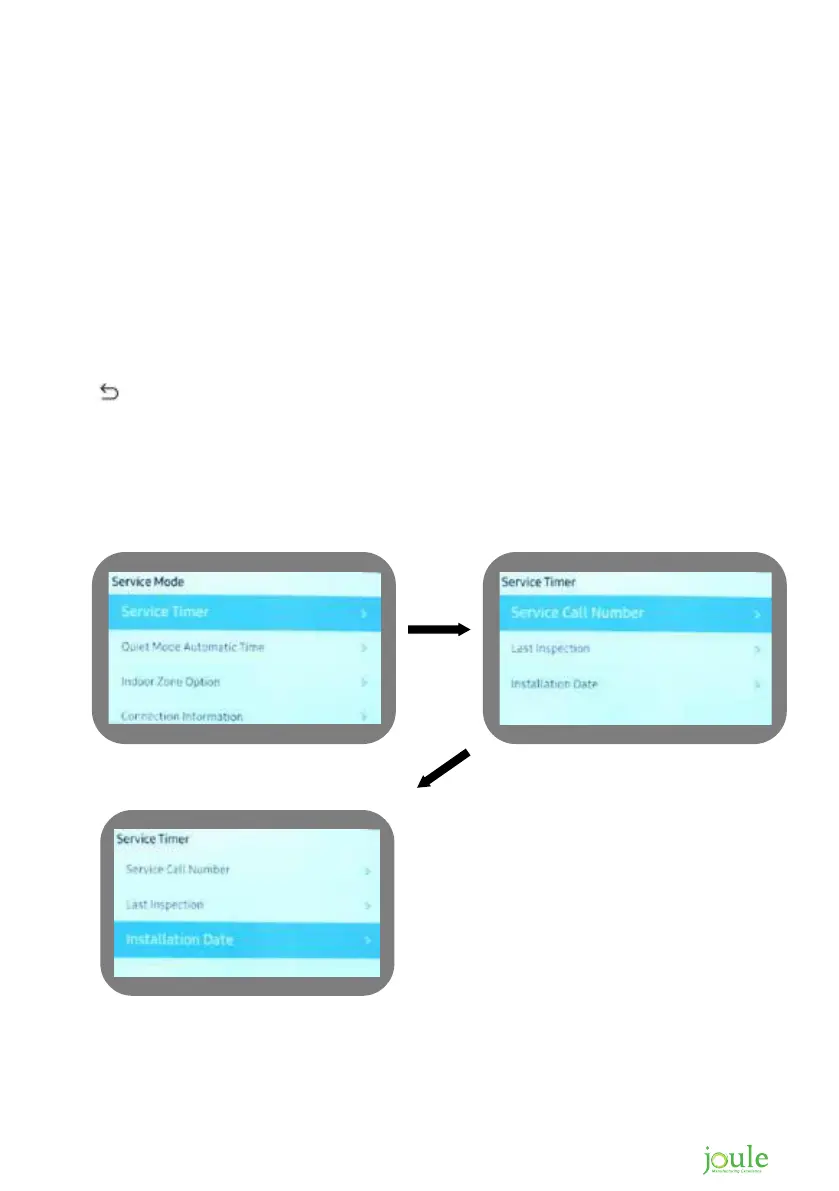
Service Timer
Enter service menu
Highlight service timer
Use right hand arrow to enter
Service call number should be highlighted, use right hand arrow to enter
Using the arrows enter phone number, once done push OK
You will now return to service timer
Use down arrow to highlight installation date, then right arrow to enter.
Set date by using the arrows. Once complete push OK and you will return to service timer menu
Use to exit this screen
How to setup service call number
1. 2.
3.






 To Next Page