Heat Pump Installation Guide
29
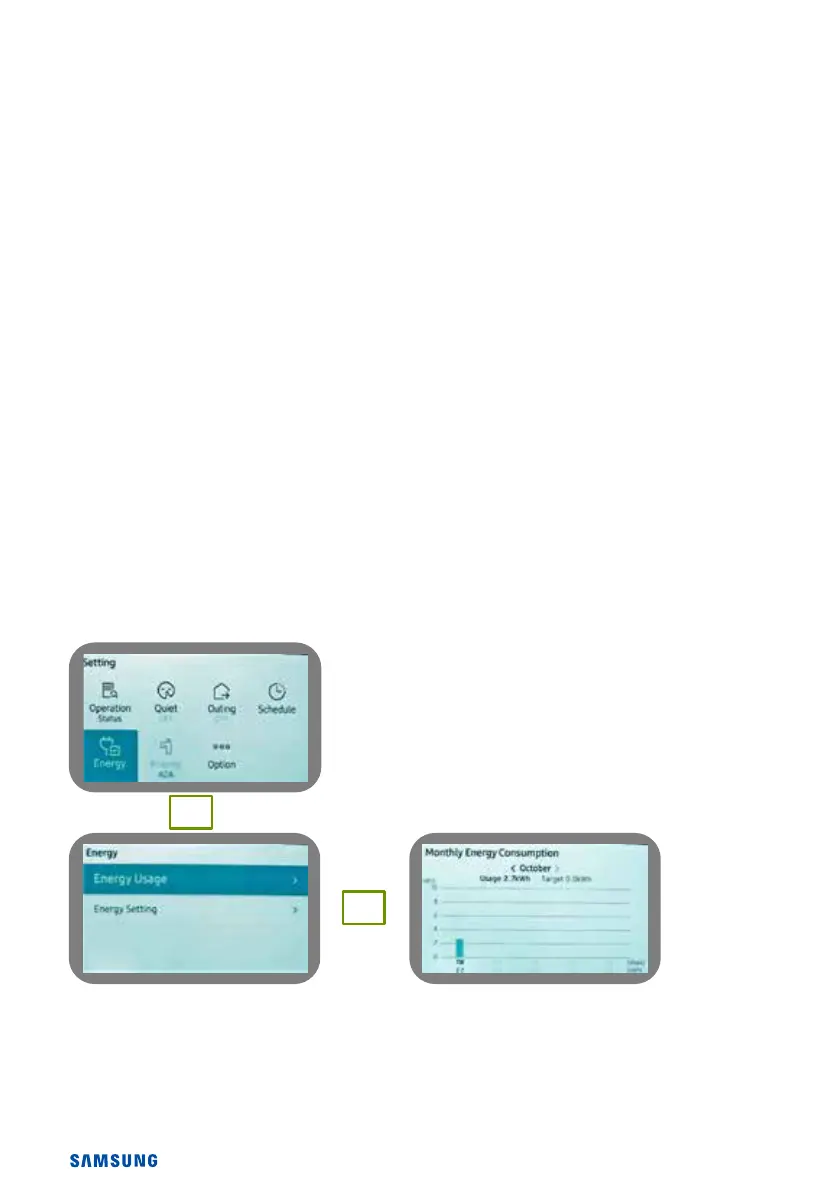
How to view Energy Monitoring
In order to enable the energy monitoring function, please set FSV 3083.
Enter the service mode and go to FSV 3083 within the DHW settings.
Set 3083 to 3 kw.
Now use the to return to the front screen.
Use the to enter user menu, and use the arrows to highlight “Energy”
Push the ok button to enter this menu
Energy usage should be highlighted, push right arrow to enter
From here you have four options.
Instantaneous usage
Weekly energy usage
Monthly energy usage
Yearly energy usage
Use the arrows to navigate the menus.
Example: weekly usage> weekly consumption> display will then show current week, use left hand arrow
to look at previous week.
Push the back key to return to previous sub menu or push several times to exit to home screen
OK
à



 To Next Page