5
Device Layout and Function
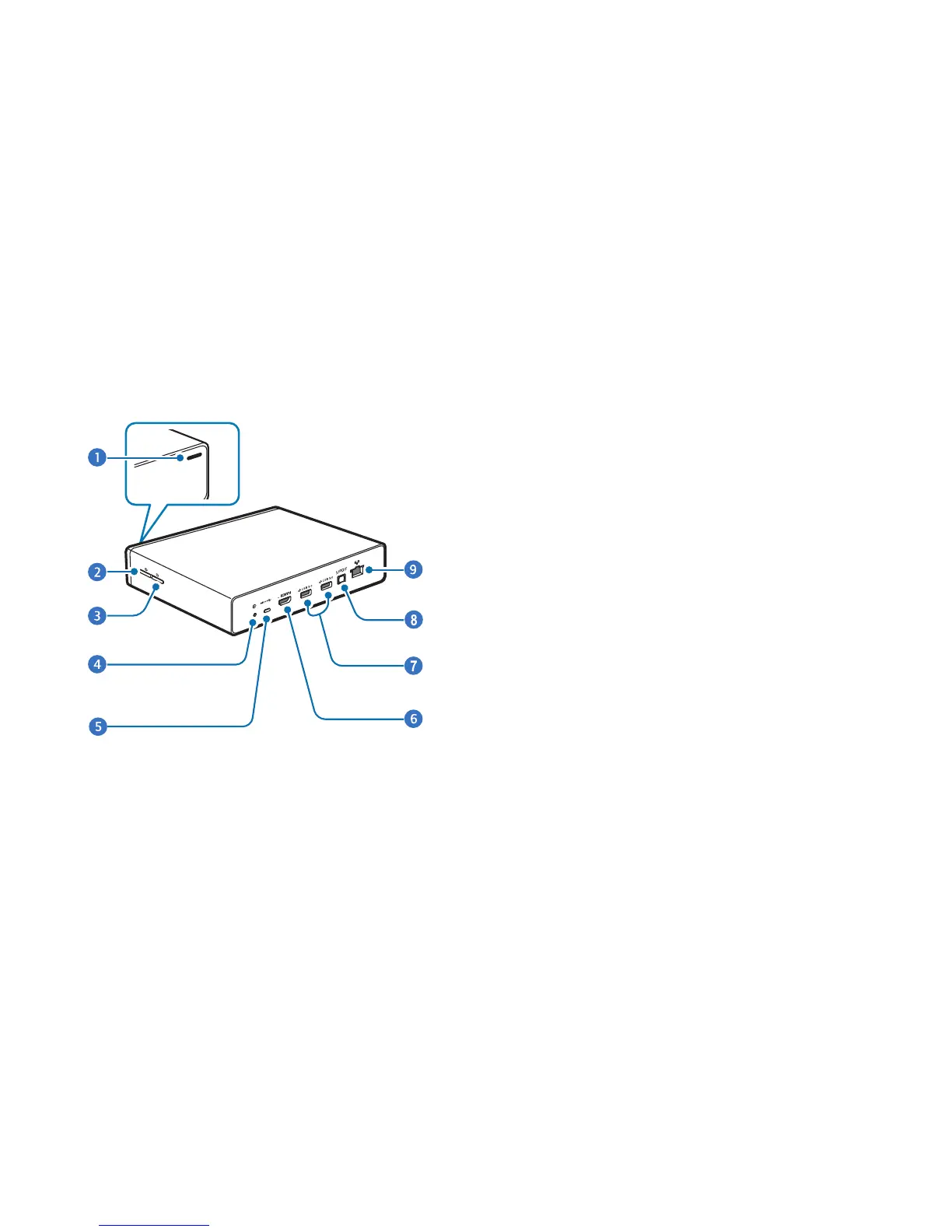
The following items can be found on the side and back of
your device as illustrated.
1.
Notification light
: The notification light alerts you to the
device’s status with the following colors.
•
Blue (steady)
–
Network connected
–
Ready to download or upload data
•
Green (steady)
–
Upcoming events
–
Application being updated
•
Red (blinking)
–
Failed to recognize internal hard disk drive (HDD)
•
Yellow (steady)
–
Network connection error
2.
Power button
: Press and hold to turn the device on or
off.
Press and hold more than 8 seconds to restart the
device.



 To Next Page