15
Backup and Restore
This screen also displays if you signed in to your Google
account.
1. Read the backup and restore information.
2. Check or uncheck the option to enable or disable the
backup option.
3. Touch to continue.
Setup Complete
Once setup is complete, the main HomeSync screen
displays.
Congratulations! Your device is set up and ready to use.
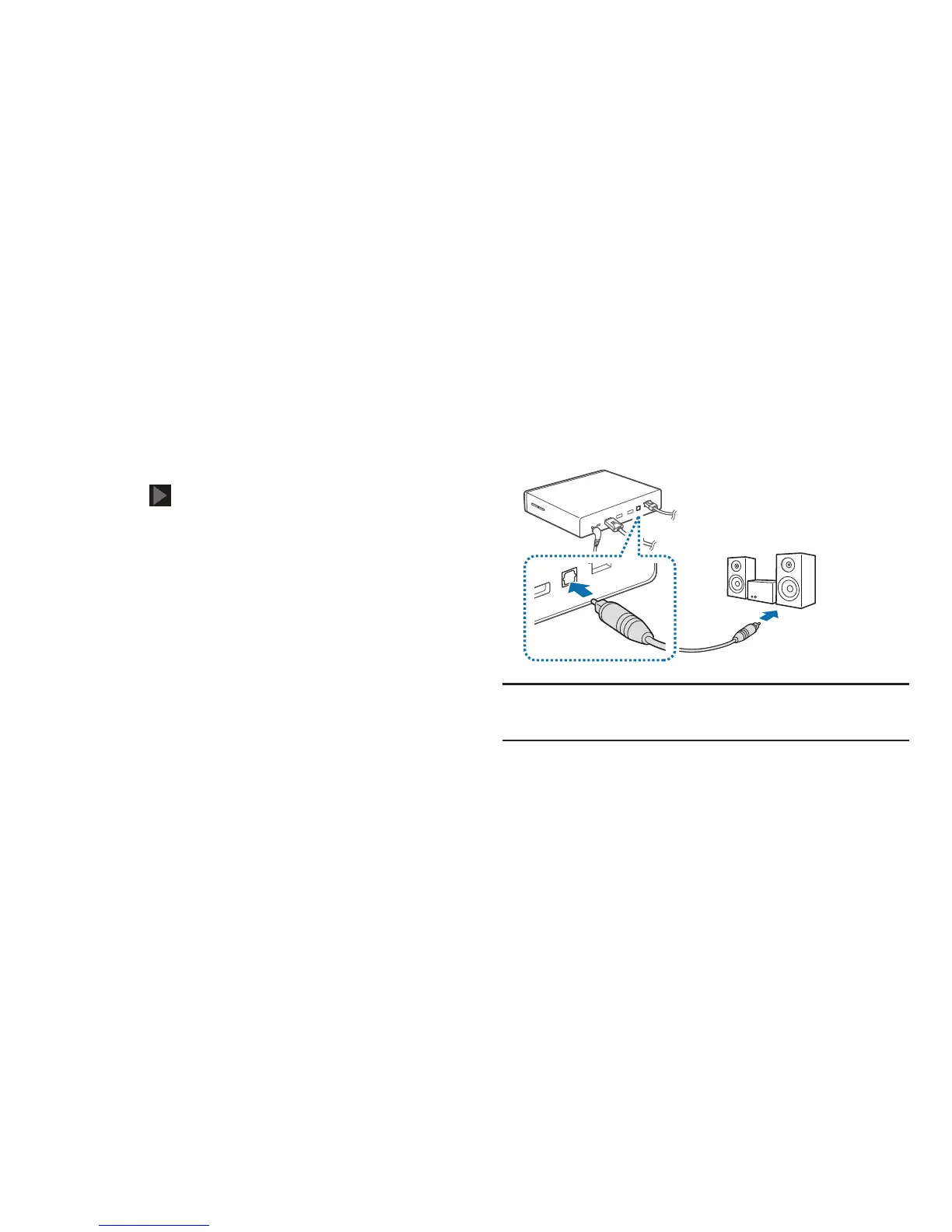
Connecting to Audio Equipment
You can connect the HomeSync device to audio equipment,
such as home theaters.
To connect the device to audio equipment, use an
S/PDIF cable.
Note:
You can select a sound output format to use by
accessing
Apps
➔
Settings
➔
Audio output
.



 To Next Page