56
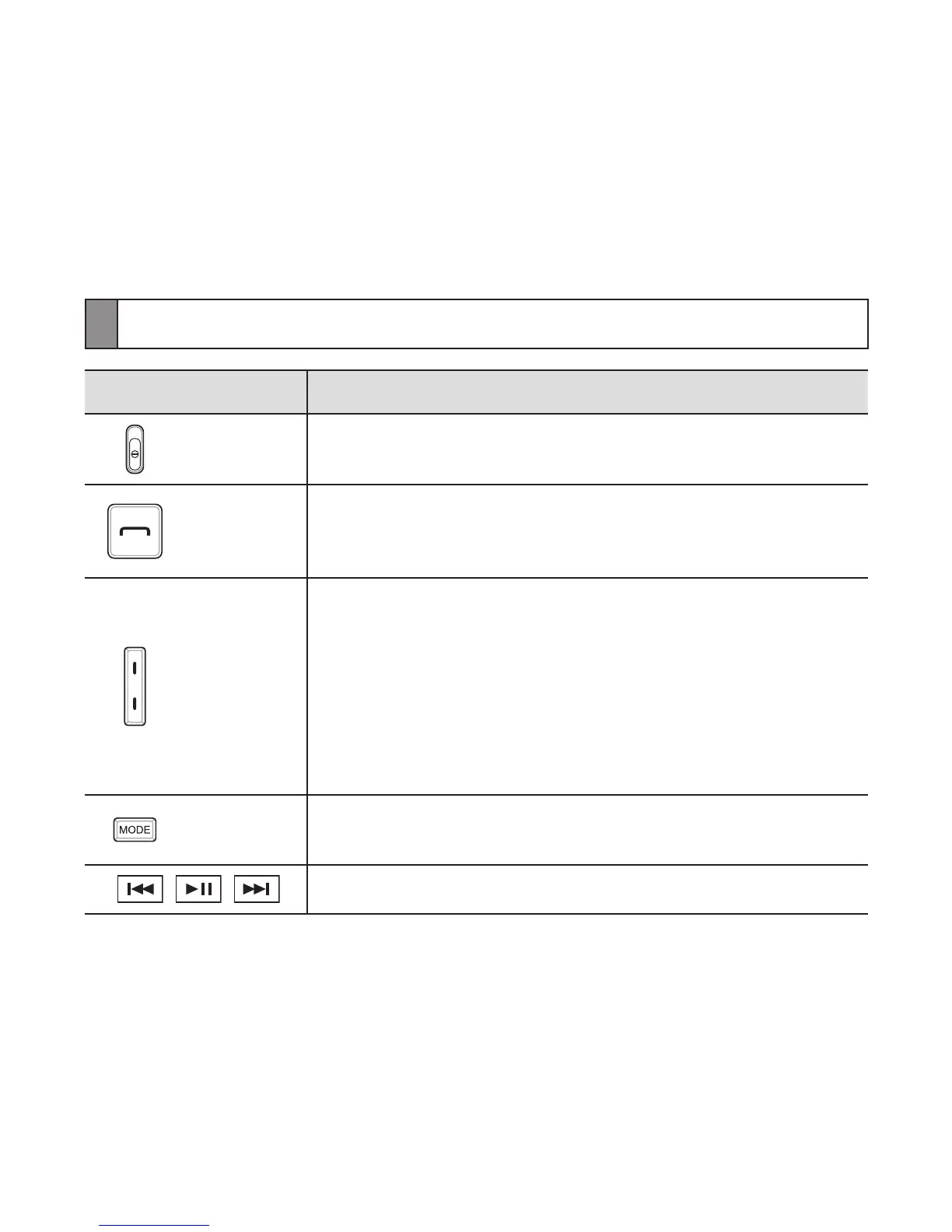
Button functions
Button Function
Power
Switch
Slide up or down to turn the headset on or off.•
Talk
Press to make or answer a call.•
Press to end a call.•
Press and hold to enter Pairing mode.•
Volume
Press to adjust the volume.•
Press and hold to turn the microphone on or off.•
In Pairing mode, press and hold the Volume up •
button until you hear a beep. It makes turn the
Multi-point feature on.
In Pairing mode, press and hold the Volume down •
button until you hear a beep. It makes turn the
Multi-point feature off.
Mode
While listening to music, press to change the •
SoundAlive mode.
Press to control the music les.•


 To Next Page