59
English
Battery level
Indicator
light colour
Voice prompt
Above 80% Blue “Headset battery level is high”
80 ~20% Violet “Headset battery level is medium”
Below 20% Red “Headset battery level is low”
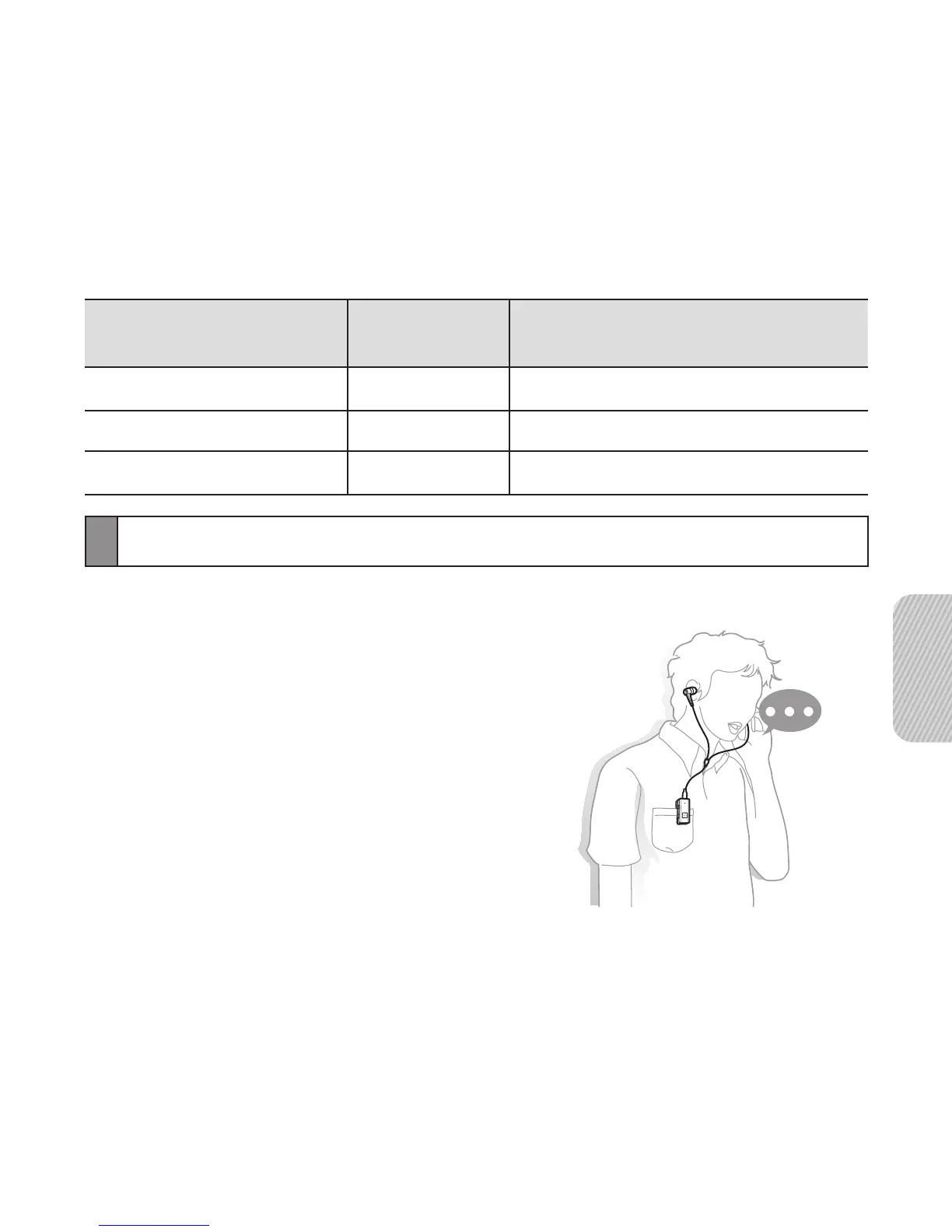
Wearing the headset
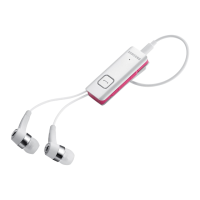
Use the supplied 3.5 mm stereo headphone.
1 Connect the headphone to the headset.
2 Clip the headset to your clothes using
it’s shirt clip.


 To Next Page