REPEAT PLAY
Repeat the current chapter or title.
Repeat playback
hZCV
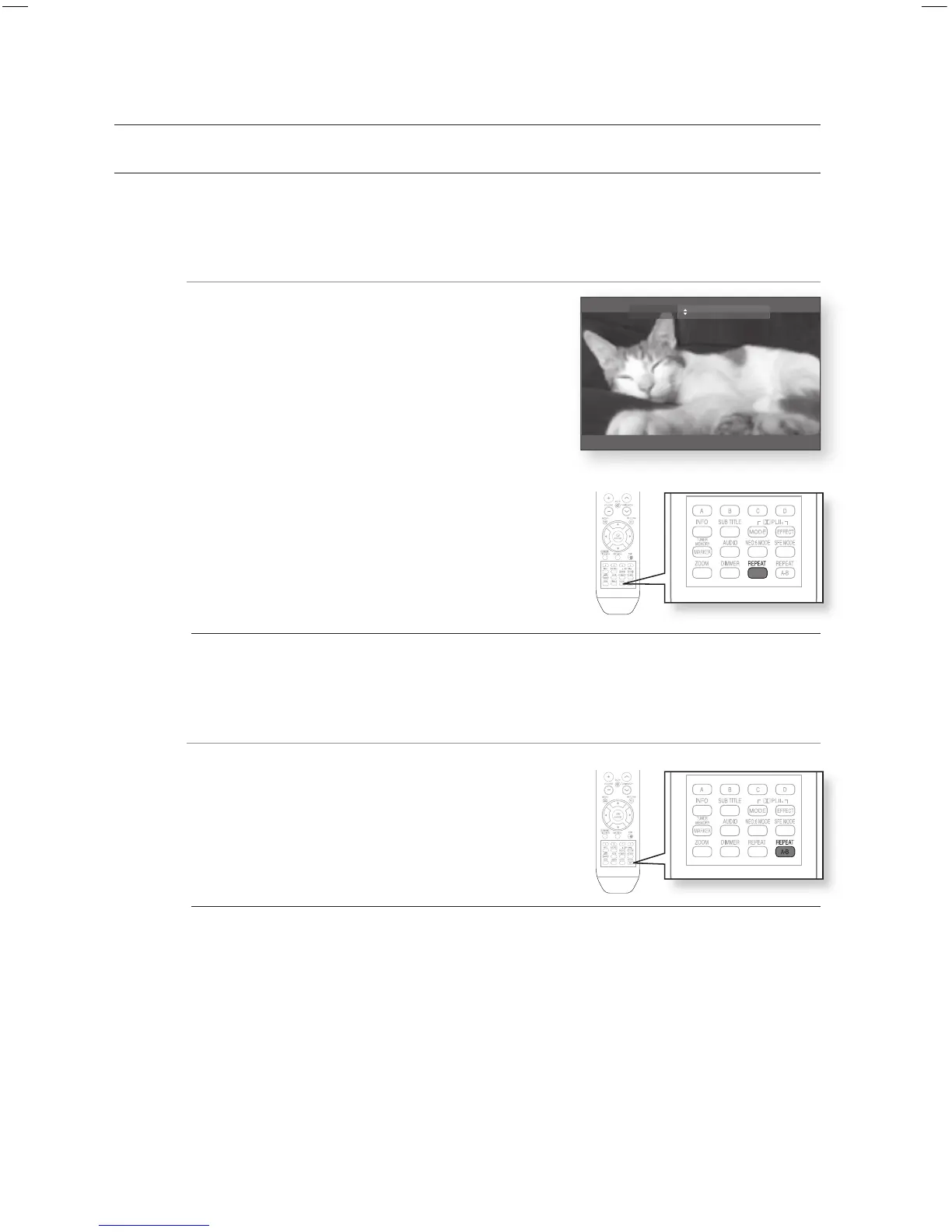
During playback, press the REPEAT button on the remote
control.
Repeat screen appears.
Press the
$%
buttons to select Chapter or Title.
BD/DVD repeats play by chapter or title.
To return to normal play, press the REPEAT button again,
then press the
$%
buttons to select Off.
Depending on the disc, the Repeat function may not be available.
Using the A-B Repeat function
hZCV
Press the REPEAT A-B button on the remote control.
Press the REPEAT A-B button at the point where you want
repeat play to start (A).
Press the REPEAT A-B button at the point where you want
repeat play to stop (B).
To return to normal play, press the CANCEL button.
Point B cannot be set until 5 seconds of playback has elapsed from point A.
1.
•
2.
•
3.
M
1.
2.
3.
4.
M
Repeat Off




 To Next Page