21
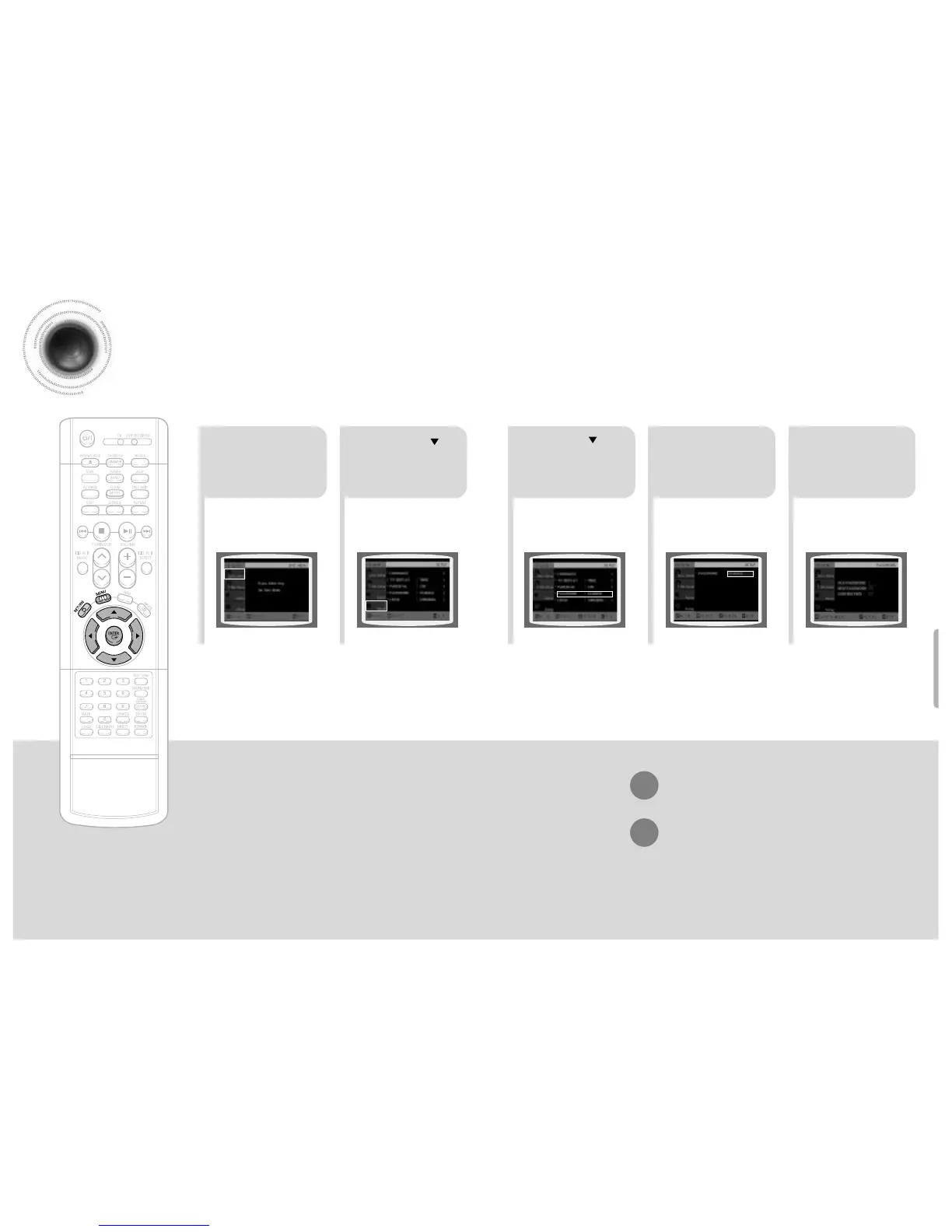
Press MENU button.
Press Cursor
button to move to
‘Setup’ and then
press ENTER button.
4
•
Enter the old password, a new
password, and confirm new password.
•
The setting is complete.
3 5
Press RETURN button to return to the previous
Press MENU button to exit the setup screen.
45 46
Press Cursor button to
move to ‘PASSWORD’
and then press ENTER
button.
Press ENTER
button.
Enter the password
and then press
ENTER button.
Setting the Password
You can set the password for the Parental (rating level) setting.


 To Next Page