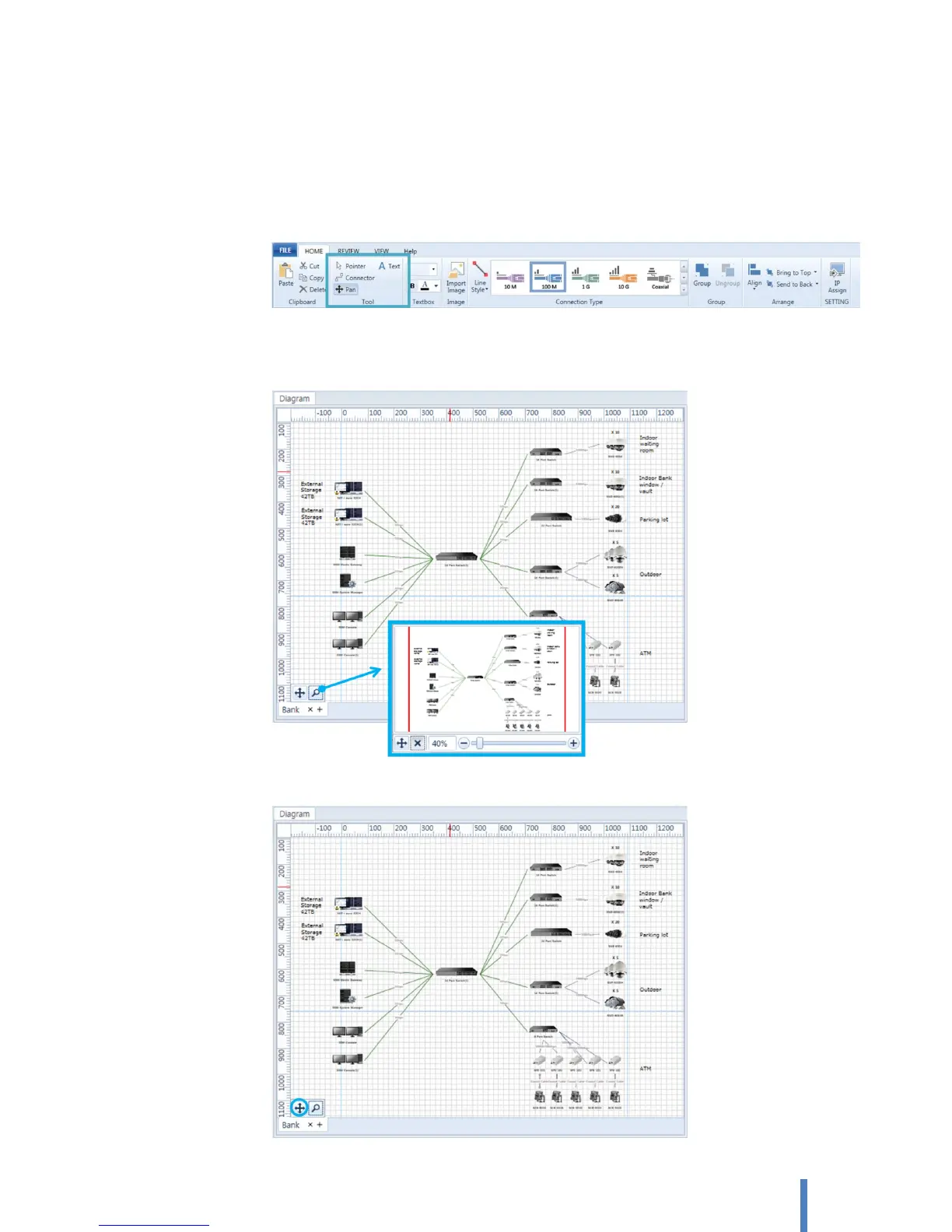
You can zoom in for a closer look at your drawing and move the diagram around (or "pan" the diagram) to
view the section you want
A. Pan a diagram
Select [HOME] > [Tool] > [Pan]. A mouse pointer changes into finger shape. You can pan to view
other sections of the diagram by dragging the mouse over the section you want to view
B. Zoom a diagram
Click zoom icon on the bottom of diagram pane. It includes a slider that sets the zoom level.
[Auto Fit] button fits the diagram to the size of the current diagram.



 To Next Page