5. Configure an object properties
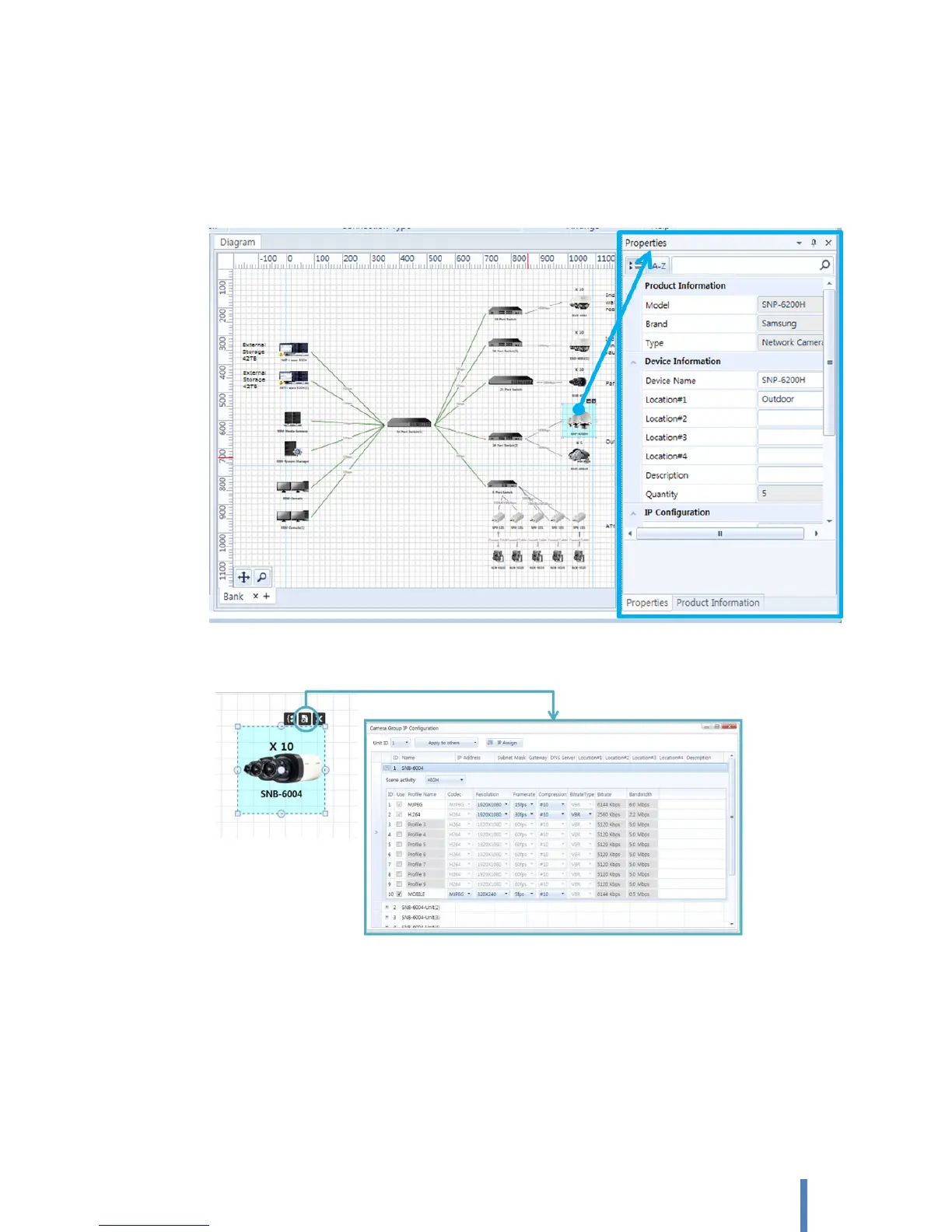
You can setup a properties of an object which is a system component placed in a diagram.
Select an object on a diagram and verify/edit information on [Properties] pane. The properties vary depending on
the product category of the selected object.
Or, select the device which you want to set properties and click the Advanced Setup icon for set
up properties of single or multiple devices
Setting properties depend on each product’s type.
Network Camera
A. Device Information: Basic information of a camera object.
Name: Specify the name of camera. The default name is camera model number.
Location #1 ~ #4: Specify the location where the camera is installed. According to a
whole system diagram, up to 4-depth location can be specified.



 To Next Page