EasyManua.ls Logo

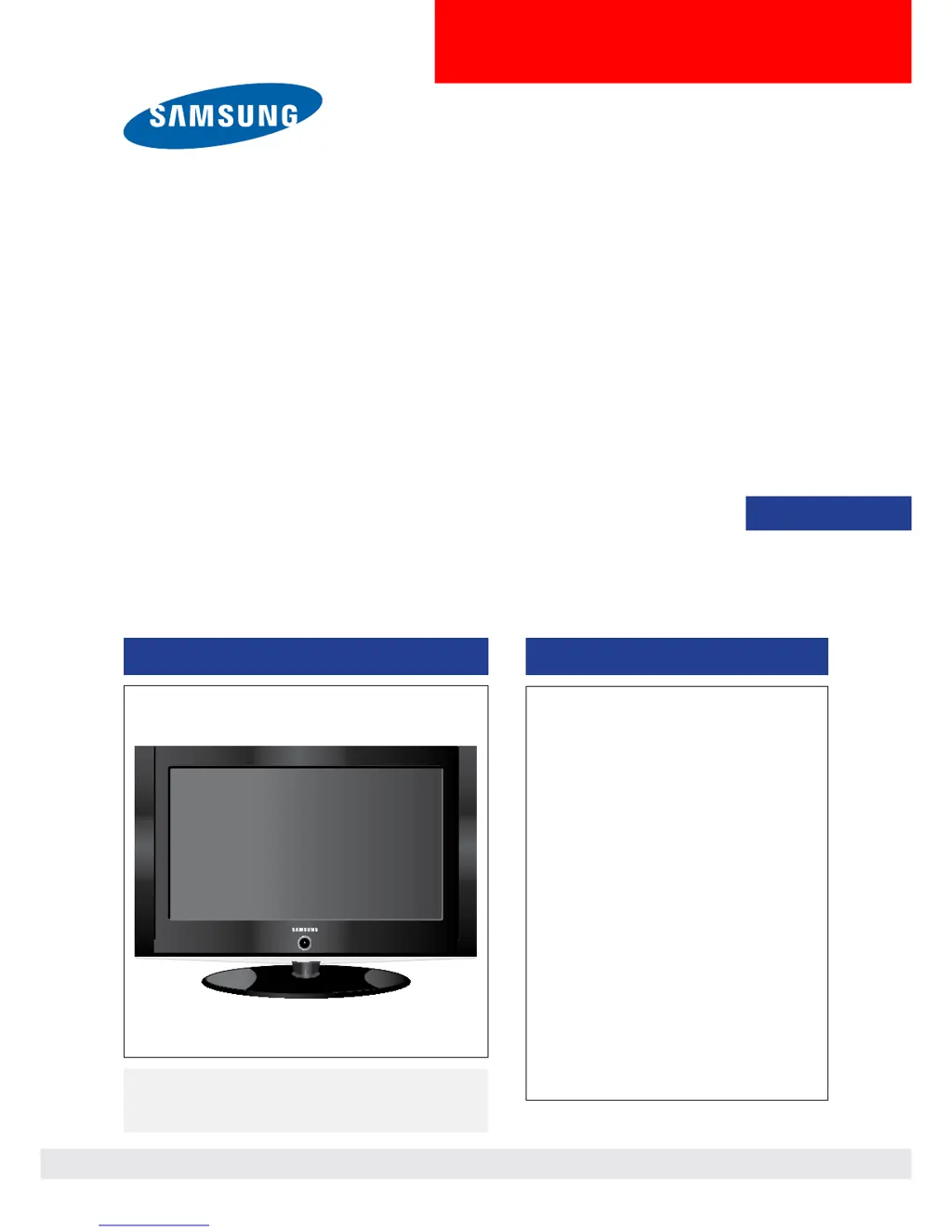
Samsung LN26A330J1D - User Manual

Samsung LN26A330J1D
173 pages
Print Icon
To Next Page IconTo Next Page
Loading...
LCD-TV
Chassis : N45A
Model : LN26A330J1D
LN32A330J1D
LN37A330J1D
LN40A330J1D
SERVICE
Manual
TFT-LCD TV Contents
LN26A330J1D/LN32A330J1D/
LN37A330J1D/LN40A330J1D
Refer to the service manual in the GSPN (see the rear cover) for the more information.
1. Precautions
2. Product specications
3. Disassembly and
Reassembly
4. Troubleshootin
g
5. Exploded View & Part Lis
t
6. Wiring Diagra
m
7. Schematic Diagra
m

Table of Contents

Other manuals for Samsung LN26A330J1D

Questions and Answers

  • C
    Cynthia ByrdSep 14, 2025
    What does 'Check signal cable' mean on my Samsung LN26A330J1D LCD TV?
    • J
      jeffrey53Sep 14, 2025
      If your Samsung LCD TV displays a “Check signal cable” message, ensure that the signal cable is firmly connected to the PC source.
  • J
    Jorge SchneiderAug 25, 2025
    How to fix poor picture quality on Samsung LN26A330J1D LCD TV?
    • S
      Shannon SullivanAug 25, 2025
      If you are experiencing poor picture quality on your Samsung LCD TV, try the following: * Try another channel. * Adjust the antenna. * Check all wire connections.
  • V
    Veronica MarksAug 25, 2025
    How to fix the image being too light or too dark on Samsung LN26A330J1D LCD TV?
    • A
      Adam BrownAug 26, 2025
      If the image on your Samsung LCD TV is too light or too dark, adjust the Brightness and Contrast. Also, adjust the Fine tuning.
  • K
    Katherine HillAug 26, 2025
    How to fix a Samsung LN26A330J1D LCD TV picture with a Red/Green or Pink tint?
    • J
      john67Aug 27, 2025
      If your Samsung LCD TV picture has a Red/Green or Pink tint, make sure the Component cables are connected to the correct jacks.
  • M
    Michael MartinezSep 15, 2025
    What does 'Not Supported Mode' mean on my Samsung LCD TV?
    • H
      hparkSep 15, 2025
      If you encounter a “Not Supported Mode” message on your Samsung LCD TV, check the maximum resolution and the connected device’s video frequency. Compare these values with the data in the Display Modes.
  • S
    Selena HarrisSep 23, 2025
    Why does my Samsung LN26A330J1D LCD TV say 'Resets all settings to the default values'?
    • A
      Andrew ColemanSep 23, 2025
      The “Resets all settings to the default values” message appears on your Samsung LCD TV when you press and hold the EXIT button for a while. This resets the product settings to the factory defaults.
  • M
    Megan HowardSep 7, 2025
    Why is the image not centered on my Samsung LN26A330J1D screen?
    • L
      lauren39Sep 7, 2025
      If the image is not centered on your Samsung LCD TV screen: * Adjust the horizontal and vertical position. * The screen position must be adjusted on the output source (i.e. STB) with a digital signal.
  • C
    currysarahSep 8, 2025
    Why does the picture appear distorted in the corner of my Samsung LN26A330J1D LCD TV screen?
    • C
      Cody RuizSep 8, 2025
      If the picture appears distorted in the corner of your Samsung LCD TV screen, and 'Just Scan' is selected with some external devices, this symptom is caused by the external devices, not the TV.
  • N
    Nathan CarterSep 2, 2025
    Why does my Samsung LN26A330J1D picture roll vertically?
    • J
      Jeanne HarveySep 2, 2025
      If the picture on your Samsung LCD TV rolls vertically, check all wire connections.
  • T
    Timothy FoxAug 31, 2025
    Why is my Samsung LN26A330J1D operating erratically?
    • D
      Derrick ShafferAug 31, 2025
      If your Samsung LCD TV is operating erratically, unplug the TV for 30 seconds, then try operating it again.

Samsung LN26A330J1D Specifications

General IconGeneral
Screen Size26 inches
Resolution1366 x 768
Display TypeLCD
Aspect Ratio16:9
Response Time8 ms
HDMI Ports2
Component Video Input1
Composite Video Input1
S-Video Input1
PC Input1 (D-Sub)
RF Input1
Optical Digital Audio Output1
Viewing Angle178 degrees
Audio Out1
Weight8.2 kg (with stand)
Brightness500 cd/m²
Contrast Ratio3000:1

Related product manuals