PC Display
Using Your TV as a Computer (PC) Display
Setting Up Your PC Software (Based on Windows XP)
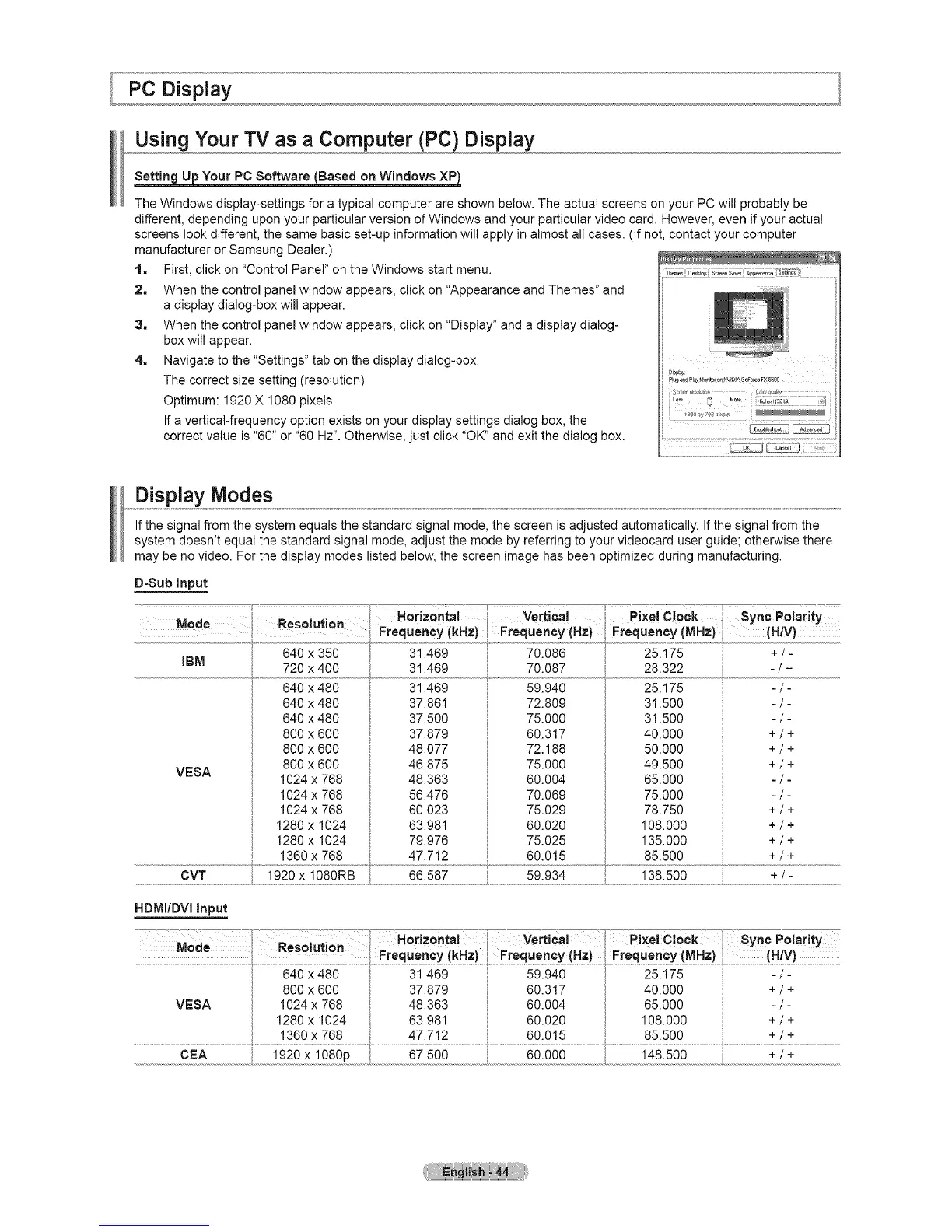
The Windows display-settings for a typical computer are shown below. The actual screens on your PC will probably be
different, depending upon your particular version of Windows and your particular video card. However, even if your actual
screens look different, the same basic set-up information will apply in almost all cases. (If not, contact your computer
manufacturer or Samsung Dealer.)
1. First, click on "Control Panel" on the Windows start menu.
2. When the control panel window appears, click on "Appearance and Themes" and
a display dialog-box will appear.
3. When the control panel window appears, click on "Display" and a display dialog-
box will appear.
4. Navigate to the "Settings" tab on the display dialog-box.
The correct size setting (resolution)
Optimum: 1920 X 1080 pixels
If a vertical-frequency option exists on your display settings dialog box, the
correct value is "60" or "60 Hz". Otherwise, just click "OK" and exit the dialog box.
Display Modes
If the signal from the system equals the standard signal mode, the screen is adjusted automatically. If the signal from the
system doesn't equal the standard signal mode, adjust the mode by referring to your videocard user guide; otherwise there
may be no video. For the display modes listed below, the screen image has been optimized during manufacturing.
D-Sub Input
.= _
Mode Res luti n Horizontal Vertical Pixel Clock _yncPolari_y
o ° Frequency (kHz)Frequency (Hz} Frequency (MHz) (H!V}
640 x 350 31.469 70.086 25.175 +i[
IBM 720 x 400 31.469 70.087 28.322 - / +
640 x 480 31.469 59.940 25.175 - / -
VEBA
640 x 480
640 x 480
800 x 600
800 x 600
800 x 600
1024 x 768
1024 x 768
1024 x 768
1280 x 1024
1280 x 1024
1360 x 768
37.861
37.500
37.879
48.077
46.875
48.363
56.476
60.023
63.981
79.976
47.712
72.809
75.000
60.317
72.188
75.000
60.004
70.069
75.029
60.020
75.025
60.015
31.500
31.500
40.000
50.000
49.500
65.000
75.000
78.750
108.000
135.000
85.500
-/-
-/-
+/+
+/+
+/+
-/-
-/-
+/+
+/+
+/+
+/+
HDMI/DVI Input
MOde RoS0iuiion Hori=o.ta! ve, ical pixelcock
Frequency (kHz) Frequency (Hz) Frequency (MHz)
800 x 600 37.879 60.317 40.000
VEBA 1024 x 768 48.363 60.004 65.000
1280 x 1024 63.981 60.020 108.000
1360 x 768 47.712 60.015 85.500
8ync Polarity
(H/V)
-/-
+/+
-/-
+/+
+/+
CEA 1920 x 1080p 67.500 60.000 148.500 + / +





 To Next Page