ENG
44
Presetting Stations
•
Refer to Step 2 on page 41
to automatically or manually
tune in to a station.
21 3
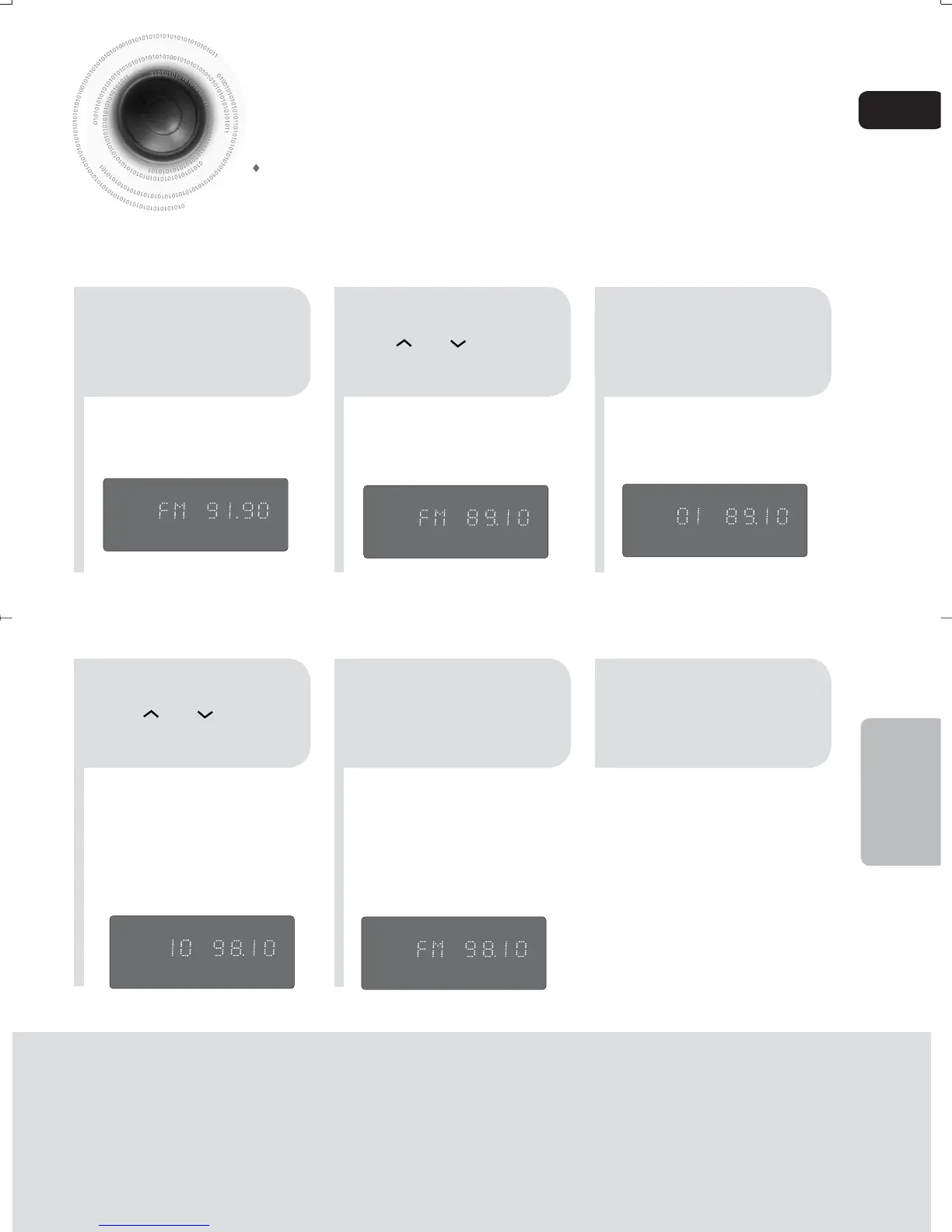
Example: Presetting FM 89.1 in the memory
Press the TUNER
button and select
the FM band.
54
•
You can select between 1 and
15.
Press the TUNER
MEMORY button.
Press the TUNER
MEMORY button.
6
To preset another
station, repeat
steps 2 to 5.
Press
TUNING
or
to select
preset number.
You can store up to:
kHz
MHz
15 FM stations
RADIO OPERATION
kHz
MHz
kHz
MHz
kHz
MHz
kHz
MHz
•
If you can’t press “TUNER MEMORY” in 5
seconds, the preset disappears and “FM”
displays.
Press
TUNING
or to select
"89.10".
35-58p-MAX-DG56-RDS ENG.indd 4335-58p-MAX-DG56-RDS ENG.indd 43 2009-7-17 18:28:462009-7-17 18:28:46



 To Next Page