61
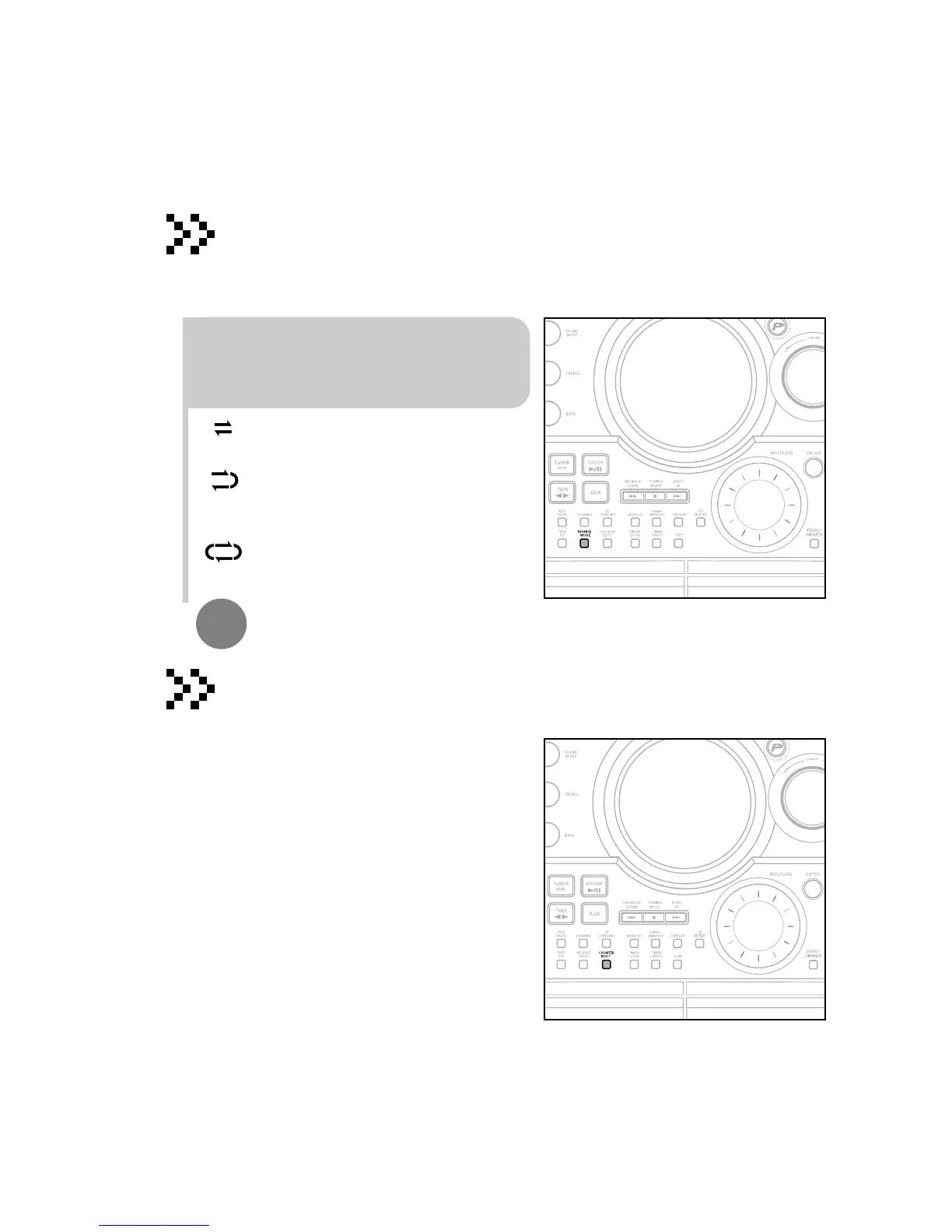
Press REVERSE MODE until the appropriate
symbol is displayed.
•
: One side of the selected cassette and
then stops.
•
: One side of the cassette.
The other side of the cassette and then
stops.
•
:
Both sides of the cassette indefinitely
until you press stop.
•
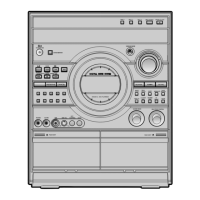
Before starting to record a cassette for which you wish to take
note of the counter values at the beginning of each track, reset
the counter by pressing COUNTER RESET .
•
Each cassette deck has a separate counter.
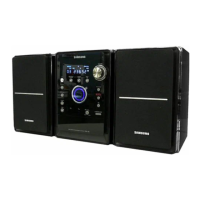
Your mini component system has three cassette playback modes which enable you
to listen to both sides of a cassette automatically.
When playing a cassette in one of the cassette
decks, a counter is displayed to enable you to
take note of the counter value at the start of
each track to start playback at the
beginning of the track to which you wish to
listen.
Selecting the Cassette Playback Mode
Tape Counter


 To Next Page