63
Recording a Compact Disc
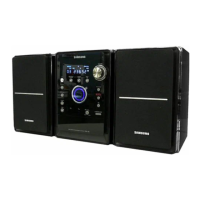
You can record a compact disc on a cassette in two different ways:
This feature enables you to synchronize the start of the recording with the start of the disc or track of your choice.
•
Press the OPEN/CLOSE button
( ) to open the CD door.
•
Insert a CD and press the
OPEN/CLOSE button ( ) to
close the CD door.
•
Press the PUSH/EJECT button ( )
to open the cassette door, insert a
cassette, and then close the cassette
door.
•
Insert the cassette with the safety
tabs.
2
1
3
Insert a blank
cassette in TAPE 2.
Switch the system
on by pressing
STANDBY/ON.
•
When stopped, press the button to
start the recording from the first
piece of music.
•
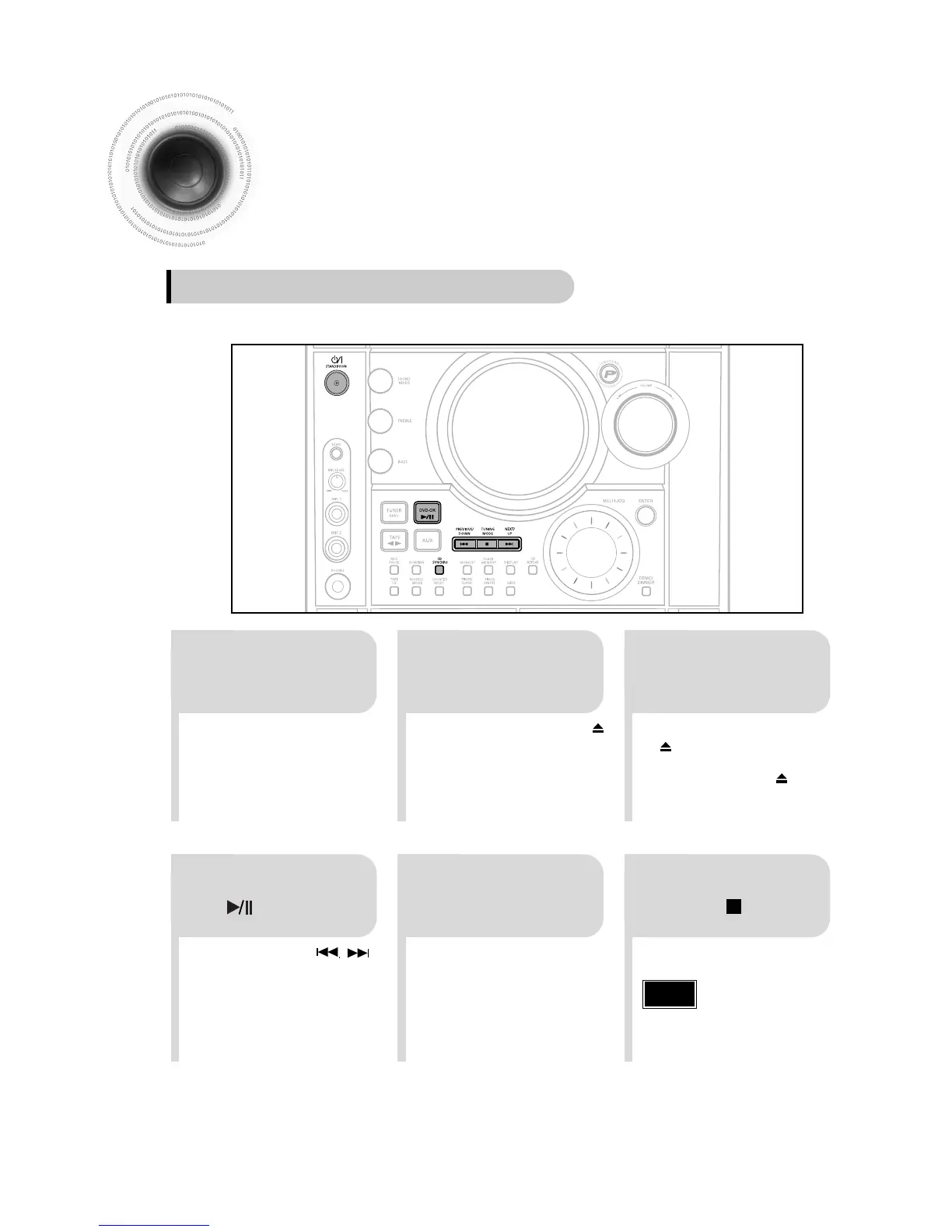
Press CD SYNCHRO button
during the playback of CD to start
the recording from the first part of
the music being played.
54
•
Use the CD selection ( , )
buttons to select the desired song.
Load a compact
disc.
Press
CD SYNCHRO
button.
6
To stop recording,
press button.
Press the DVD-OK
( ) button.
Synchronised recording
Note
•You can use CD/SYNCHRO
button only in CD Playback
Mode.


 To Next Page