GB
4
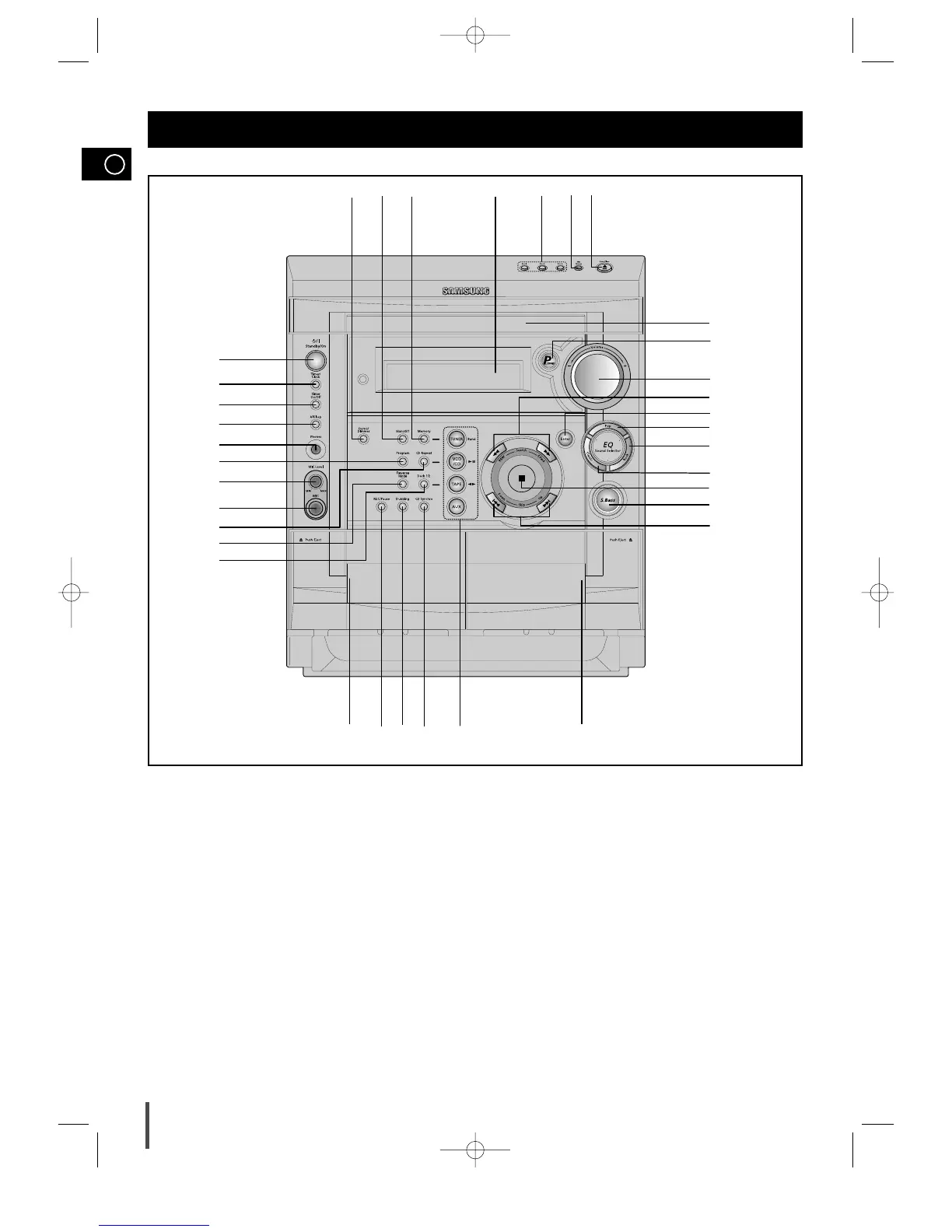
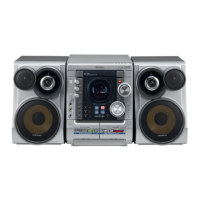
Front Panel View
1
2
3
4
5
6
7
8
9
11
12
13
1514
16
17
18
19
20
21
22
23
24
25
26
28
27
29
30
323334
31
10
35
1. Standby/On
2. Timer/Clock
3. Timer On/Off
4. AI Sleep
5. Headphone Jack Connector
6. Program button
7. MIC Level (option)
8. MIC Jack(option)
9. CD Repeat
10. Reverse Mode
11. Deck 1/2
12. Cassette Deck 1
13. Record/Pause
14. TAPE Normal Dubbing
15. CD Synchro Recording
16. Function Selection buttons
17. Cassette Deck 2
18. Skip Function buttons
19. Super Bass
20. Stop button
21. EQ Preset Classic
22. EQ Preset Rock
23. EQ Preset Pop
24. Enter
25. Search Function buttons
26. Volume
27. Power Sound
28. Compact Disc Compartment
29. CD Open/Close
30. Disc Change
31. Disc Selection buttons
32. Window Display
33. Memory Function
34. Mono/Stereo
35. Demo/Dimmer
MAX-VS6250 GB-1~18 4/28/03 14:25 Page 4



 To Next Page