EasyManua.ls Logo

Samsung ME73A - User Manual

Samsung ME73A
24 pages
Print Icon
To Next Page IconTo Next Page
Loading...
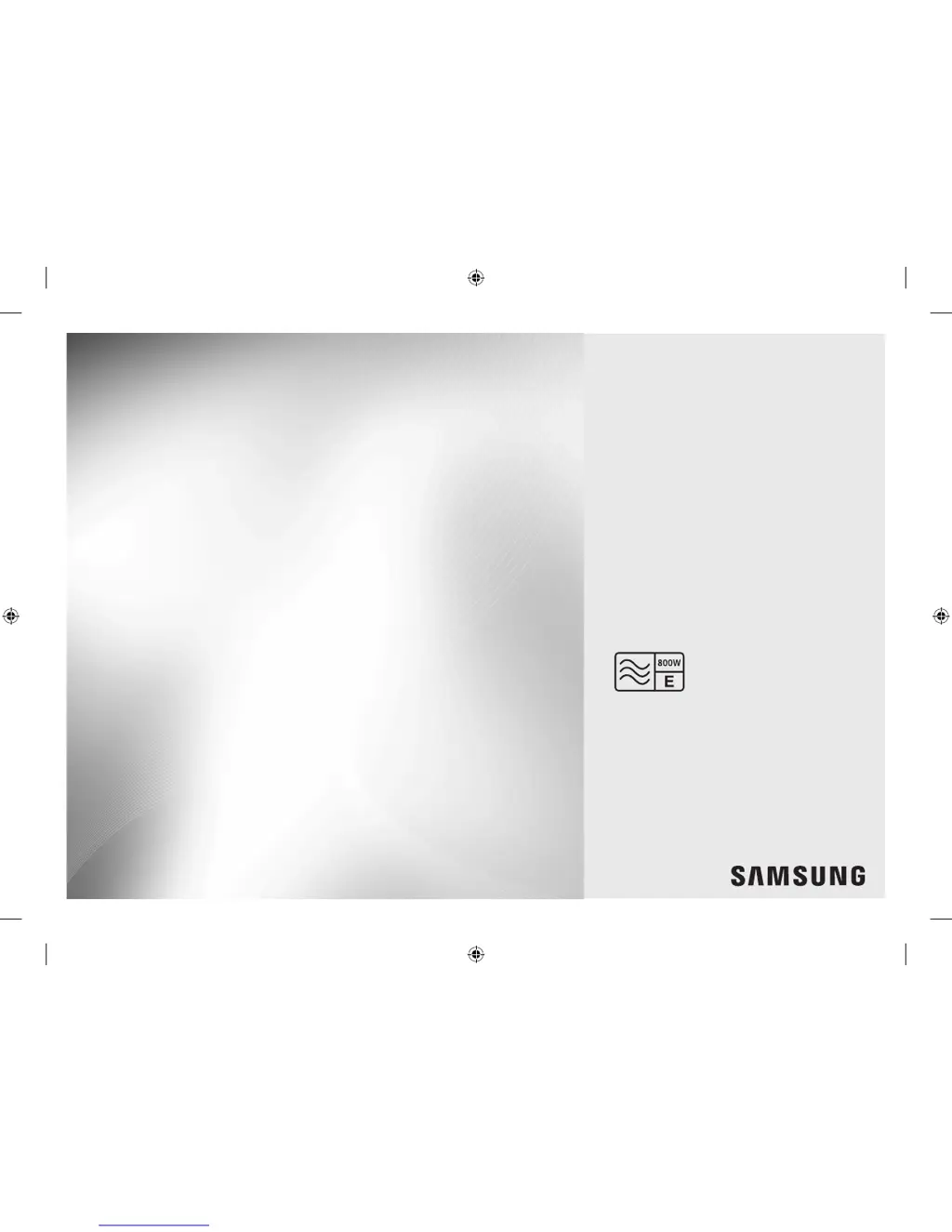
Microwave Oven
Owner’s Instructions & Cooking Guide
imagine the possibilities
Thank you for purchasing this Samsung product.
Please be advised that the Samsung warranty does NOT cover
service calls to explain product operation, correct improper
installation, or perform normal cleaning or maintenance.
ME73A
ME73A_XEU_DE68-03794Q-00_EN.indd 1 5/25/2016 11:18:36 AM

Other manuals for Samsung ME73A

Questions and Answers

  • M
    Melissa FreemanSep 8, 2025
    Why is my Samsung ME73A turn table rattling while turning and is noisy?
    • K
      Kathleen BrooksSep 9, 2025
      If the turntable rattles and is noisy while turning, food residue might be stuck to the bottom of the oven. Remove any food residue stuck to the bottom of the oven.
  • K
    Karen LopezAug 23, 2025
    What to do if the buttons on my Samsung Microwave Oven cannot be pressed properly?
    • A
      Ana RodriguezAug 23, 2025
      If the buttons on your Samsung Microwave Oven are not working properly, check for foreign matter between the buttons and remove it. For touch models, wipe any moisture from the exterior. Also, ensure that the Child Lock feature is deactivated.
  • M
    mbrownAug 25, 2025
    What to do if my Samsung Microwave Oven door cannot be opened properly?
    • S
      Shannon JohnsonAug 25, 2025
      If the door of your Samsung Microwave Oven cannot be opened properly, food residue might be stuck between the door and the oven interior. Clean the oven to remove the residue and then try opening the door again.
  • D
    Diane WagnerAug 27, 2025
    Why is the time not displayed on my Samsung ME73A Microwave Oven?
    • N
      Nicholas LawrenceAug 27, 2025
      If the time isn't displayed on your Samsung Microwave Oven, the Eco (power-saving) function might be activated. Try turning off the Eco function.
  • P
    Pamela KhanAug 27, 2025
    What to do if my Samsung ME73A heating including the Warm function does not work properly?
    • C
      cynthia82Aug 27, 2025
      If the heating, including the Warm function, isn't working correctly, the oven may not work, too much food is being cooked, or improper cookware is being used. To check whether the water is heated, put one cup of water in a microwave-safe container and run the microwave for 1-2 minutes. Reduce the amount of food and start the function again. Use a cooking container with a flat bottom.
  • T
    taylortaraSep 22, 2025
    Why do I see water drips, steam emits through a door crack, and water remains in the Samsung ME73A Microwave Oven?
    • S
      Scott BarronSep 22, 2025
      The presence of water or steam may occur depending on the food being cooked and is not a malfunction. Let the oven cool and then wipe with a dry dish towel.
  • J
    Jason PerrySep 16, 2025
    Why is my Samsung ME73A Microwave Oven interior light dim or does not turn on?
    • W
      Walter MckeeSep 16, 2025
      If the interior light is dim or doesn't turn on, it could be because the door has been left open for a long time, and the interior light may automatically turn off when the Eco function operates. Close and reopen the door or press the Cancel button. Also, the interior light could be covered by foreign matter, so clean the inside of the oven and check again.
  • N
    Nicholas LopezSep 18, 2025
    Why is my Samsung ME73A turn table comes out of place or stops turning while turning?
    • J
      Jeffrey GibsonSep 18, 2025
      If the turntable comes out of place or stops turning, ensure the roller ring is installed correctly. Install the roller ring and then try again.
  • S
    Shane SimonSep 7, 2025
    Why is my Samsung Microwave Oven turn table dragging while turning?
    • R
      Richard JacksonSep 7, 2025
      If the turntable in your Samsung Microwave Oven drags while turning, it could be due to a few reasons: the roller ring isn't properly in place, there's too much food, or the container is too large and touches the inside of the microwave. Reduce the amount of food and avoid using containers that are too large.
  • C
    chad54Sep 4, 2025
    Why is there sparks during cooking in my Samsung ME73A Microwave Oven?
    • D
      donovancolleenSep 4, 2025
      Sparks during cooking usually indicate that metal containers are being used. Do not use metal containers in your Samsung Microwave Oven.

Summary

Safety Information

Important Safety Instructions

Key safety warnings and precautions to prevent hazards and ensure safe operation of the microwave oven.

Installation

Installation Site

Specifies the recommended location and clearances for safe and efficient installation of the microwave oven.

Oven Features

Control Panel Functions

Details the functions and layout of the microwave oven's control panel buttons and display.

Oven Use

Cooking and Reheating Guide

Step-by-step instructions on how to cook or reheat food using the microwave oven.

Microwave Power Levels

Explains how to select and adjust the different microwave power levels for cooking.

Troubleshooting and Information Code

Troubleshooting Common Issues

Lists common problems, their causes, and suggested solutions for the microwave oven.

Samsung ME73A Specifications

General IconGeneral
BrandSamsung
ModelME73A
CategoryMicrowave Oven
LanguageEnglish

Related product manuals