EasyManua.ls Logo

Samsung ME73A - User Manual

Samsung ME73A
24 pages
Print Icon
To Next Page IconTo Next Page
Loading...
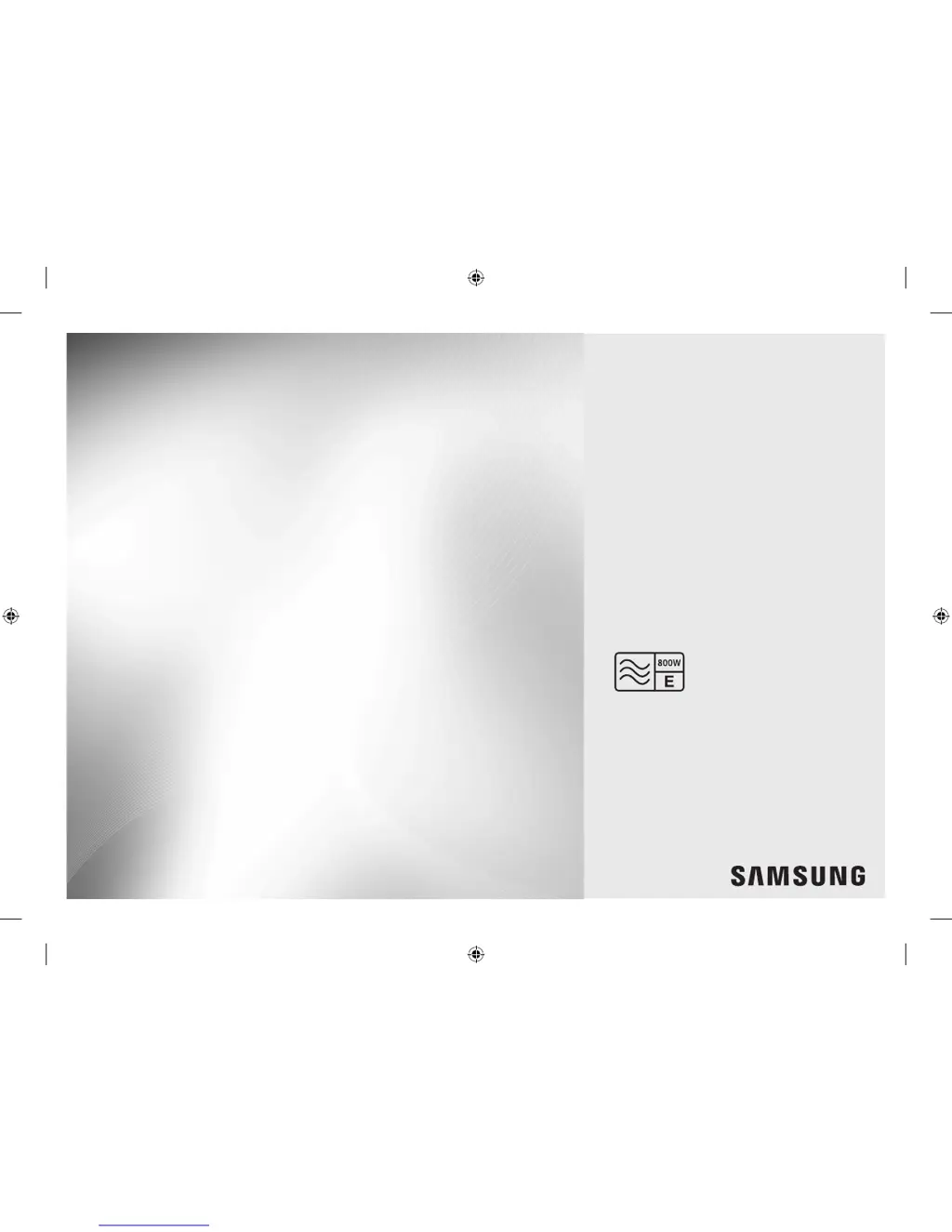
Microwave Oven
Owner’s Instructions & Cooking Guide
imagine the possibilities
Thank you for purchasing this Samsung product.
Please be advised that the Samsung warranty does NOT cover
service calls to explain product operation, correct improper
installation, or perform normal cleaning or maintenance.
ME73A
ME73A_XEU_DE68-03794Q-00_EN.indd 1 5/25/2016 11:18:36 AM

Other manuals for Samsung ME73A

Questions and Answers

  • L
    Lisa PorterAug 21, 2025
    Why is my Samsung Microwave Oven not working?
    • E
      Elizabeth HunterAug 21, 2025
      If your Samsung Microwave Oven isn't working, first ensure that it's receiving power. Next, check that the door is fully closed. If the door open safety mechanisms are covered in foreign matter, remove it and try again.
  • C
    chad54Sep 4, 2025
    Why is there sparks during cooking in my Samsung ME73A Microwave Oven?
    • D
      donovancolleenSep 4, 2025
      Sparks during cooking usually indicate that metal containers are being used. Do not use metal containers in your Samsung Microwave Oven.
  • V
    Valerie CombsSep 2, 2025
    Why is my Samsung ME73A exterior too hot during operation?
    • A
      Amanda WoodSep 2, 2025
      If your Samsung Microwave Oven's exterior gets too hot, make sure there's enough ventilation space around it, maintaining the clearances specified in the installation guide. Also, remove any objects placed on top of the oven.
  • H
    hparsonsSep 1, 2025
    What to do if my Samsung ME73A Microwave Oven power turns off during operation?
    • R
      Rhonda BoyerSep 1, 2025
      If your Samsung Microwave Oven turns off during operation, several factors could be at play. It might be due to extended cooking periods, in which case you should let the oven cool down. Check if the cooling fan is working. Ensure there is food inside the oven during operation. Verify sufficient ventilation space around the oven, maintaining the gaps specified in the installation guide, and make sure the oven is the only device using its power socket.
  • K
    Kristen RuizAug 30, 2025
    Why is there a beeping sound during cooking in my Samsung ME73A Microwave Oven?
    • K
      kristophercooperAug 30, 2025
      If you hear a beeping sound during cooking while using the Auto Cook function, it indicates it's time to turn over the food during thawing. After turning over the food, press the Start button again to restart operation.
  • J
    Joy WilsonAug 29, 2025
    What to do if my Samsung ME73A thaw function does not work?
    • M
      mitchellmoralesAug 29, 2025
      If the thaw function isn't working, it might be because too much food is being cooked. Reduce the amount of food and start the function again.
  • P
    Pamela KhanAug 27, 2025
    What to do if my Samsung ME73A heating including the Warm function does not work properly?
    • C
      cynthia82Aug 27, 2025
      If the heating, including the Warm function, isn't working correctly, the oven may not work, too much food is being cooked, or improper cookware is being used. To check whether the water is heated, put one cup of water in a microwave-safe container and run the microwave for 1-2 minutes. Reduce the amount of food and start the function again. Use a cooking container with a flat bottom.
  • D
    Diane WagnerAug 27, 2025
    Why is the time not displayed on my Samsung ME73A Microwave Oven?
    • N
      Nicholas LawrenceAug 27, 2025
      If the time isn't displayed on your Samsung Microwave Oven, the Eco (power-saving) function might be activated. Try turning off the Eco function.
  • M
    mbrownAug 25, 2025
    What to do if my Samsung Microwave Oven door cannot be opened properly?
    • S
      Shannon JohnsonAug 25, 2025
      If the door of your Samsung Microwave Oven cannot be opened properly, food residue might be stuck between the door and the oven interior. Clean the oven to remove the residue and then try opening the door again.
  • K
    Karen LopezAug 23, 2025
    What to do if the buttons on my Samsung Microwave Oven cannot be pressed properly?
    • A
      Ana RodriguezAug 23, 2025
      If the buttons on your Samsung Microwave Oven are not working properly, check for foreign matter between the buttons and remove it. For touch models, wipe any moisture from the exterior. Also, ensure that the Child Lock feature is deactivated.

Summary

Safety Information

Important Safety Instructions

Key safety warnings and precautions to prevent hazards and ensure safe operation of the microwave oven.

Installation

Installation Site

Specifies the recommended location and clearances for safe and efficient installation of the microwave oven.

Oven Features

Control Panel Functions

Details the functions and layout of the microwave oven's control panel buttons and display.

Oven Use

Cooking and Reheating Guide

Step-by-step instructions on how to cook or reheat food using the microwave oven.

Microwave Power Levels

Explains how to select and adjust the different microwave power levels for cooking.

Troubleshooting and Information Code

Troubleshooting Common Issues

Lists common problems, their causes, and suggested solutions for the microwave oven.

Samsung ME73A Specifications

General IconGeneral
BrandSamsung
ModelME73A
CategoryMicrowave Oven
LanguageEnglish

Related product manuals