Printing quality problems
115
6. Troubleshooting
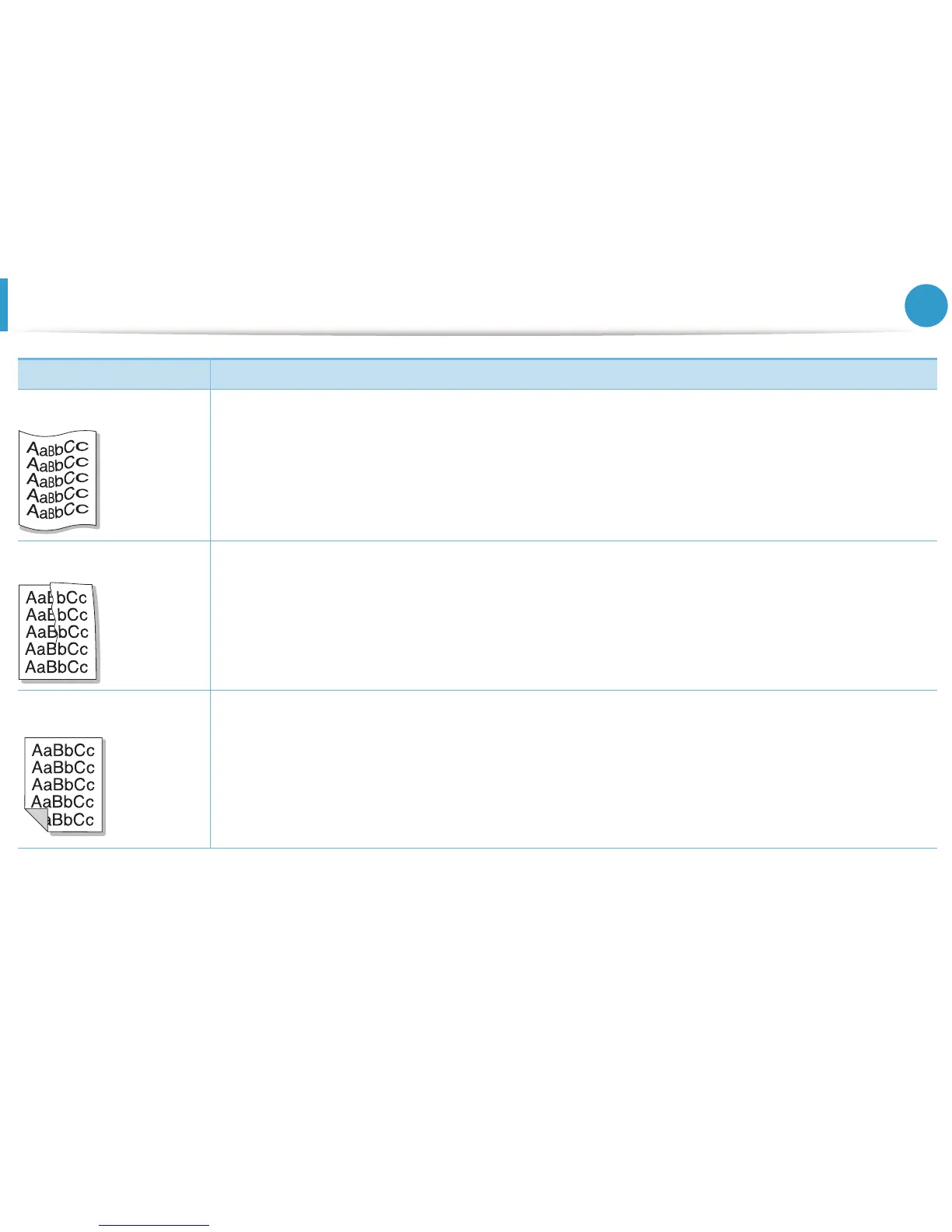
Curl or wave • Ensure that the paper is loaded properly.
• Check the paper type and quality. Both high temperature and humidity can cause paper curl.
• Turn the stack of paper over in the tray. Also try rotating the paper 180° in the tray.
Wrinkles or creases • Ensure that the paper is loaded properly.
• Check the paper type and quality.
• Turn the stack of paper over in the tray. Also try rotating the paper 180° in the tray.
Back of printouts are dirty • Check for leaking toner. Clean the inside of the machine.
Condition Suggested Solutions





 To Next Page