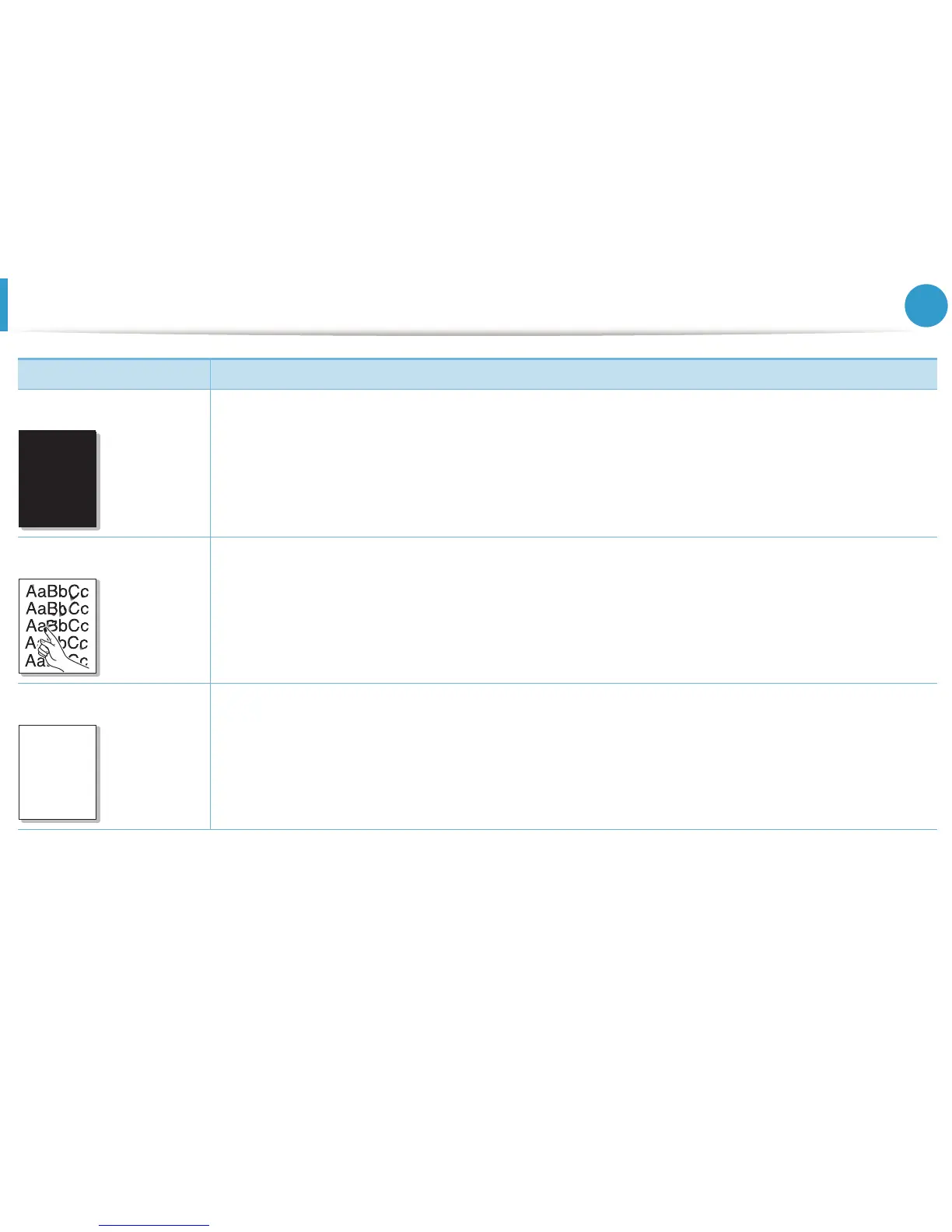
Printing quality problems
116
6. Troubleshooting
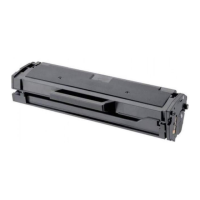
Solid color or black pages • The toner cartridge may not be installed properly. Remove the cartridge and reinsert it.
• The toner cartridge may be defective. Remove the toner cartridge and install a new one.
• The machine may require repairing. Contact a service representative.
Loose toner • Clean the inside of the machine.
• Check the paper type and quality.
• Remove the toner cartridge and then, install a new one.
If the problem persists, the machine may require repair. Contact a service representative.
Character voids Character voids are white areas within parts of characters that should be solid black:
• If you are using transparencies, try another type of transparency. Because of the composition of transparencies,
some character voids are normal.
• You may be printing on the wrong surface of the paper. Remove the paper and turn it around.
• The paper may not meet paper specifications.
Condition Suggested Solutions
A
A





 To Next Page