S
ETTING
U
P
Y
OUR
P
RINTER
2.15
2
3
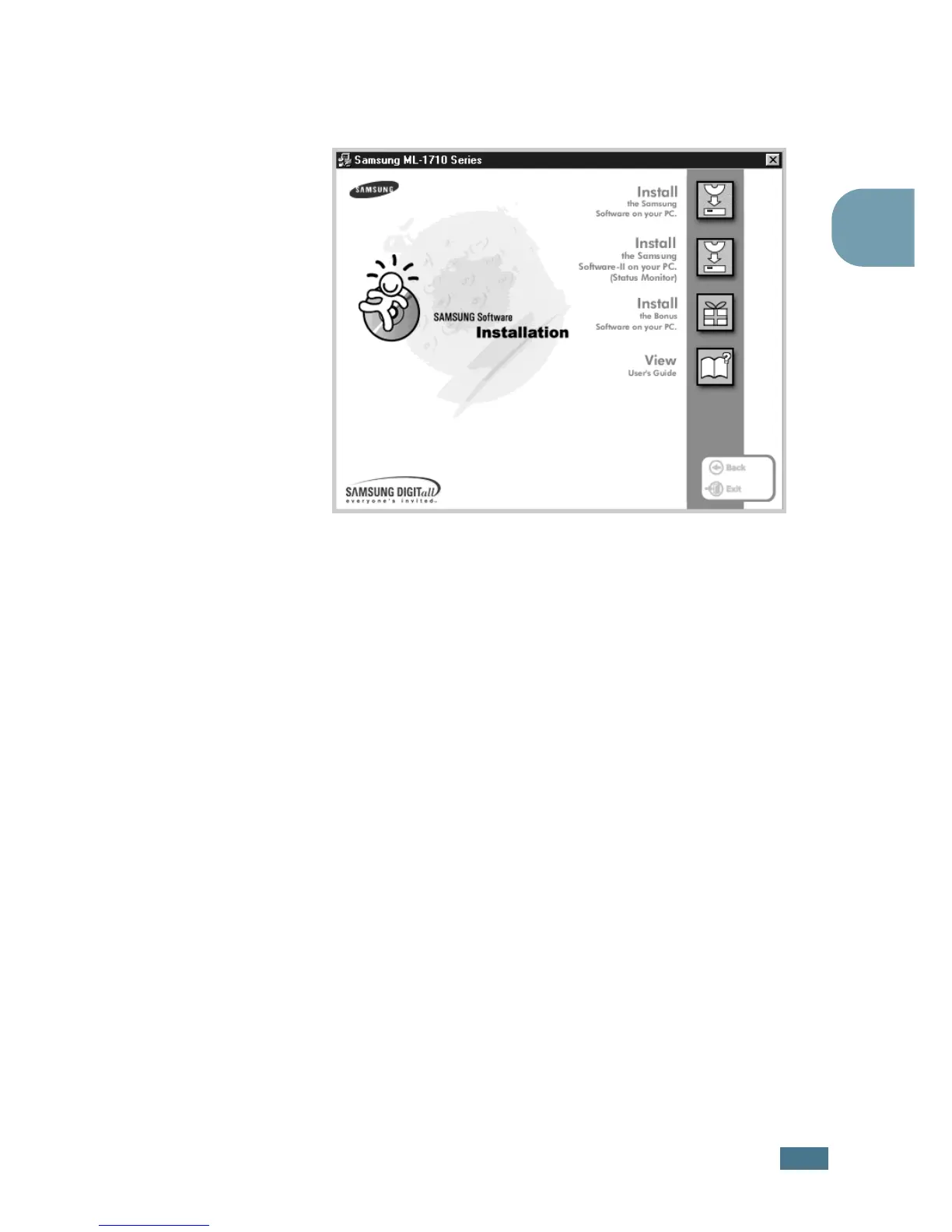
Click Install the Samsung Software on your PC (SPL
Driver) or Install the Samsung Software-II on your
PC (Status Monitor).
4
The Welcome window opens. Click Next.
5
Follow the instructions on the screen to complete the
installation.
In Windows 98/Me
1
Connect the printer to your computer using the USB cable
and turn them on. For detailed information, see page 2.9.
2
The Add New Hardware Wizard window appears. Click
Next.
3
Place the CD-ROM in the CD-ROM drive and check Search
for the best driver for your device and click Next.


 To Next Page