P
RINTING
T
ASKS
4.12
Scaling Your Document
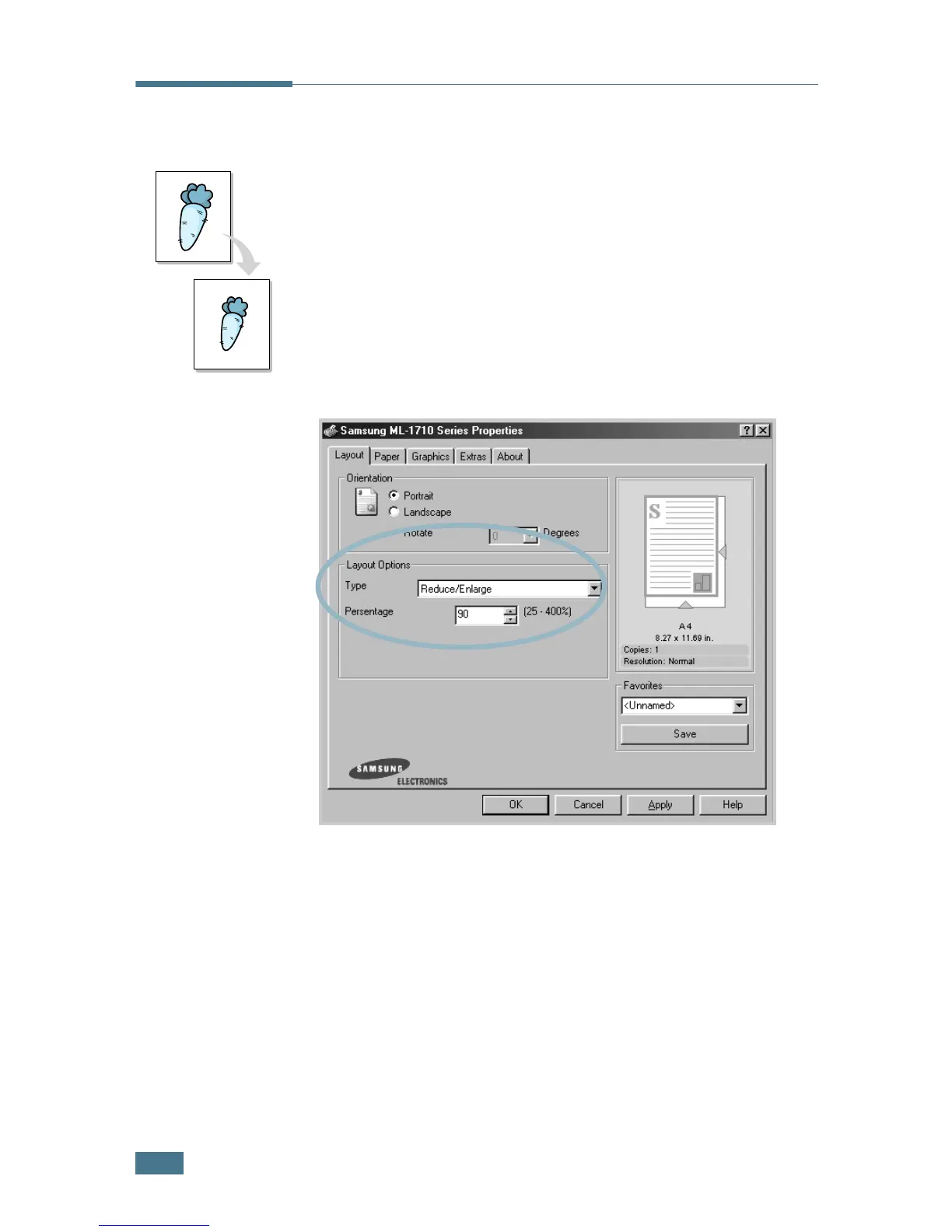
You can scale your print job on a page.
1
To change the print settings from your software application,
access the printer properties. See page 4.2.
2
From the Layout tab, select Reduce/Enlarge in the Type
drop-down list.
3
Enter the desired scaling rate in the Persentage input box.
You can also click the or ❷ button.
4
Click the Paper tab, select the paper source, size and type.
5
Click OK and print the document.


 To Next Page