S
ETTING
U
P
Y
OUR
P
RINTER
2.18
Changing the Display Language
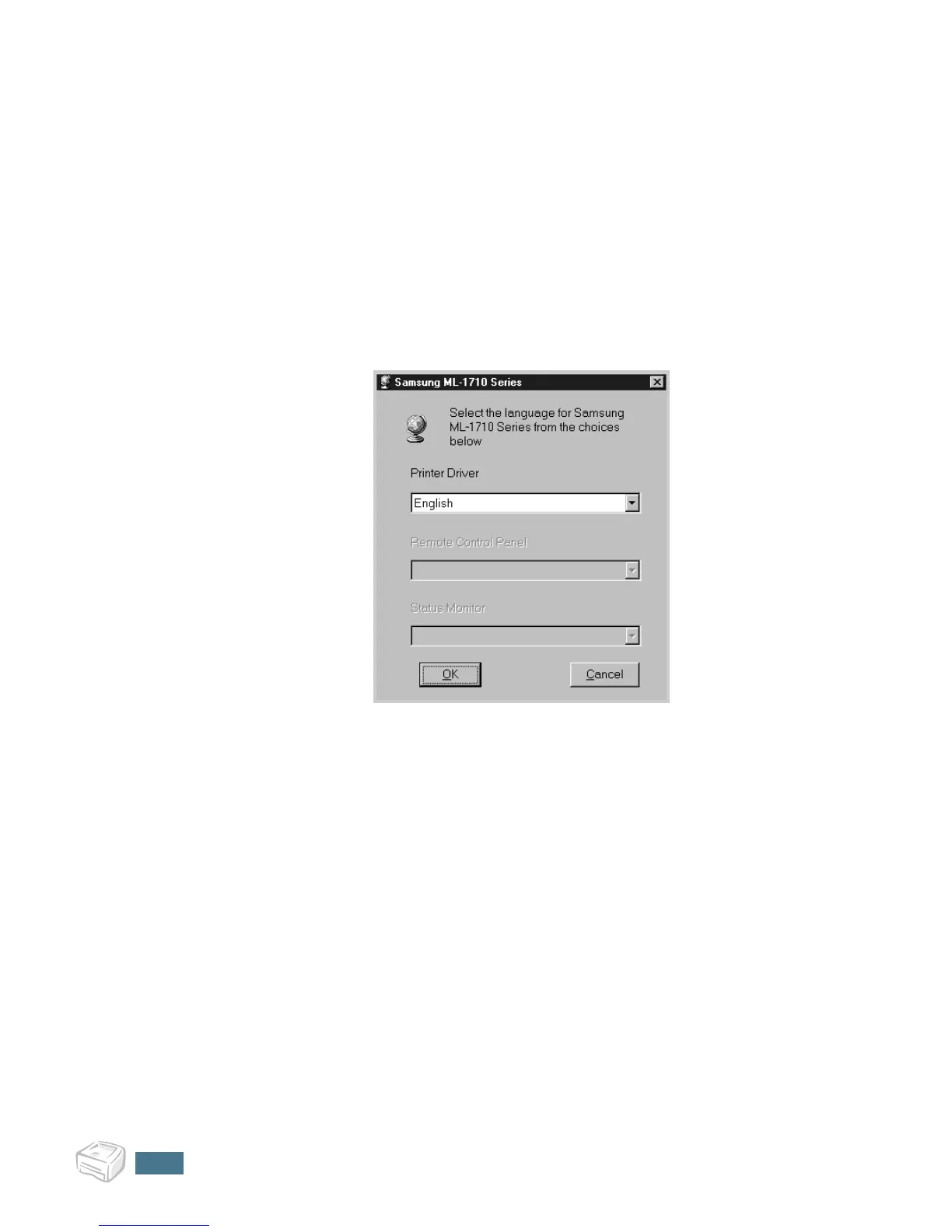
After installation of the software, you can change the display
language. If you installed the Status Monitor, the selected
language is applied to it.
1
From the Start menu, select Programs.
2
Select Samsung ML-1710 Series, and Language
Selection.
3
Select the desired language from the language selection
window, and click OK.


 To Next Page