EasyManua.ls Logo

Samsung MR4381G - User Manual

Samsung MR4381G
23 pages
Print Icon
To Next Page IconTo Next Page
Loading...
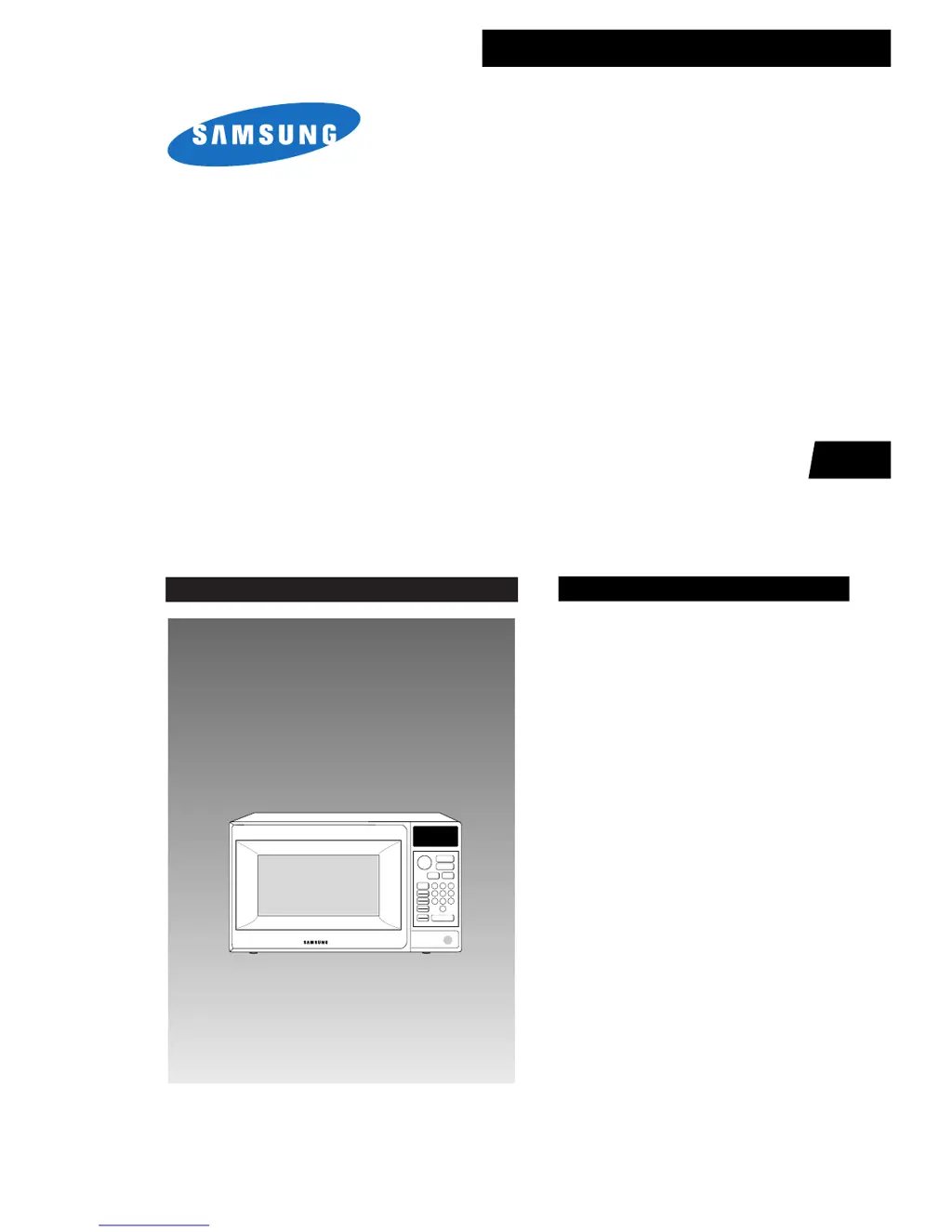
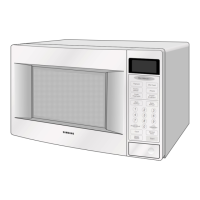
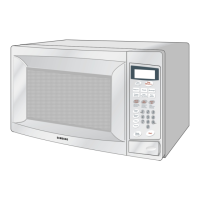
MICROWAVE OVEN
MR4381G
SERVICE
Manual
MICROWAVE OVEN
CONTENTS
1. Precaution
2. Specifications
3. Operating Instructions
4. Disassembly and Reassembly
5. Alignment and Adjustments
6. Troubleshooting
7. Exploded Views and Parts List
8. PCB Diagrams
9. Schematic Diagrams
SEA
One
Minute
+
Popcorn
Frozen
Dinner
Power
Level
Auto Start
Hold
Timer
More
Less
123
456
7
8
9
0
Auto
Defrost
Auto
Reheat
Clock
Pause
Cancel
Start

Questions and Answers

  • S
    sanchezerikaAug 19, 2025
    What to do if my Samsung Microwave Oven timer starts but there is no heat?
    • D
      Donald AndersonAug 19, 2025
      If the timer starts but there is no heat, while the oven lamp and fan motor turn on, it could be due to: * Off-alignment of latch switches. * Open or loose connection of the high voltage circuit, especially the magnetron filament circuit. * Defective high voltage components (H.V.Transformer, H.V.Capacitor, H.V.Diode, Magnetron). * Open or loose wiring of the power relay. * Defective primary latch switch. * Defective power relay or Ass'y PCB. Adjust the door and latch switches, and check the high voltage components. Replace the PCB main if needed.
  • R
    Rachel RomeroAug 22, 2025
    What to do if my Samsung MR4381G Microwave Oven stops during cooking?
    • T
      teresa57Aug 22, 2025
      If your oven stops during cooking, it could be due to open or loose wiring of the primary interlock switch or the operation of the thermal cutout (Magnetron). Adjust the door and latch switches.
  • M
    Matthew YoungAug 25, 2025
    What to do if my Samsung MR4381G does not accept key input?
    • N
      nguyenpaulaAug 25, 2025
      If your oven does not accept key input, it may be because the key input is not in sequence, there is an open or loose connection of the membrane key pad to the Ass'y PCB, the membrane panel is shorted or open, or the Ass'y PCB is defective. Refer to the operation procedure and replace the PCB main.
  • S
    Stephen WhiteAug 26, 2025
    Why won't my Samsung MR4381G Microwave Oven start when programmed?
    • G
      Gary EdwardsAug 26, 2025
      If your oven can be programmed but the timer doesn't start, it could be due to open or loose wiring of the secondary interlock switch, off-alignment of the primary interlock, or a defective secondary interlock S/W. Adjust the door and interlock switches.
  • V
    Valerie CantuAug 28, 2025
    Why is my Samsung Microwave Oven's turntable not rotating?
    • H
      hjohnsonAug 28, 2025
      If the turntable motor does not rotate, it could be due to open or loose wiring of the turntable motor or a defective turntable motor. Check the wire of the turntable motor and replace the turntable motor.
  • J
    Jodi GallagherAug 30, 2025
    What to do if my Samsung MR4381G sparks?
    • H
      Henry ThompsonAug 30, 2025
      Sparks can occur if metallic ware or cooking dishes touch the oven wall, or if ceramic ware trimmed with gold or silver powder is used. Avoid using cookware with metallic trimming.
  • S
    stewartkatelynSep 1, 2025
    Why is my Samsung Microwave Oven taking longer to cook food?
    • E
      Elizabeth HaasSep 1, 2025
      The microwave output may be low because of a decrease in power source voltage, open or loose wiring of the magnetron filament circuit, or the magnetron aging. It is recommended to consult an electrician.
  • E
    Emily WallaceSep 3, 2025
    Why is my Samsung MR4381G cooking unevenly?
    • E
      Elizabeth JohnsonSep 3, 2025
      Uneven cooking may be due to the uneven intensity of the microwave. To mitigate this, wrap thinner parts of the food with aluminum foil, use plastic wrap or a lid, and stir foods like soup, cocoa, or milk once or twice during cooking.
  • J
    Johnathan BrownSep 5, 2025
    What to do if my Samsung Microwave Oven is completely dead?
    • T
      Travis WilliamsSep 5, 2025
      If your oven is completely dead with no display or operation, even though the fuse is OK, it could be due to an open or loose lead wire harness, an open thermal cutout (Magnetron), an open low voltage transformer, or a defective Ass'y PCB. Check the fan motor when the thermal cutout is defective and check the Ass'y PCB when the LVT is defective.
  • S
    Shawn RomeroSep 8, 2025
    What to do if my Samsung MR4381G has no display and doesn't operate?
    • N
      nicolecostaSep 8, 2025
      If there is no display and no operation at all and the fuse is blown, it could be due to a shorted lead wire harness, a defective primary latch switch, a defective monitor switch, a shorted HV capacitor, or a shorted HV transformer. Check the adjustment of the primary, interlock monitor, and door sensing switch.

Summary

Precaution and Safety Guidelines

1-1 Safety Precautions

General safety guidelines for servicing and handling the microwave oven.

1-2 Special Servicing Precautions

Specific precautions for servicing, including continuity checks and component safety.

1-3 Special High Voltage Precautions

Warnings and procedures for handling high voltage components safely.

Operating Instructions

3-1 Control Panel Overview

Overview and explanation of the microwave oven's control panel buttons and functions.

Disassembly and Reassembly Procedures

4-2 High Voltage Transformer Replacement

Procedure for safely removing and replacing the high voltage transformer.

Alignment and Adjustment Procedures

5-7 Interlock Switch Adjustment

Instructions for adjusting interlock switches for proper door alignment and safety.

Microwave Leakage Measurement Procedures

Detailed procedures, notes, and reporting guidelines for measuring microwave energy leakage.

Troubleshooting Electrical Malfunctions

6-1 Electrical Malfunctions

Table of common electrical symptoms, their causes, and suggested corrections.

Overall Schematic Diagrams

9-1 Overall Schematic Diagrams

Overall schematic diagrams showing electrical connections and components of the microwave.

Samsung MR4381G Specifications

General IconGeneral
Power Levels10
TurntableYes
DisplayLED
Power Output1000 W
ColorBlack

Related product manuals