EasyManua.ls Logo

Samsung MR5481G - User Manual

Samsung MR5481G
24 pages
Print Icon
To Next Page IconTo Next Page
Loading...
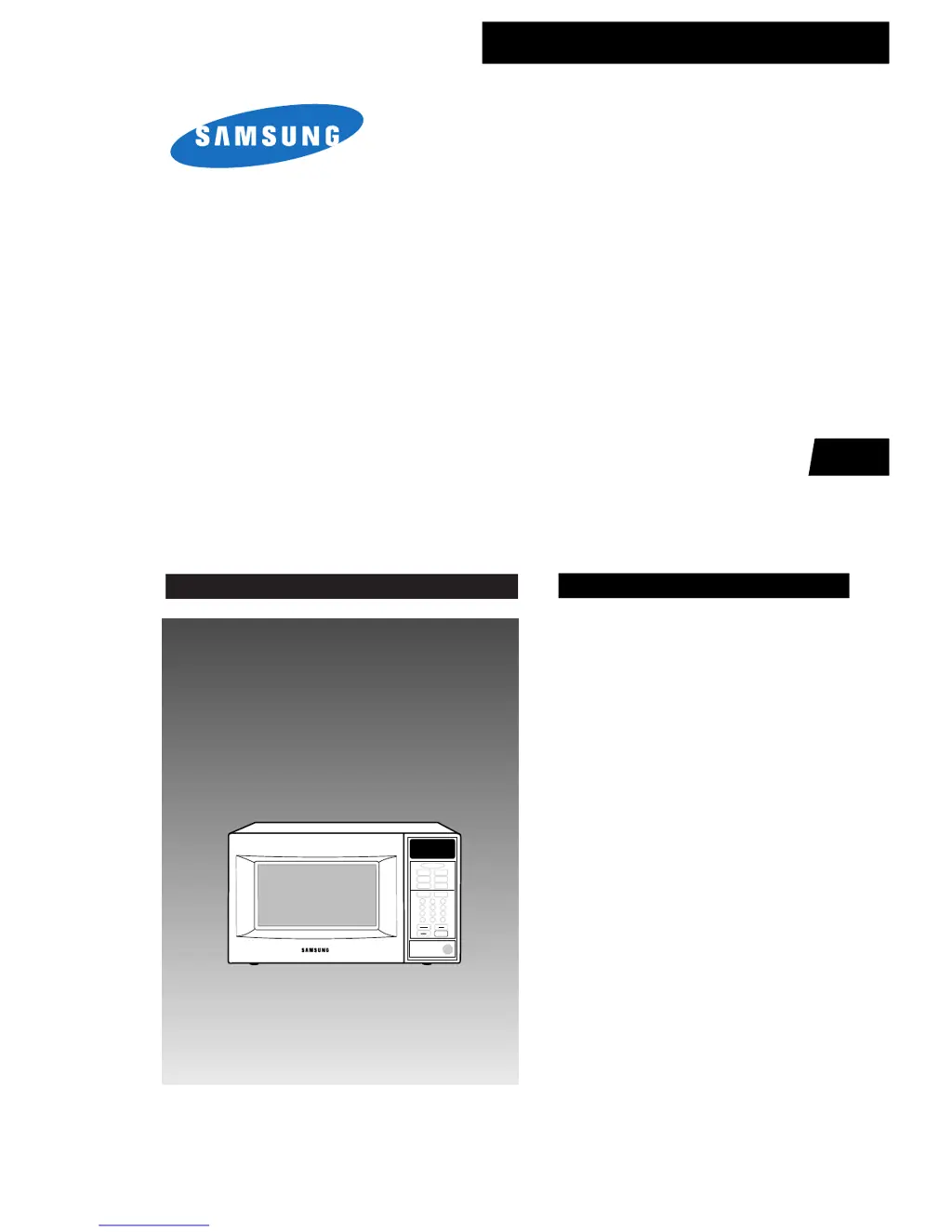
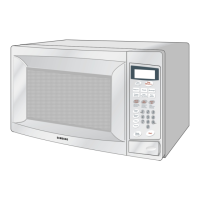
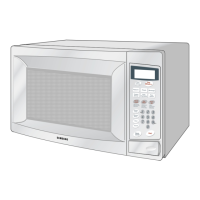
MICROWAVE OVEN
MR5481G / MR5482W
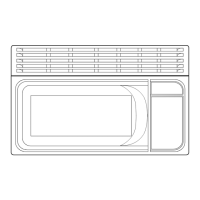
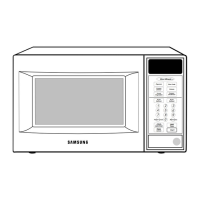
MR6481G / MR6482W
SERVICE
Manual
MICROWAVE OVEN
CONTENTS
1. Precaution
2. Specifications
3. Operating Instructions
4. Disassembly and Reassembly
5. Alignment and Adjustments
6. Troubleshooting
7. Exploded Views and Parts List
8. PCB Diagrams
9. Schematic Diagrams
SEA
Auto
Defrost
Auto
Reheat
Pause
Cancel
Start
Clock
Auto Start
Hold
Timer
One Minute +
Popcorn
Diet Cook
Potato
Frozen
Dinner
Fresh
Vegetable
Frozen
Breakfast
1
2
3
4
5
6
7
8
9
0
More/LessPower Level

Questions and Answers

  • J
    Jeremy FranklinAug 19, 2025
    What to do if my Samsung MR5481G Microwave Oven timer starts but there is no heat?
    • K
      Karen WatsonAug 19, 2025
      If the timer on your Samsung Microwave Oven starts counting down but there is no microwave oscillation, and the oven lamp and fan motor turn on, it could be due to several reasons. These include off-alignment of latch switches, open or loose connection of the high voltage circuit (especially the magnetron filament circuit), defective high voltage components (H.V.Transformer, H.V.Capacitor, H.V.Diode, Magnetron), open or loose wiring of the power relay, a defective primary latch switch, or a defective power relay or Ass'y PCB. Adjust the door and latch switches. Check the high voltage components according to the component test procedure and replace them if defective. You may also need to replace the PCB main.
  • W
    William LinAug 21, 2025
    Why Samsung Microwave Oven does not accept key input?
    • B
      Brittany BryanAug 21, 2025
      If your Samsung Microwave Oven does not accept key input, it could be because the key input is not in sequence, there is an open or loose connection of the membrane key pad to the Ass'y PCB, the membrane panel is shorted or open, or the Ass'y PCB is defective. Refer to the operation procedure. Replace PCB main.
  • H
    Heather LopezAug 23, 2025
    Why Samsung MR5481G Microwave Oven can program but timer does not start?
    • Q
      qjeffersonAug 23, 2025
      If your Samsung Microwave Oven can be programmed but the timer does not start, it could be due to open or loose wiring of the secondary interlock switch, off-alignment of the primary interlock, or a defective secondary interlock S/W. Adjust the door and interlock switches.
  • R
    ryanmelendezAug 26, 2025
    Why Samsung Microwave Oven does not operate and returns to the plugged in mode?
    • N
      Nicholas MilesAug 26, 2025
      If your Samsung Microwave Oven does not operate and returns to the plugged-in mode, it is likely due to a defective Ass'y PCB. The solution is to replace the PCB main.
  • H
    Helen GallowayAug 27, 2025
    Why Samsung MR5481G Microwave Oven turntable motor does not rotate?
    • R
      reedjenniferAug 27, 2025
      If the turntable motor in your Samsung Microwave Oven does not rotate, it could be due to open or loose wiring of the turntable motor or a defective turntable motor. Check the wire of the turntable motor. If the wiring is intact, replace the turntable motor.
  • A
    Aaron BrownAug 29, 2025
    What to do if my Samsung Microwave Oven sparks?
    • A
      Austin RiveraAug 29, 2025
      Sparks can occur if metallic ware or cooking dishes touch the oven wall, or if ceramic ware trimmed with gold or silver powder is used. Do not use any type of cookware with metallic trimming.
  • A
    Alex PowellSep 1, 2025
    Why is my Samsung MR5481G Microwave Oven taking longer to cook food?
    • T
      Teresa SantiagoSep 1, 2025
      Your Samsung Microwave Oven may take longer to cook food due to a decrease in power source voltage, open or loose wiring of the magnetron filament circuit causing intermittent oscillation, or the aging of the magnetron. It is recommended to consult an electrician.
  • T
    Thomas PruittSep 3, 2025
    What to do if my Samsung Microwave Oven is completely dead?
    • D
      davissierraSep 3, 2025
      If your Samsung Microwave Oven is completely dead, with no display or operation at all and the fuse is OK, the cause could be an open or loose lead wire harness, an open thermal cutout (Magnetron), an open low voltage transformer, or a defective Ass'y PCB. Check the fan motor when the thermal cutout is defective and check the Ass'y PCB when the LVT is defective.
  • T
    Thomas BatesSep 5, 2025
    Why Samsung Microwave Oven stops during cooking?
    • M
      Megan CollinsSep 5, 2025
      If your Samsung Microwave Oven stops operating during cooking, it could be due to an open or loose wiring of the primary interlock switch or the operation of the thermal cutout (Magnetron). Try adjusting the door and latch switches.
  • B
    brandon45Sep 7, 2025
    What to do if my Samsung MR5481G has no display and does not operate, and the fuse is blown?
    • R
      Robert McfarlandSep 7, 2025
      If your Samsung Microwave Oven has no display, does not operate, and the fuse is blown, it could be due to a shorted lead wire harness, a defective primary latch switch, a defective monitor switch, a shorted HV capacitor, or a shorted HV transformer. Check the adjustment of the primary, interlock monitor, and door sensing switches.

Samsung MR5481G Specifications

General IconGeneral
TypeCountertop
TurntableYes
Cooking PresetsYes
Turntable Diameter12.4 inches
Sensor CookingYes
Child LockYes
Defrost FunctionYes
Power Output1000 Watts
ColorBlack
Warranty1 year

Related product manuals