EasyManua.ls Logo

Samsung MR7493G - User Manual

Samsung MR7493G
50 pages
Go to English
Print Icon
To Next Page IconTo Next Page
Loading...
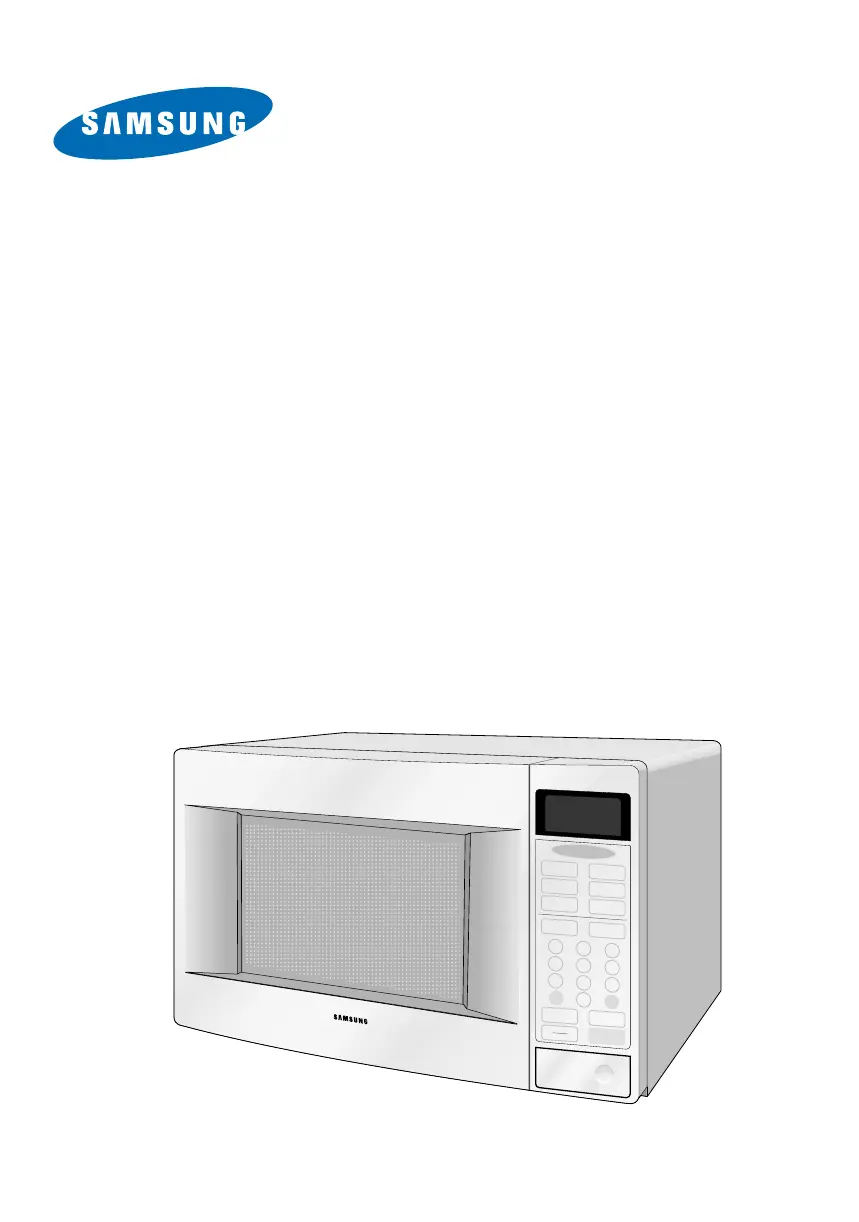
Four à
micro-ondes
Guide de l’utilisateur
Auto
Defrost
Auto
Reheat
Pause
Cancel
Start
Clock
Kitchen
Timer
One Minute +
Popcorn
Diet Cook
Potato
Fresh
Vegetable
1
2 3
4
5
6
7
8
9
0
More/Less
Power Level
Frozen
Dinner
Frozen
Breakfast
MR5491G / MR5492W
MR5493G / MR5494W
MR7491G / MR7492W
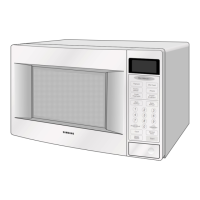
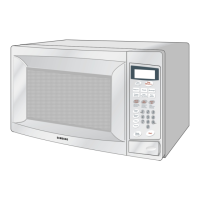
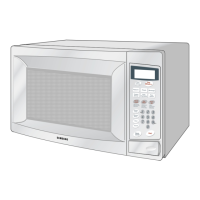
MR7493G / MR7494W
CODE NO. : DE68-??????
MR5491G/5492W(F) 12/18/99 3:39 AM Page 1

Table of Contents

Other manuals for Samsung MR7493G

Questions and Answers

  • C
    Cynthia MolinaAug 19, 2025
    What to do if Samsung MR7493G timer starts but no heat?
    • L
      lewisthomasAug 19, 2025
      If your Samsung Microwave Oven timer starts counting down, but there's no microwave oscillation (no heat, but the oven lamp and fan motor turn on), it could be due to several reasons: * Misalignment of latch switches. * Open or loose connection of the high voltage circuit, especially the magnetron filament circuit. * Defective high voltage components such as the H.V.Transformer, H.V.Capacitor, H.V.Diode, or Magnetron. * Open or loose wiring of the power relay. * Defective primary latch switch. * Defective power relay or Ass'y PCB. Adjust the door and latch switches. Check the high voltage components according to the component test procedure and replace them if defective. You may also need to replace the PCB main.
  • W
    William WilliamsAug 21, 2025
    Why Samsung MR7493G does not accept key input?
    • J
      jesusroseAug 22, 2025
      If your Samsung Microwave Oven does not accept key input (program), it could be due to: * Key input is not in sequence. * Open or loose connection of the membrane key pad to Ass'y PCB. * Shorted or open membrane panel. * Defective Ass'y PCB. Refer to the operation procedure. Replace the PCB main.
  • S
    Shirley MartinAug 25, 2025
    Why does Samsung MR7493G stop in the middle of cooking?
    • M
      Michael McmahonAug 25, 2025
      If your Samsung Microwave Oven stops operating during cooking, it could be due to: * Open or loose wiring of the primary interlock switch. * Operation of thermal cutout (Magnetron). Adjust the door and latch switches.
  • C
    Caleb TorresAug 26, 2025
    Why Samsung Microwave Oven can program but timer doesn't start?
    • V
      Veronica WaltersAug 26, 2025
      If your Samsung Microwave Oven can be programmed, but the timer does not start, it could be due to: * Open or loose wiring of the secondary interlock switch * Off-alignment of the primary interlock * Defective secondary interlock S/W Adjust the door and interlock switches.
  • B
    Bridget JonesAug 28, 2025
    Why is the turntable motor not rotating in my Samsung Microwave Oven?
    • V
      Vicki TaylorAug 28, 2025
      If the turntable motor in your Samsung Microwave Oven does not rotate, it could be due to: * Open or loose wiring of the turntable motor. * Defective turntable motor. Check the wire of the turntable motor and replace the turntable motor if necessary.
  • M
    Michael BarrAug 30, 2025
    Why is my Samsung Microwave Oven sparking?
    • S
      Sheryl JordanAug 30, 2025
      If your Samsung Microwave Oven is sparking, it's likely due to metallic ware or cooking dishes touching the oven wall, or ceramic ware trimmed with gold or silver powder. Avoid using any type of cookware with metallic trimming.
  • R
    Rachel GarciaSep 1, 2025
    How to fix uneven cooking in Samsung MR7493G?
    • B
      brianmoranSep 1, 2025
      If your Samsung Microwave Oven cooks food unevenly, it's due to the uneven intensity of the microwaves. Wrap thinner parts of the food with aluminum foil. Use plastic wrap or cover with a lid. Stir once or twice while cooking foods such as soup, cocoa, or milk.
  • A
    Angel RamirezSep 3, 2025
    Why does Samsung Microwave Oven take longer to cook?
    • R
      Ronald RasmussenSep 3, 2025
      If your Samsung Microwave Oven has low microwave output, causing it to take longer to cook food, it could be due to: 1. A decrease in power source voltage. 2. An open or loose wiring of the magnetron filament circuit (intermittent oscillation). 3. Aging of the magnetron. Consult an electrician to check the power source voltage.
  • J
    Jamie SampsonSep 5, 2025
    What to do if Samsung MR7493G Microwave Oven has no display and the fuse is blown?
    • R
      Robert SimsSep 5, 2025
      If your Samsung Microwave Oven has no display and no operation at all, and the fuse is blown, it could be due to: * Shorted lead wire harness * Defective primary latch switch * Defective monitor switch * Shorted HVCapacitor * Shorted HVTransformer Check the adjustment of the primary, interlock monitor, power relay, and door sensing switch.
  • J
    Javier Logan PhDSep 7, 2025
    Why does the fan motor turn on when Samsung MR7493G Microwave Oven is plugged in?
    • D
      denise46Sep 8, 2025
      If your Samsung Microwave Oven's fan motor turns on when plugged in, it is likely due to loose wiring of the door sensing switch. Check the wire of the door sensing switch.

Summary

IMPORTANT SAFETY INSTRUCTIONS

Precautions to Avoid Exposure to Microwave Energy

Detailed guidelines to prevent harmful exposure to microwave radiation.

Important Grounding Instructions

Essential steps for safely grounding the microwave oven to prevent electrical hazards.

YOUR NEW MICROWAVE OVEN

Setting Up Your Microwave Oven

Step-by-step guide for installing and preparing the microwave for first use.

Control Panel Buttons

Explanation of the function and operation of each button on the control panel.

OPERATION

Defrosting Automatically

Procedure for thawing frozen food by weight, including standing time.

Setting Cooking Times & Power Levels

How to manually set cooking duration and adjust power levels.

COOKING INSTRUCTIONS

APPENDIX

Troubleshooting Guide

Solutions for common problems encountered with the microwave oven.

Care and Cleaning

Instructions for routine maintenance and cleaning of the appliance.

Warranty Information

Details regarding the product warranty, coverage periods, and terms.

Samsung MR7493G Specifications

General IconGeneral
BrandSamsung
ModelMR7493G
CategoryMicrowave Oven
LanguageEnglish

Related product manuals