Need help?
Do you have a question about the Samsung MWR-SH00N and is the answer not in the manual?
Details hazards and unsafe practices for user safety and property protection.
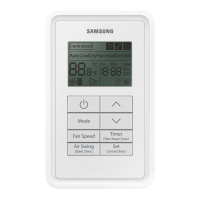
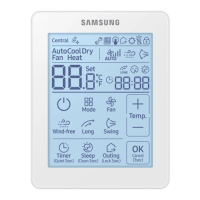
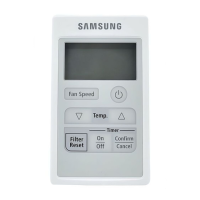
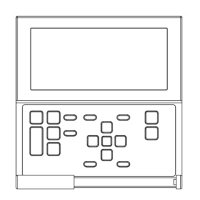
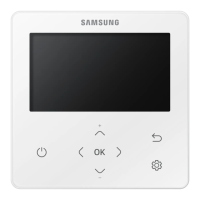
Identifies and explains the components of the display and buttons on the remote controller.
Explains how to adjust the air flow direction using the Air Swing button.
Details how to activate quiet operation by pressing and holding the Quiet button.
Provides instructions on cleaning the filter and resetting the filter usage indicator.
Guides users on setting the timer for the air conditioner to turn on automatically.
Instructs users on setting the timer for the air conditioner to turn off automatically.
Explains the process for detailed settings and customization of user functions via the remote.
Demonstrates the steps to lock all buttons on the remote controller for child safety.
 General
| Built-in display | Yes |
|---|---|
| Interface | Wired |
| Input type | Press buttons |
| Product color | White |
| Brand compatibility | Samsung |
| Remote control proper use | Air conditioner |
| Quantity per pack | 1 pc(s) |
| Maximum range | - m |
| Number of devices supported | - |
| Rechargeable | No |
 Weight and Dimensions
| Depth | 236 mm |
|---|---|
| Width | 162 mm |
| Height | 58 mm |
| Weight | 600 g |

 To Next Page