ENG - 17
05 CONNECTING A USB STORAGE DEVICE
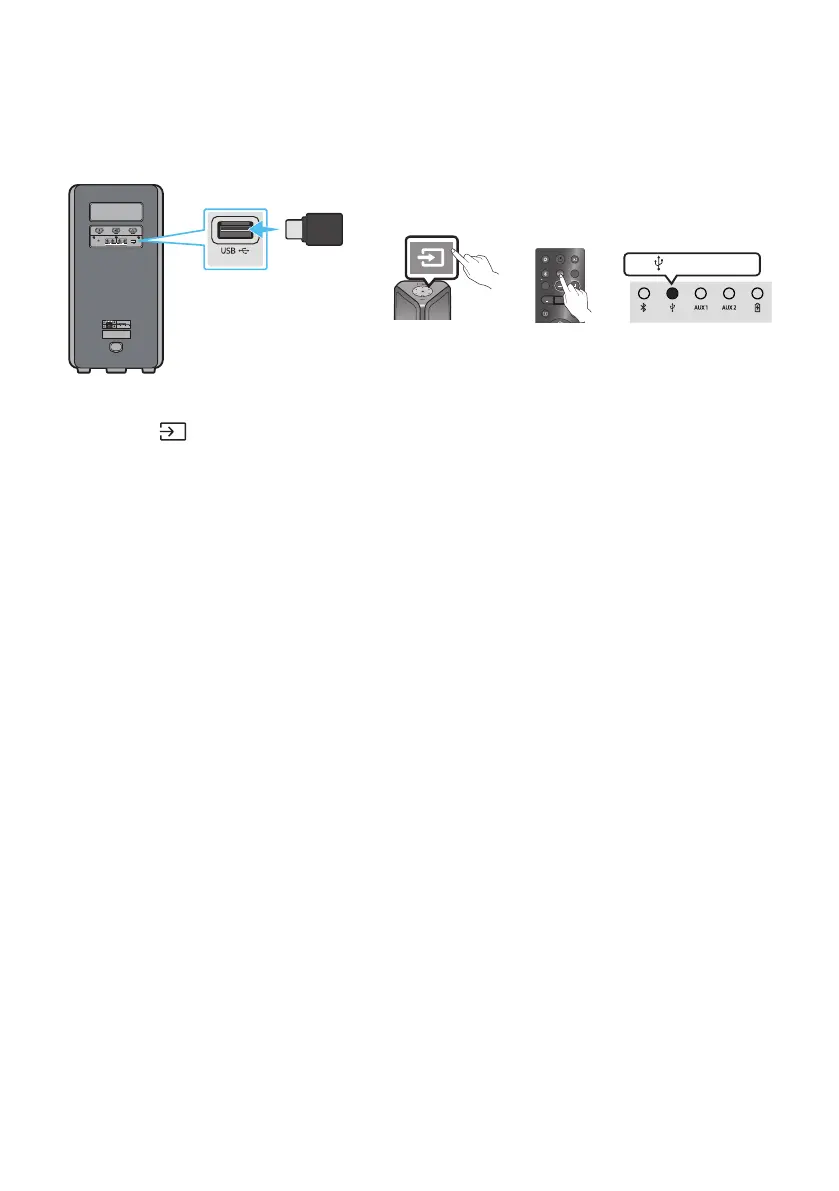
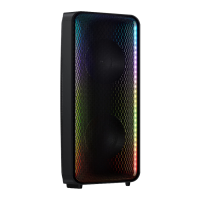
You can play music les located on USB storage device through the Sound Tower.
USB
(5V 0.5A)
AUX 1
POWER
(5V 0.5A)
LIGHT
PAIRING
TEMPO
USB
AUX
EFFECT EFFECT
DJ
SOUND
MODE
Rear of the Sound Tower
OR
white LED on
USB storage
device
(not supplied)
1. Connect a USB storage device to the USB jack on your Sound Tower.
2. Press the (Source) button on the top panel or on the remote control, and then select “USB”.
• You can also select a source using USB button on the remote control.
3. The second USB indicator on the top panel is steady on.
4. Play music les from the USB storage device through the Sound Tower.
• The Sound Tower automatically turns off (Auto Power Down) if USB device is not connected,
playback stopped, or there is no input for more than 18 minutes.
NOTES
• This product only supports USB storage device that are formatted in the FAT and FAT32 le system.
• This product does not support HDD storage or storage on mobile devices.
• A maximum of 999 les can be played per USB storage device.
• A maximum of 256 folders can be read per USB storage device.


 To Next Page