Using the LCD monitor to set the camera Colour tone
《32》
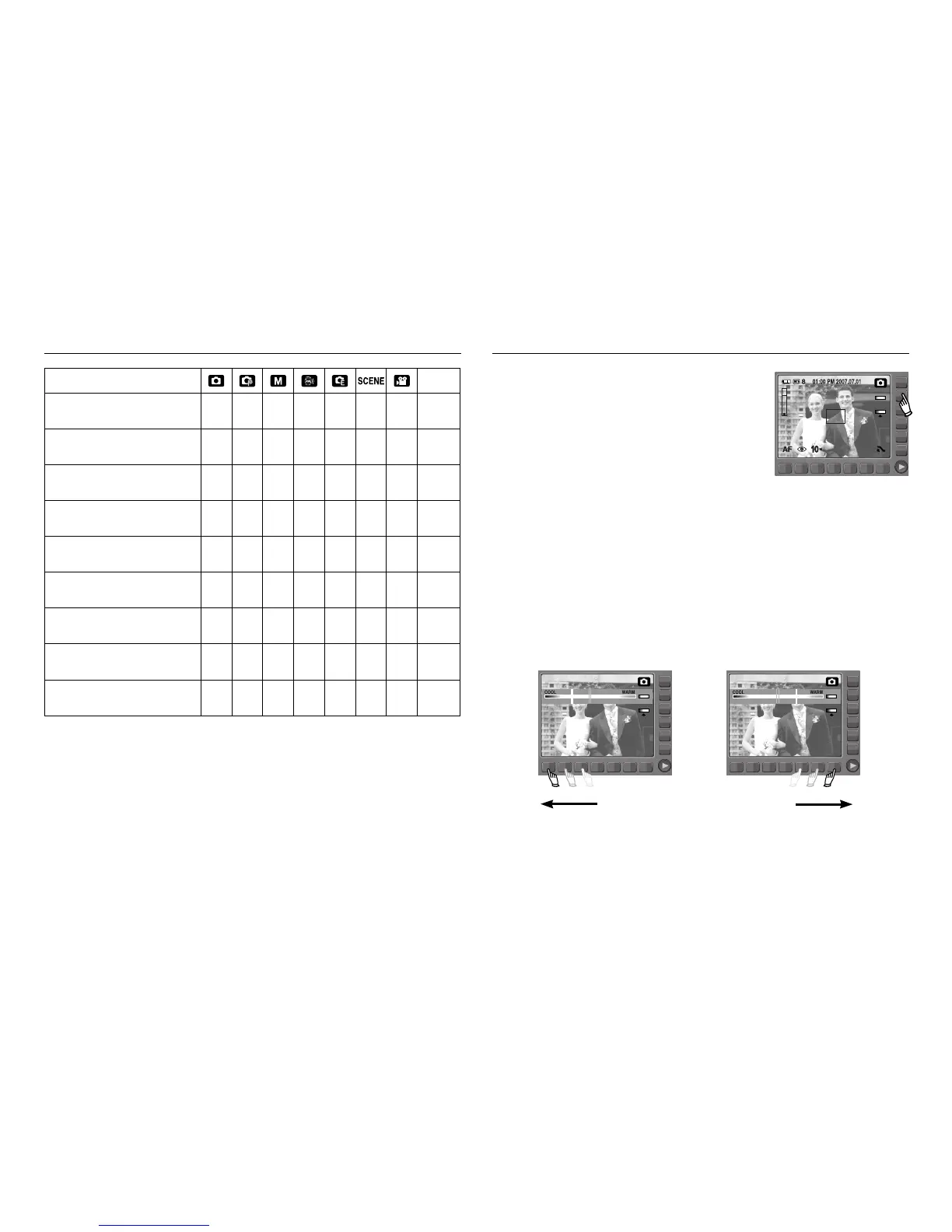
You can add colour tone on the captured image.
Warm menu will increase red colour of the image.
Cool menu will increase blue colour of the image.
■ Selecting the colour tone
To select the colour tone, touch the button and slide your finger to the left or
right.
[Emphasizing the Cool-colour] [Emphasizing the Warm-colour]
COLOR
EV ●● ●p.42
ISO ●● p.42
WB ●●● ●p.43
SHUTTER SPEED ● p.47
APERTURE VALUE ● p.48
PHOTO FRAME ● p.44
M.GIF ● p.45
COMPOSITE ●
p.46~47
STABILIZER ● p.41
MENU Page
※ Menus are subject to change without prior notice.
※ The selectable menus may vary in each scene modes.



 To Next Page