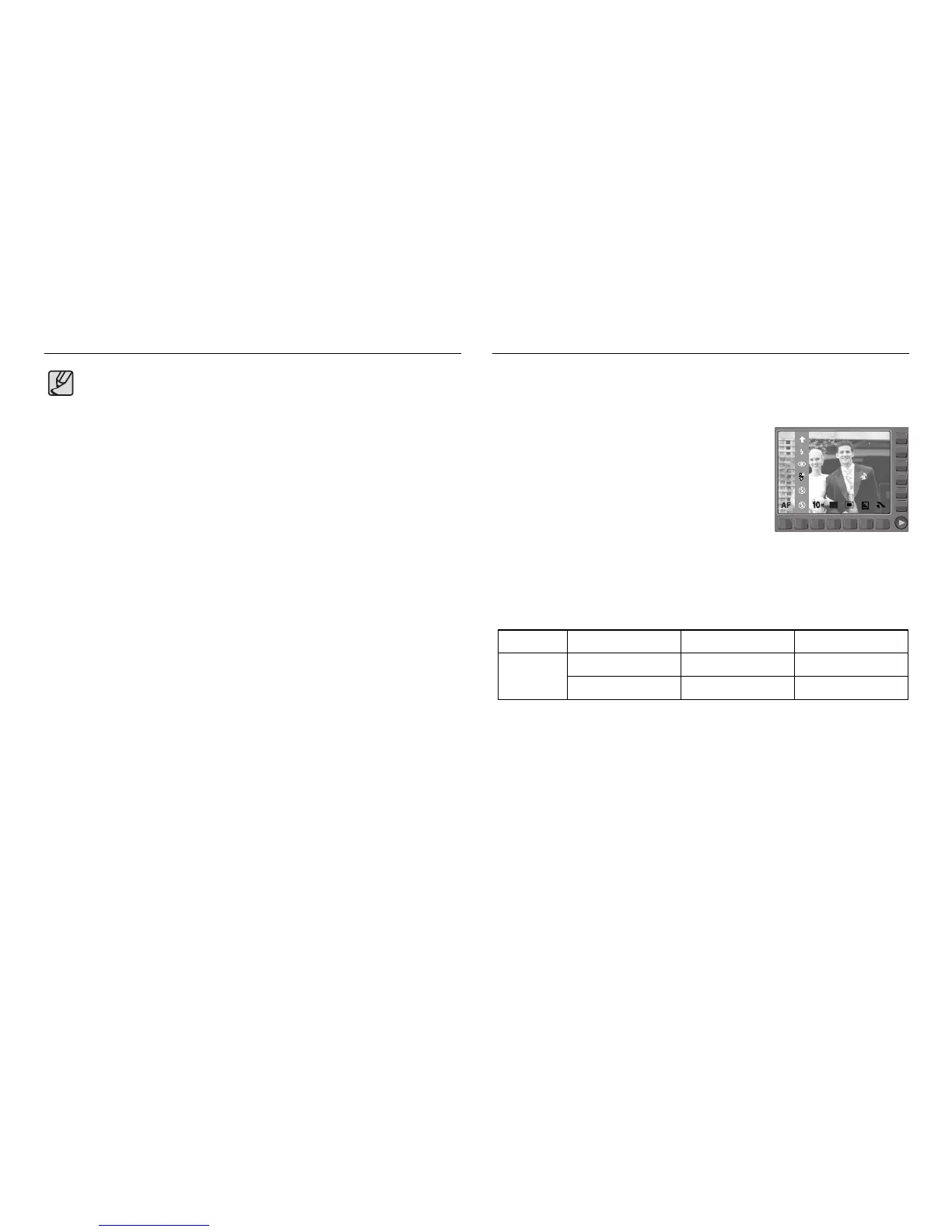
■ When using the [ASR], [CONTINUOUS],
[HIGH SPEED], [M.CAPTURE], [AEB],
[MOVIE], [LANDSCAPE], [CLOSE UP], [TEXT],
[SUNSET], [DAWN], [FIREWORK],
[SELF SHOT], [FOOD ], [CAFÉ] mode, the flash
will not operate.
You can select the flash type in accordance with the subject distance.
The distance ranges are show below.
W: 0.8 - 4.5 W: 0.3 - 0.8 W: 0.3 - 4.5
T: 1.5 - 2.4 T: 0.5 - 1.5 T: 0.5 - 2.4
Macro Auto macro
ISO
AUTO
■ Flash range (W : Wide, T : Tele) (Unit : m)
FILL IN
RED EYE
AUTO
OFF
Selecting focus type Flash
《34》
● When the macro mode is selected, it is possible that camera shake will
occur. Take care not to shake the camera while taking a picture.
● When you take a picture within 30cm in the Macro mode, select the
FLASH OFF mode.
Normal



 To Next Page