《64》
Motion GIF Red eye fix
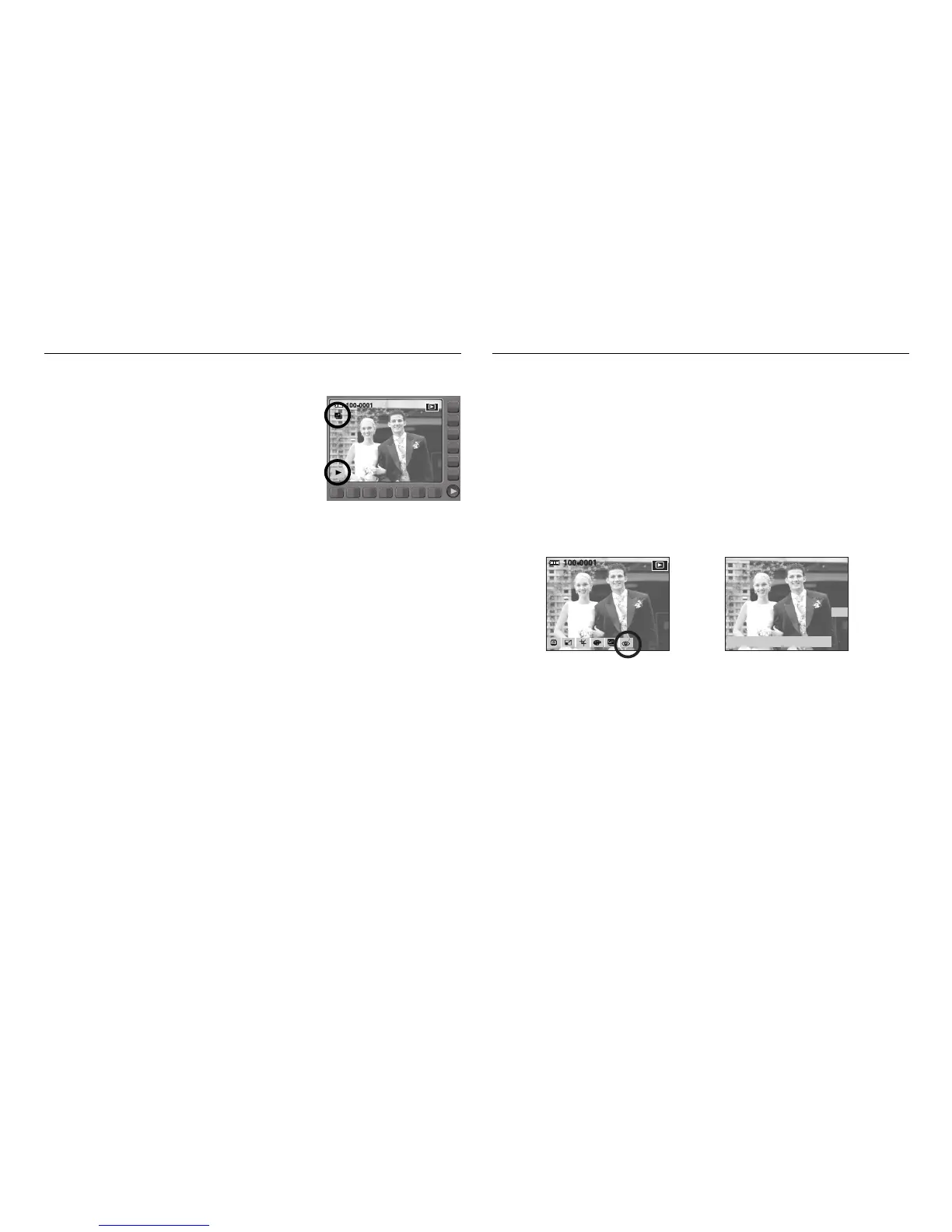
■ How to play back the Motion GIF file
1. Select a Motion GIF file by using the smart
button.
2. Press the Play button and menus display.
3. Press the start menu(▶) button.
Save:OK Exit:BACK
When a shot with "red eye" is played back, pressing this button can correct
the red eye.
1. Select a picture that has red eye.
2. Press the Edit button.
3. Press the [Red Eye Fix] menu button.
To remove the red-eye effect automatically.
4. When you press the OK button the red-eye fixed image will be saved as a
new file name.
RED EYE FIX



 To Next Page