《73》
Setup menu 2( ) Setup menu 3( )
- Sub menus
[Off] : The quick view function can’t be
activated.
[0.5, 1, 3 sec] : The captured image is briefly
displayed during the selected time.
- If the shutter button is pressed during the quick view,
it is cancelled.
- Start up image : [Off], [LOGO], [User Image]
- Use a saved image for the start-up image with the
[Start Image] in the [RESIZE] menu in the play mode.
- The start-up image will not be deleted by
[Delete All] or [Format] menu.
- The User images will be deleted by [Reset] menu.
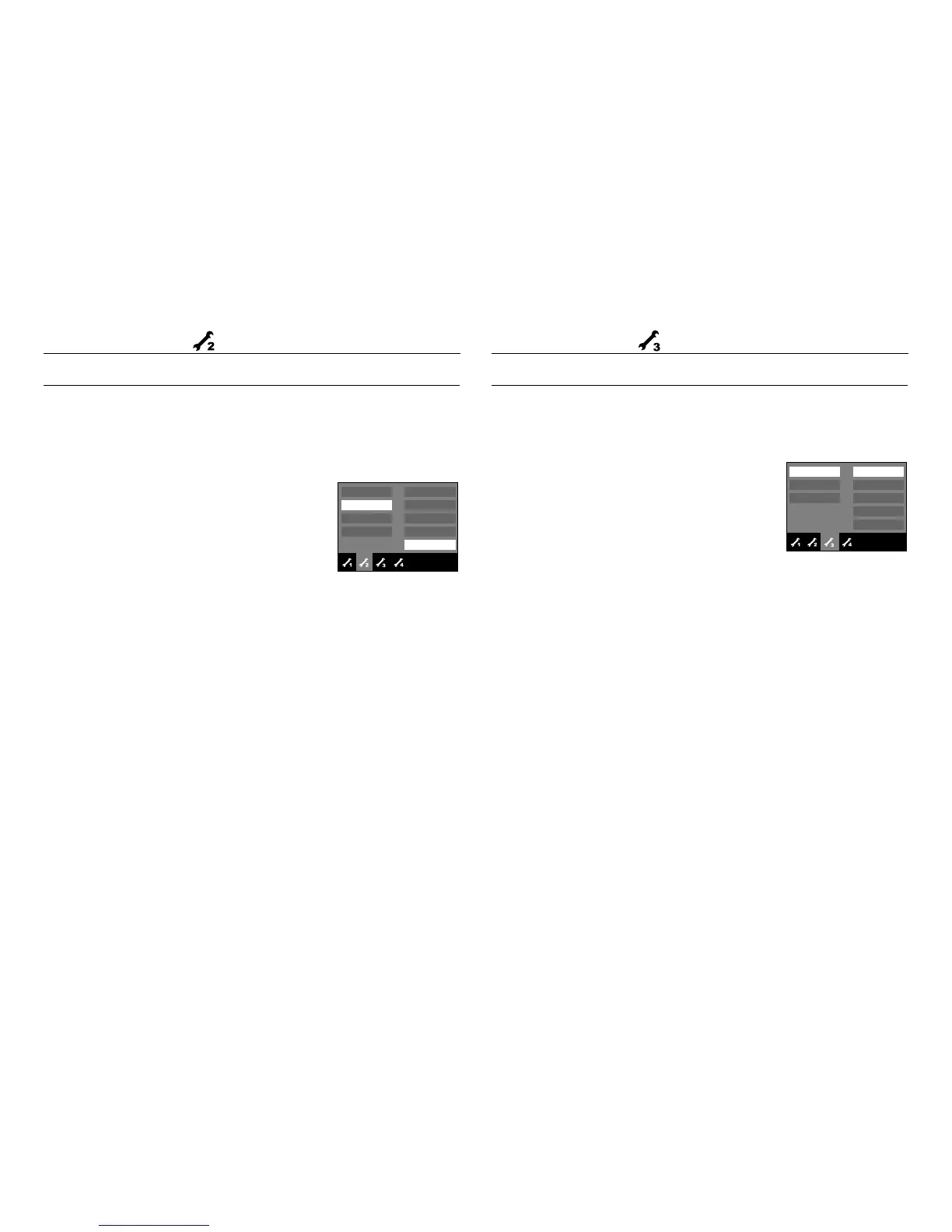
Quick view
If you enable Quick View before capturing an image, you can view the image
you just captured on the LCD monitor for the duration set in the [Quick View]
setup. Quick view is possible only with still images.
Start up image
You can select the image that is first displayed on the LCD monitor whenever
the camera is turned on.
Off
0.5 sec
1 sec
3 sec
Imprint
LCD
AF Lamp
Power Off
Quick View
◀
Exit:BACK
Off
LOGO
User image
Start Image
Sound Volume
Beep Sound
Start Sound
Shutter Sound
◀
Exit:BACK



 To Next Page