EasyManua.ls Logo

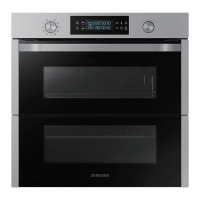
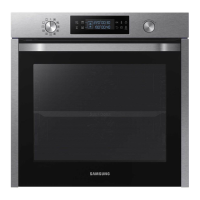
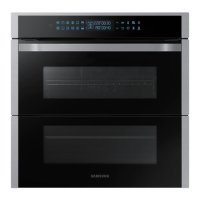
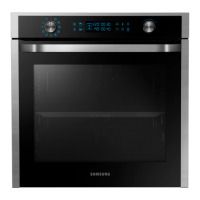
Samsung NV75N7647RS - User Manual

Samsung NV75N7647RS
52 pages
Print Icon
To Next Page IconTo Next Page
Loading...
Built-in Oven
User & installation manual
NV75N7647**
NV75N7647RS_SA_DG68-01056N-00_EN.indd 1 2020-04-17 오후 3:40:03

Questions and Answers

  • K
    Kiara Nguyen DVMAug 10, 2025
    Why does my Samsung NV75N7647RS Oven power off during operation?
    • M
      Martha ReyesAug 10, 2025
      Your Samsung oven might be turning off during operation due to several reasons: 1. If continuous cooking takes a long time, let the oven cool down after cooking. 2. Check if the cooling fan is working; listen for its sound. 3. Ensure the oven has good ventilation, maintaining the gaps specified in the product installation guide. 4. Avoid using multiple power plugs in the same socket; use a single plug instead.
  • O
    othompsonAug 21, 2025
    What to do if there is no power to my Samsung Oven?
    • P
      Pamela JohnsonAug 21, 2025
      If there's no power to your Samsung oven, the first thing to check is the power supply. Make sure the oven is properly connected to a functioning power outlet.
  • M
    Melinda WestAug 31, 2025
    How to fix Samsung NV75N7647RS Oven buttons that cannot be pressed properly?
    • W
      walkeraprilAug 31, 2025
      If the buttons on your Samsung oven aren't pressing properly: * Remove any foreign matter caught between the buttons. * If it's a touch model, remove any moisture on the exterior. * Check whether the lock function is set.

Samsung NV75N7647RS Specifications

General IconGeneral
BrandSamsung
ModelNV75N7647RS
CategoryOven
LanguageEnglish

Related product manuals