EasyManua.ls Logo

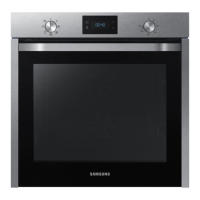
Samsung NV75K5571RS - User Manual

Samsung NV75K5571RS
48 pages
Print Icon
To Next Page IconTo Next Page
Loading...
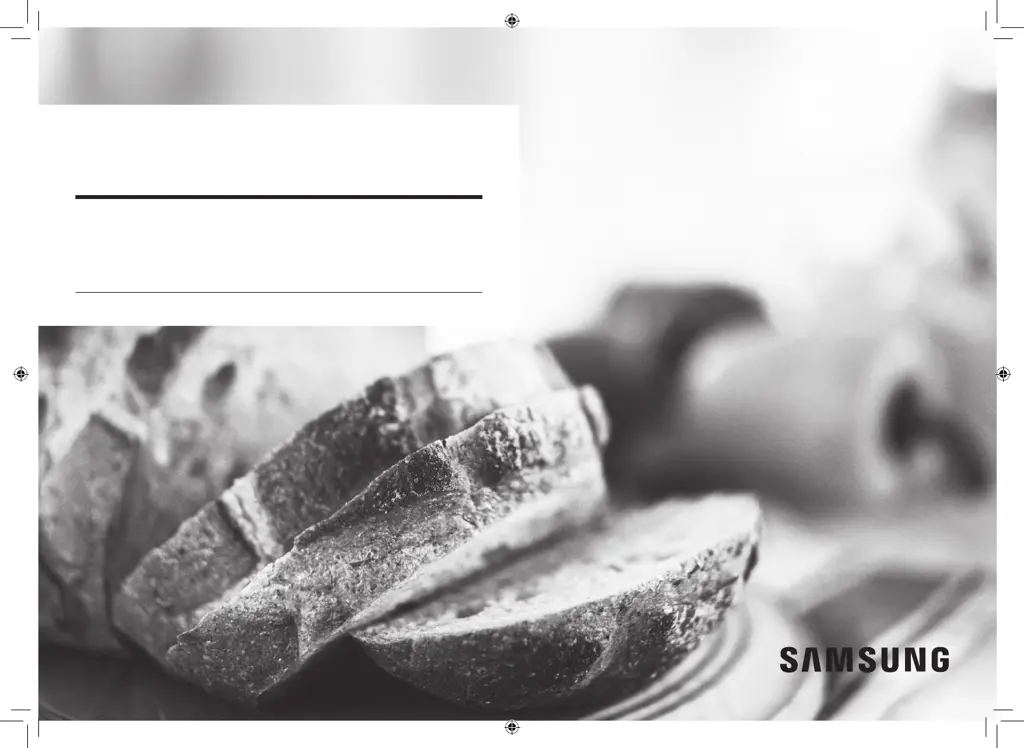
Built-in Oven
User & Installation manual
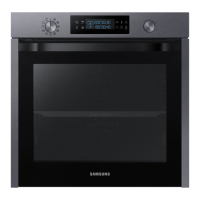
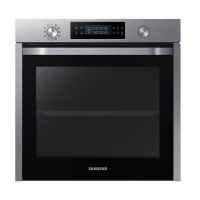
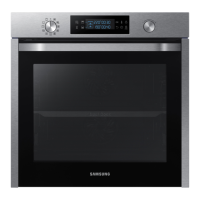
NV75K5571RS / NV75K5571BS /
NV75K5571RG / NV75K5571RM
NV75K5571RM_EU_DG68-00738B-00_EN.indd 1 3/11/2016 4:45:37 PM

Other manuals for Samsung NV75K5571RS

Questions and Answers

  • R
    randy63Sep 23, 2025
    What does C-d0 mean on my Samsung Oven?
    • M
      Miguel KirkSep 23, 2025
      If you are getting a C-d0 error on your Samsung Oven, clean the buttons and make sure there is no water on or around them. Turn off the oven and try again. If the problem continues, contact a local Samsung service centre.
  • T
    thomas32Aug 23, 2025
    Why does my Samsung NV75K5571RS power off during operation?
    • J
      john29Aug 23, 2025
      If your Samsung oven's power turns off during operation, consider these potential causes: 1. If you've been cooking for an extended period, allow the oven to cool down after cooking. 2. Check if the cooling fan is functioning correctly by listening for its sound. 3. Ensure the oven has adequate ventilation by maintaining the clearances specified in the installation guide. 4. If using multiple power plugs in one socket, switch to using a single plug.
  • G
    Gene BrownAug 25, 2025
    Why does my Samsung Oven emit smoke during operation?
    • M
      Melissa BlackAug 25, 2025
      If smoke comes out of your Samsung oven during operation: * During the initial operation, smoke may come from the heater. This is normal; run the oven 2-3 times, and it should stop. * If there is food on the heater, let the oven cool and remove the food.
  • S
    Shelly ClarkeAug 26, 2025
    Why is the time not displayed on my Samsung Oven?
    • P
      Peter DeleonAug 26, 2025
      If the time is not displayed on your Samsung oven, check whether there is power supplied to the oven.
  • K
    Kenneth BoydAug 27, 2025
    Why is my Samsung NV75K5571RS not heating up?
    • W
      Wendy BeckAug 27, 2025
      If your Samsung Oven is not heating, ensure the door is fully closed and restart the oven. If the oven controls are not correctly set, refer to the operation chapter in the manual and reset the oven. Also, check your household fuse or circuit breaker; replace the fuse or reset the breaker. If this happens repeatedly, call an electrician.
  • C
    Charles SimonSep 18, 2025
    Why do I get an electric shock from my Samsung NV75K5571RS Oven?
    • B
      baileysergioSep 18, 2025
      If you experience an electric shock from your Samsung Oven, ensure the power supply is properly grounded. Check if you are using a socket without grounding.
  • M
    Marcus OwensSep 15, 2025
    Why is the interior light dim on my Samsung NV75K5571RS?
    • R
      rayantonioSep 15, 2025
      If the interior light of your Samsung Oven is dim or does not turn on, and the lamp turns on and off, it may be automatically turning off to save power. Press the oven light button to turn it on again. If the lamp is covered by foreign matter, clean the inside of the oven.
  • B
    Brittany DavisSep 16, 2025
    Why does the cooling fan keep running after cooking in my Samsung NV75K5571RS?
    • K
      Kimberly WilliamsSep 16, 2025
      If the cooling fan in your Samsung Oven continues to run after cooking is finished, it is automatically ventilating the inside of the oven. This is normal.
  • W
    William SmithSep 6, 2025
    Why is the interior light of my Samsung NV75K5571RS dim?
    • M
      Mary BergerSep 6, 2025
      If the interior light of your Samsung oven is dim or not turning on, consider the following: * If the lamp turns on and then off, it automatically turns off after a certain amount of time to save power. You can turn it on again by pressing the oven light button. * If the lamp is covered by foreign matter during cooking, clean the inside of the oven and then check.
  • E
    Eric PearsonSep 3, 2025
    How to fix Samsung Oven buttons that cannot be pressed properly?
    • H
      hgonzalesSep 3, 2025
      If the buttons on your Samsung Oven cannot be pressed properly, first remove any foreign matter caught between the buttons. If it is a touch model, remove any moisture from the exterior. Also, check whether the lock function is enabled.

Summary

Safety Instructions

Important Safety Precautions

Crucial safety guidelines for oven operation and user protection.

Correct Disposal of Product

Instructions for environmentally sound disposal of the oven and its accessories.

Auto Energy Saving Function

Information on how the oven conserves energy during operation and standby.

Installation

Whats Included

List of items and accessories provided in the oven package.

Power Connection

Guidelines and requirements for safely connecting the oven to the electrical supply.

Cabinet Mount

Specifications and requirements for installing the oven within a built-in cabinet.

Mounting the Oven

Step-by-step instructions and safety considerations for physically installing the oven.

Before You Start

Initial Settings

Guide to setting the oven's clock and initial configurations upon first use.

New Oven Smell

Procedure to remove any residual smells from the oven before initial cooking.

Smart Safety Mechanism

Explanation of the safety feature that stops operation when the door is opened.

Oven Accessories

Overview and usage tips for the various oven accessories provided.

Basic Use of Accessories

Detailed explanations on how to use each accessory for optimal cooking results.

Operations

Control Panel Overview

Description of all buttons, indicators, and functions on the oven's control panel.

Common Settings

How to adjust temperature and cooking time across various cooking modes.

Cooking Time and End Time

Instructions for setting cooking durations and scheduling the oven's end time.

Delay End Function

Guide to delaying the start of a cooking program for added convenience.

Clearing Cooking Timers

Steps to cancel or reset the set cooking time or end time.

Cooking Modes (Except Grill)

Details on various cooking modes and their usage, excluding the grill function.

Dual Cook Mode

How to use the oven's dual compartment cooking feature for simultaneous cooking.

Cooking Modes (Grill)

Specific instructions and settings for using the oven's grill cooking functions.

Dual Cook Temperature Range

Table showing temperature limitations for dual cook mode based on compartment settings.

Stopping Cooking

Procedures for safely stopping the cooking process, including for individual compartments.

Special Functions

Information on using specialized cooking functions for enhanced results.

Auto Cook Programmes

Guide to using the oven's pre-programmed automatic cooking recipes.

Cleaning Modes

Overview of available cleaning cycles like steam and pyrolytic cleaning.

Steam Cleaning

Instructions for performing the steam cleaning cycle for light soiling.

Pyro Cleaning

Details on initiating and performing the high-temperature pyrolytic cleaning cycle.

Timer and Sound Settings

How to set the oven timer and manage sound alerts.

Cooking Smart

Manual Cooking Guide

General advice and tips for manual cooking, including safety warnings and accessory usage.

Baking Recommendations

Guidelines and recommended settings for various baking dishes.

Roasting Recommendations

Guidelines and recommended settings for various roasting dishes.

Grilling Guide

Instructions and settings for using the oven's grill function for different foods.

Frozen Ready Meals

Specific cooking instructions for various types of frozen ready-meals.

Pro-Roasting Mode

How to use the Pro-Roasting mode for cooking meats and poultry.

ECO Convection Mode

Information on using the energy-saving ECO Convection mode.

Dual Cook Recipes

Recommended dual cook guides for cooking main and side dishes simultaneously.

Single Cook Auto Programmes

Guide to using the oven's 40 single-cook auto programmes.

Test Dishes

Standardized cooking tests and recommendations for various food types.

Frequent Auto Cook Recipes

A collection of frequently used recipes for the automatic cooking programs.

Maintenance

Oven Interior and Exterior Cleaning

Procedures for cleaning the inside and outside surfaces of the oven.

Door and Door Glass Cleaning

Steps for removing and cleaning the oven door and its glass panels.

Water Collector and Side Runners

Maintenance instructions for the water collector and removable side runners.

Bulb and Light Replacement

Guide on how to replace oven bulbs and side oven lights safely.

Troubleshooting

Checkpoints for Common Problems

Table listing common oven problems, their causes, and suggested actions.

Information Codes Displayed

Explanation of error codes and safety shutoff messages displayed by the oven.

Appendix

Product Data Sheet

Technical specifications and energy efficiency data for the oven model.

Energy Saving Tips

Practical advice and methods to optimize oven usage for energy efficiency.

Samsung NV75K5571RS Specifications

General IconGeneral
Oven sizeMedium
Oven typeElectric
Number of ovens1
Convection power1200 W
Total oven power- W
Convection cookingYes
Oven thermostat range30 - 250 °C
Auto programs quantity40
Total oven(s) interior capacity75 L
Maximum temperature (conventional)250 °C
Clock typeElectronic
Timer typeDigital
On/off switch-
Noise level- dB
Control typeRotary, Touch
Product colorBlack, Stainless steel
Number of grids2
Control positionFront
Appliance placementBuilt-in
Energy consumption (conventional)0.99 kWh
Energy consumption (forced convection)0.83 kWh
Package depth645.3 mm
Package width682 mm
Package height656 mm
Package weight47800 g
Weight and Dimensions IconWeight and Dimensions
Depth566 mm
Width595 mm
Weight45200 g
Installation compartment depth545 mm
Installation compartment width560 mm
Installation compartment height572 mm

Related product manuals