2
English
Installation
Installation
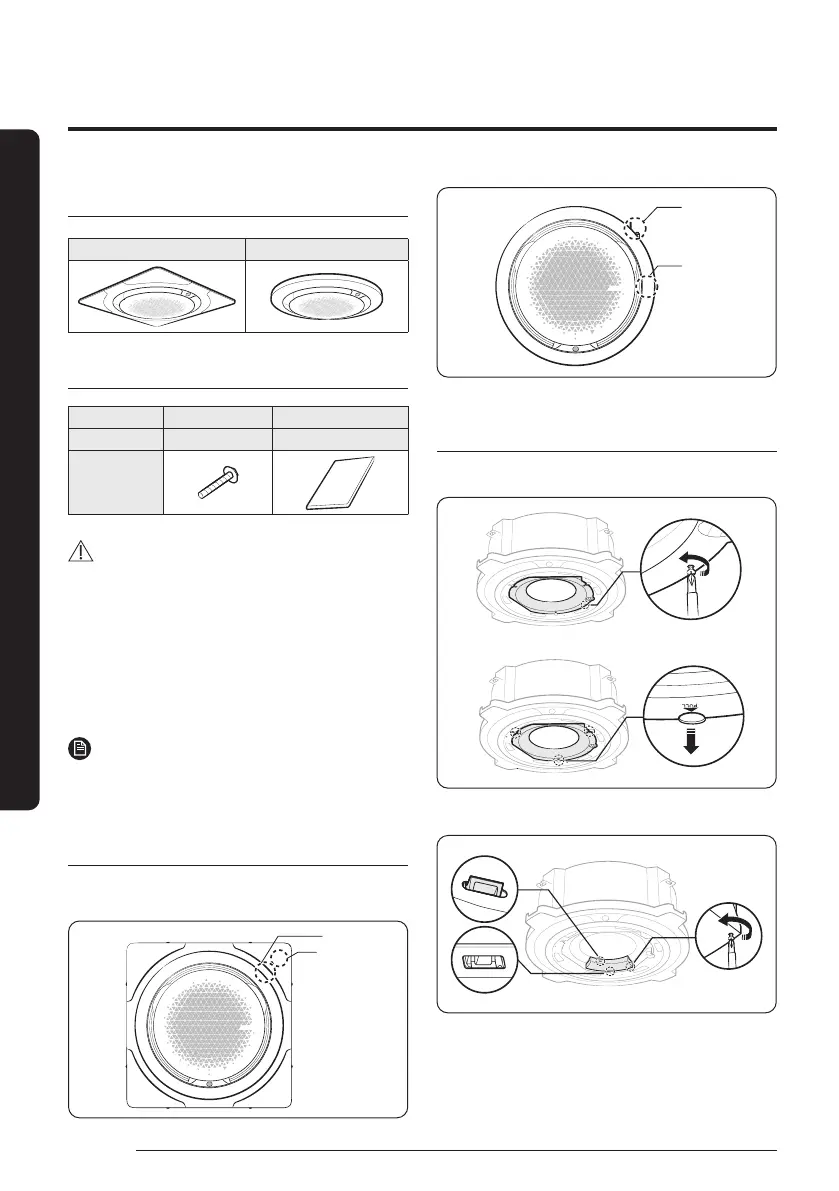
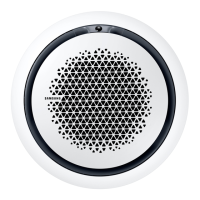
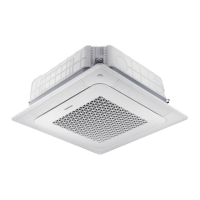
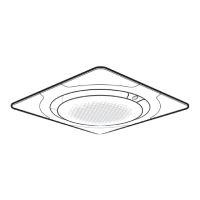
360 cassette panels
Type A: Square panel Type B: Circular panel
Accessories
Item M4 screw Installation manual
Quantity 4 1
Shape
CAUTION
• After installing the product, be sure to explain to the
user how to use the air conditioner.
• Handle the panel carefully.
• Do not lean the panel against a wall or place it on a
protruding object. Failing to do so may damage the
surface of the panel.
• Be careful when installing the air inlet panel by hand.
You may get hurt.
NOTE
• Tightening torque for the M4 screw:
1.2 to 1.8 N·m (※ 1N·m = 10 kgf·cm)
Selecting a location of the panel for
Wi-Fi connection
Attach the panel so that the Wi-Fi module is placed next to
the area to which the piping is attached.
Pipe assembly
Wi-Fi module
Pipe assembly
Wi-Fi module
Removing the protective cover
1
Remove the protective cover.
2
Remove the electrical system unit cover.
Installation
DB68-12502A-01_IM_SYS 360 Panel WiFi_GB_EN_.indd 2DB68-12502A-01_IM_SYS 360 Panel WiFi_GB_EN_.indd 2 2023-09-26 오후 3:49:112023-09-26 오후 3:49:11



 To Next Page