EasyManua.ls Logo

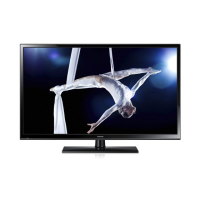
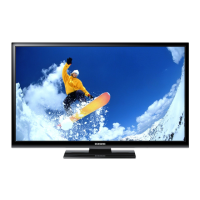
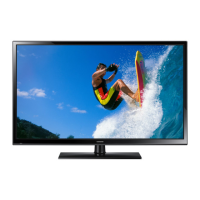
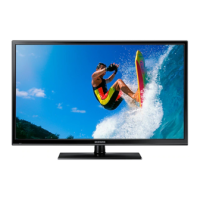
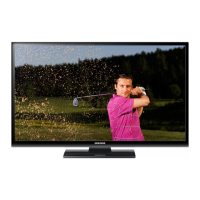
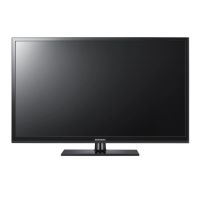
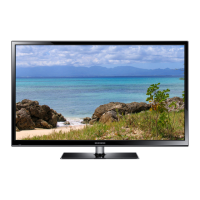
Samsung PS43F4900 - User Manual

Samsung PS43F4900
23 pages
Print Icon
To Next Page IconTo Next Page
Loading...
Plasma TV
user manual
Thank you for purchasing this Samsung product.
To receive more complete service, please register
your product at
www.samsung.com/register
Model _____________ Serial No. _____________
© 2013 Samsung Electronics Co., Ltd. All rights reserved.
BN68-04783H
BN68-04783H-02
Contact SAMSUNG WORLDWIDE
If you have any questions or comments relating to Samsung products, please contact the SAMSUNG customer care centre.
Country
Customer Care Centre
Web Site
EIRE 0818 717100 www.samsung.com
U.K 0330 SAMSUNG (7267864) www.samsung.com
E-MANUAL
[PF4900-XU]BN68-04783H.indb 1 2013-02-21  11:19:37

Questions and Answers

  • N
    Nathan MartinSep 10, 2025
    How to remove dotted line on the edge of Samsung PS43F4900 screen?
    • M
      Matthew MartinSep 10, 2025
      If there is a dotted line on the edge of the screen of your Samsung Plasma TV, and the picture size is set to Screen Fit, change it to 16:9. Also, try changing the cable/satellite box resolution.
  • M
    Michael JenkinsSep 12, 2025
    How to fix a Samsung Plasma TV that is not receiving all channels?
    • D
      Derrick HullSep 12, 2025
      If your Samsung Plasma TV isn't receiving all channels, ensure the aerial cable is securely connected. Try performing Setup (Initial setup) to add available channels to the channel list by navigating to MENU - System - Setup (Initial setup). Also, verify that the aerial is positioned correctly.
  • A
    Amanda GreenSep 14, 2025
    Why is the picture distorted on my Samsung PS43F4900 Plasma TV?
    • J
      Jared PattersonSep 14, 2025
      Compression of video content may cause picture distortion, especially in fast-moving pictures like sports and action movies. Low signal level or bad signal quality can also cause picture distortion. This is not a TV issue.
  • H
    Heather HaydenSep 16, 2025
    What to do if my Samsung Plasma TV 3D glasses do not work?
    • E
      Emily CooperSep 16, 2025
      If your 3D glasses aren't working, try these steps: replace the battery, ensure that you are within 19.5 feet (6m) of the TV in a straight line, and verify the 3D function settings on your TV.

Samsung PS43F4900 Specifications

General IconGeneral
Screen Size43 inches
Display TypePlasma
3DYes
Refresh Rate600 Hz
Smart TVYes
HDMI Ports3
USB Ports1
Built-in Wi-FiNo
Resolution1024 x 768

Related product manuals