4-19
→
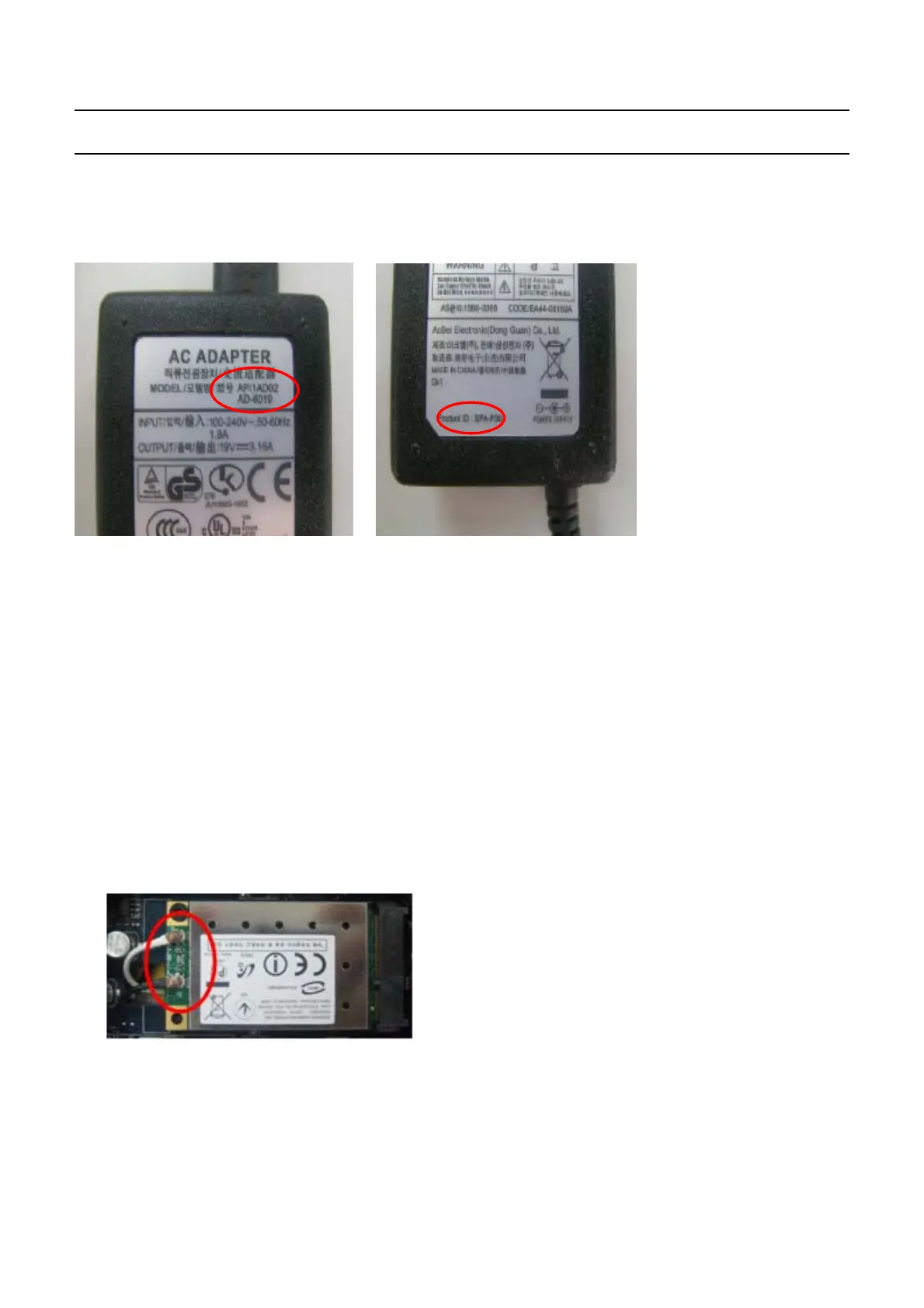
Check the standard voltage of the
a
dapter.
→
Check if the battery is defective
.
→
Replace the main board.
14.
The LAN function does not work.
→
Check if the LAN
c
able is properly connected
.
→
Check if the LAN driver is properly installed.
→
If the driver is properly installed, check if the LAN cable
j
ack is out of order
.
→
Replace the main board
15.
The USB function does not work.
→
C
heck if the USB
j
ack is out of order
.
→
Replace the main board
16.
The wireless LAN does not work normally.
→
Check if the WLAN slide switch is in the ON position.
→
Check if the WLAN driver is properly installed
.
→
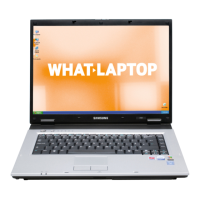
Check if the wireless LAN antenna cable is properly connected.
→
Replace the main board
-
This Document can not be used without Samsung's authorization
-
4.
Troubleshooting


 To Next Page