English_11
● INTRODUCTION
1
2
3
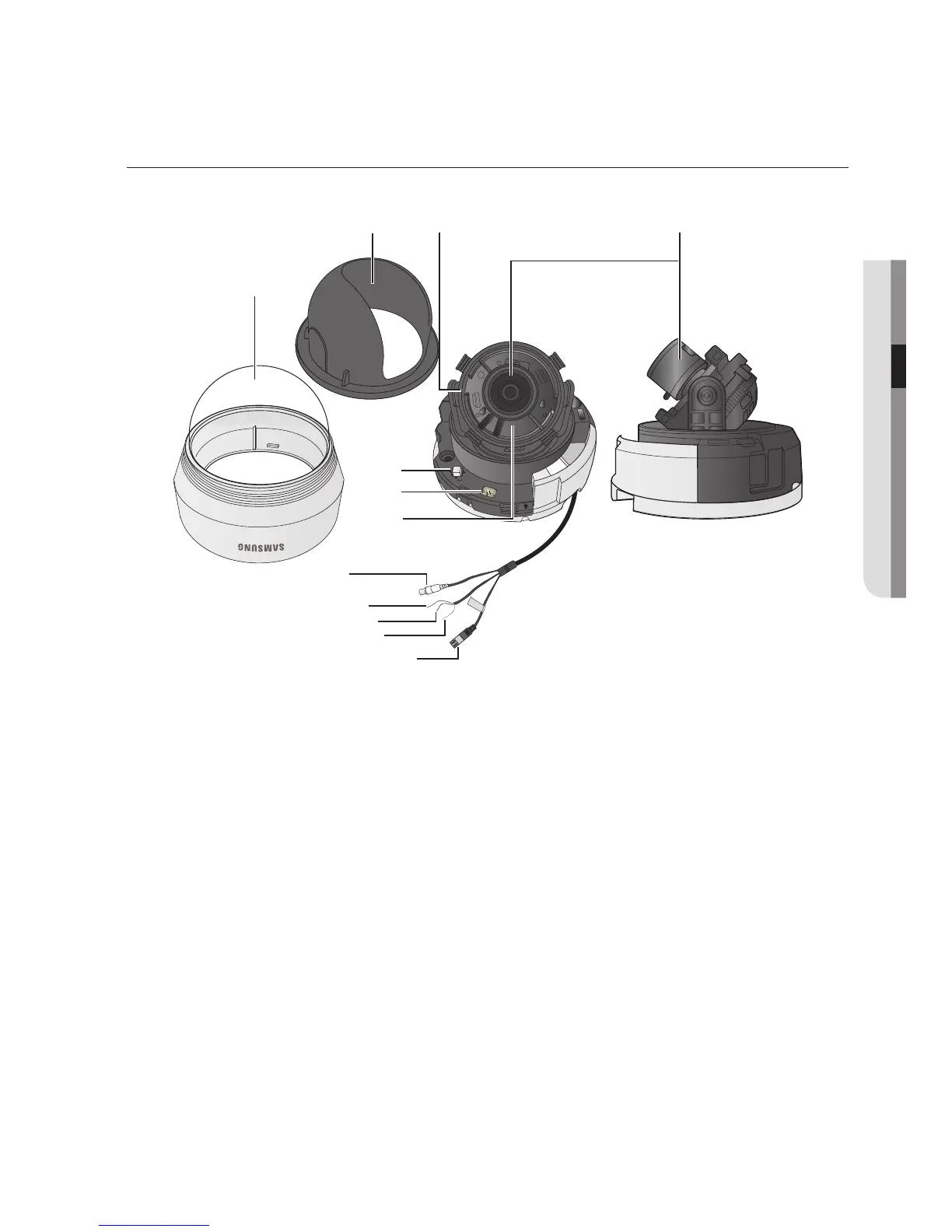
control rotating angle of camera.
➍
2.8 ~ 10.5mm (F1.2).
5
Display the menu on the screen and move the cursor to four
directions to confirm status or after changing a selected item.
6
7
Control panning angle of camera.
8
9
❿
You can switch to Day & Night Mode by connecting an external
signal to this terminal.
⓫
Motion detection signals are output through this terminal.
⓬
Video signals are output through this port. Connect this port to the
Video IN port of a monitor.



 To Next Page